Quick Answer
DisplayPort is the best choice for PC gaming (highest bandwidth, adaptive sync, no licensing cost). HDMI 2.1 is essential for consoles at 4K/120 Hz or 8K output. Built-in monitor speakers are convenient for setup simplicity but deliver inferior audio quality compared to even entry-level dedicated speakers or a gaming headset.
DisplayPort vs HDMI: Bandwidth and Feature Comparison 🔌
DisplayPort 1.4 supports up to 25.9 Gbps of bandwidth, covering 4K at 144 Hz or 1440p at 240 Hz uncompressed. HDMI 2.0 handles 18 Gbps, which supports 4K at 60 Hz or 1440p at 144 Hz. HDMI 2.1 jumps to 48 Gbps, matching DisplayPort 2.1 capability. The critical distinction for PC gamers is that DisplayPort carries adaptive sync (FreeSync, G-Sync) natively with no licensing barrier, while HDMI FreeSync support depends on the monitor and GPU model. For a gaming PC with a current-gen RX 9060 XT or RTX 5060 Ti GPU, use DisplayPort 1.4 or DisplayPort 2.1 for the highest refresh rate and native VRR support. For PS5 or Xbox Series X console connections, HDMI 2.1 is required to receive 4K/120 Hz output.
How to Use Both Ports on a Single Monitor 🖥️
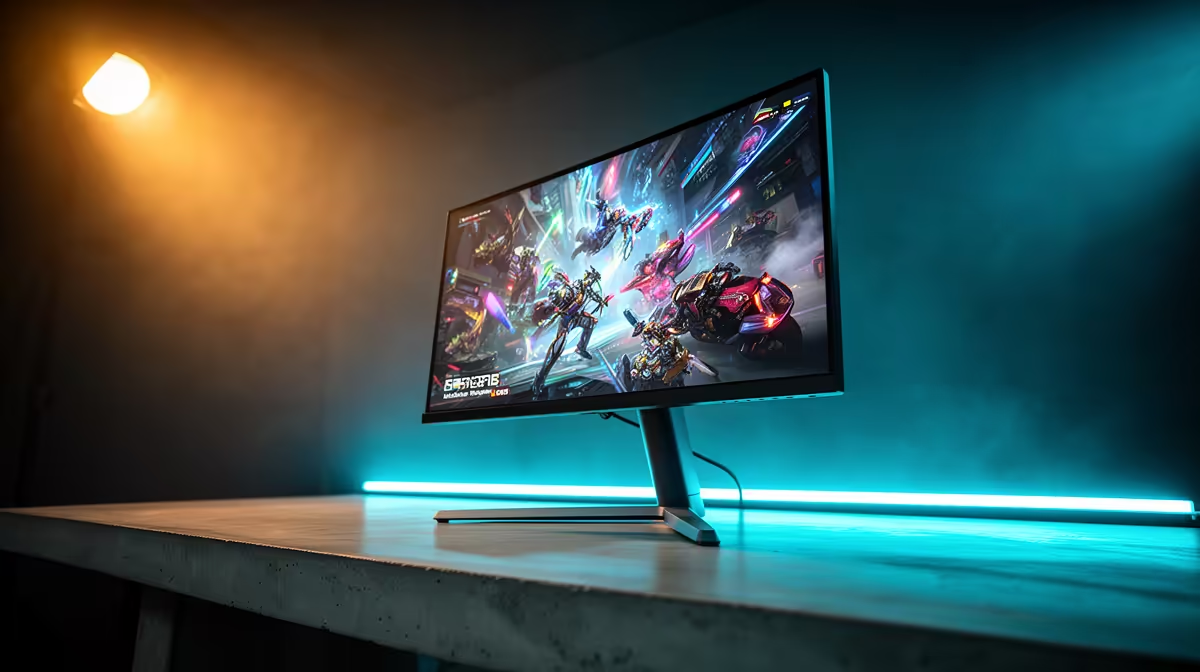
Most gaming monitors now include at least one DisplayPort 1.4 and two HDMI ports. This lets you connect a PC via DisplayPort (for maximum refresh rate and adaptive sync) and a console via HDMI simultaneously, switching inputs without cable swapping. For SA setups where a single monitor serves both a gaming PC and a PS5, this dual-input configuration is extremely practical. Confirm which HDMI port on your monitor is version 2.1 versus 2.0: manufacturers often include one 2.1 port and one or two 2.0 ports, and plugging a PS5 into the 2.0 port limits it to 4K/60 Hz rather than 4K/120 Hz.
Built-In Monitor Speakers: When They Are Good Enough 🔊
Built-in monitor speakers typically deliver 2 W to 5 W per channel, which produces adequate volume in a quiet bedroom or study but cannot reproduce bass frequencies or dynamic range with any fidelity. For desktop use during video calls over Teams or Google Meet (common for SA remote workers on Frogfoot or Vumatel Fibre), built-in speakers handle voice audio acceptably. For gaming, they lack the directional audio separation and frequency range needed for competitive spatial awareness in FPS titles. Footsteps, distant gunfire, and directional cues that matter in Valorant or Apex are compressed and indistinct through monitor speakers. At a minimum, add a R200 to R400 stereo desktop speaker pair or a R600 to R1,000 gaming headset to unlock proper audio for gaming.
Use DisplayPort for Your PC and Reserve HDMI 2.1 for Console ⚡
On monitors with one DisplayPort and one HDMI 2.1 port, always connect the PC via DisplayPort and the console via HDMI 2.1. This gives the PC the lowest latency and highest bandwidth path while reserving HDMI 2.1 for the console's 4K 120 Hz capability. Swapping these connections typically limits either PC refresh rate or console resolution.
FAQ
Can I use HDMI 2.0 for a PC at 1440p/165 Hz?
HDMI 2.0's 18 Gbps limit supports 1440p at up to 144 Hz uncompressed, and some implementations reach 165 Hz with Display Stream Compression (DSC). For reliable 1440p/165 Hz without compression artefacts, DisplayPort 1.4 is the safer choice.
Do built-in speakers affect monitor response time or input lag?
No. The audio processing circuit in a monitor is independent of the display panel and signal chain. Built-in speakers have zero impact on input lag or response time.
Is HDMI Audio Return Channel (ARC) useful on gaming monitors?
ARC sends audio from the monitor back to an AV receiver or soundbar via the HDMI cable, eliminating a separate optical or analogue cable. If you connect a gaming monitor to a soundbar in your room, ARC is a useful convenience feature. Most gaming monitors include ARC on at least one HDMI port.
Setting up a PC and console gaming station in South Africa?
Evetech stocks gaming monitors with DisplayPort and HDMI 2.1 inputs suited to multi-source setups. Browse current availability to find a monitor that handles your full gaming setup.