Quick fixes when HDMI to VGA fails — quick steps for gamers 🔧
HDMI to VGA Not Working? Quick Troubleshooting Guide — if your monitor or projector shows no signal, don’t panic. South African gamers and PC builders face this often when mixing old displays with modern GPUs. Read this short, practical checklist to get your display back without buying gear you don’t need. ⚡
HDMI to VGA troubleshooting basics
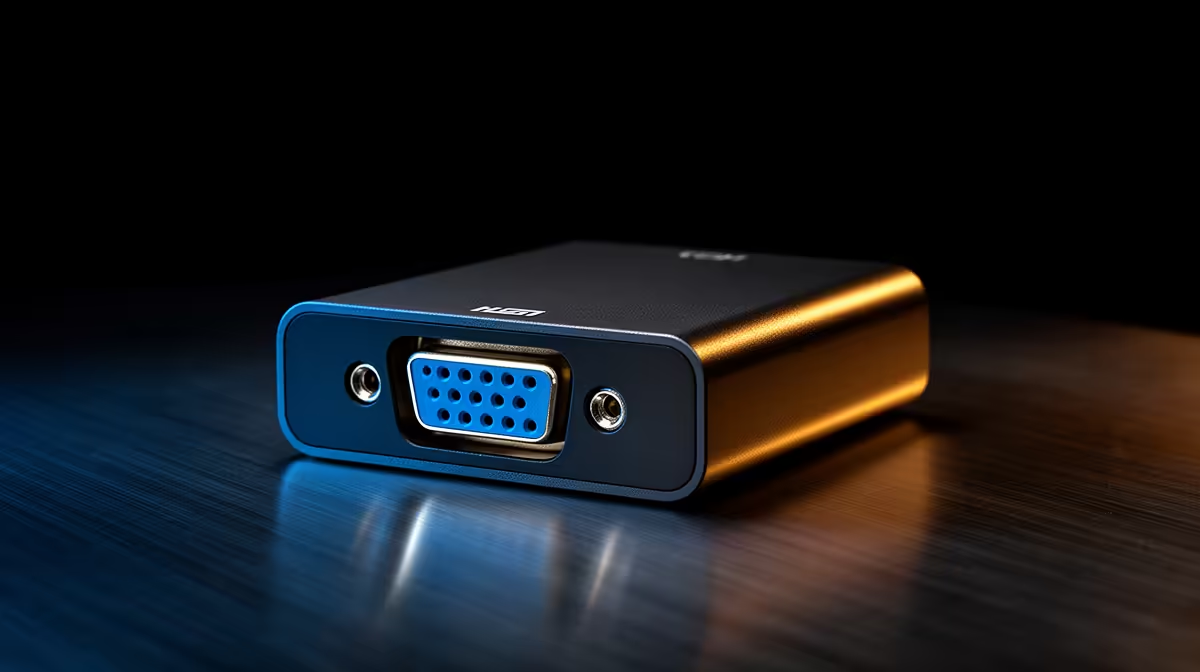
Start simple: confirm source, cable and input. Switch HDMI ports, try a different VGA input on the display and test the monitor with another device. If the image still fails, note whether the adapter is passive or active; passive adapters only pass digital signals that some GPUs won't convert to analogue.
Check the adapter and cable
Many failures come from cheap passive dongles or a loose connection. If your adapter requires extra power (active adapter), make sure its USB power lead is connected. For better cable management and reliable power routing in compact rigs, consider higher-quality extensions; Evetech stocks reliable options like the Gamemax ARGB extension cable if you’re tidying a case or powering adapters from a hub (see Gamemax ARGB extension cable).
Video Output Tip 🔧
your adapter is active, power it from the PC's USB header or a powered USB hub. Active HDMI-to-VGA adapters convert digital to analogue and often need extra juice. A quick test: if the adapter has an LED and it’s off, the adapter isn’t powered.
Driver, settings and GPU output
Update your GPU drivers and check display settings in Windows or your GPU control panel. On Windows, press Win+P to cycle display modes. Some integrated GPUs need the display detected manually; use “Detect” under Display settings. If you’re on a laptop, also check BIOS/UEFI display options — some systems disable external ports unless specific modes are enabled.
When to replace or buy an adapter — what to look for
If you’ve tried another cable and powered an active adapter but still have no image, the adapter may be incompatible. Choose an active HDMI-to-VGA adapter with solid reviews and, where possible, buy local so you can return faulty units quickly. For tidy builds and reliable power delivery, premium sleeved cables are a small upgrade; check NZXT individually sleeved premium cables for quality finishes and durability (see NZXT individually sleeved premium cables). 🚀
Final verification and next steps
Before buying a replacement, test each component separately: known-good monitor, known-good HDMI source, and a tested adapter. If the adapter works with another system, the issue is likely the GPU or port.
Ready to Find Your Perfect Match?
The Mac vs Windows debate is complex, but for maximum power, choice, and value in South Africa, Windows is hard to beat. Explore our massive range of laptop specials and find the perfect machine to conquer your world.