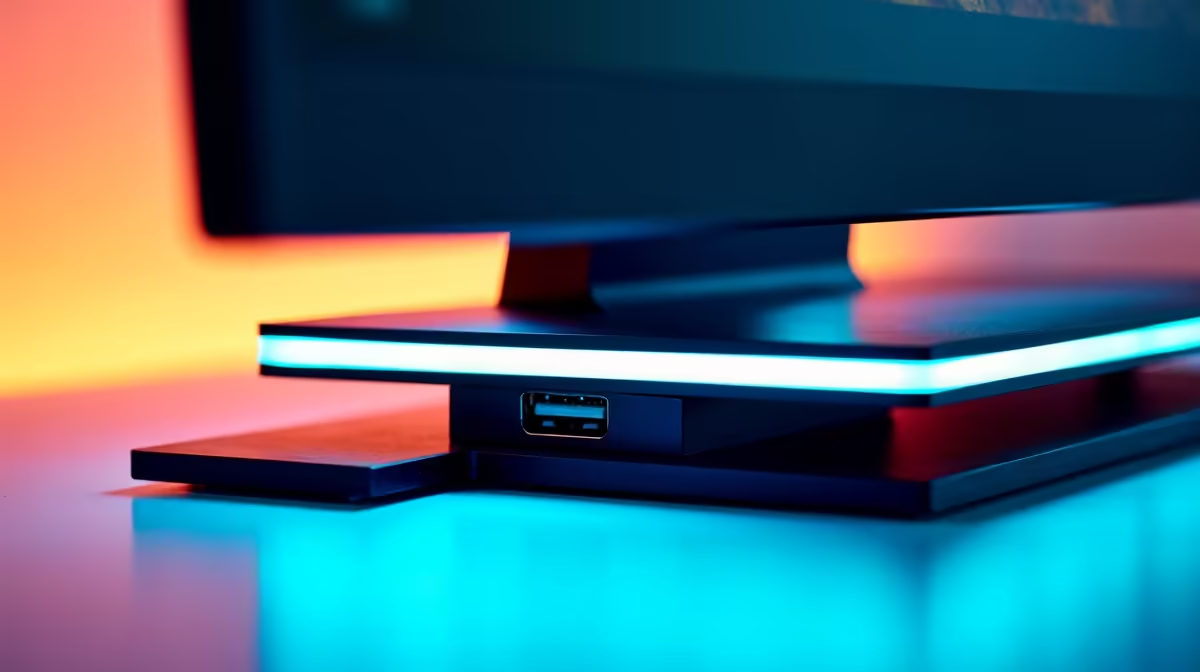
Tired of fumbling behind your PC tower, searching blindly for a free USB port? What if the perfect spot was hiding in plain sight all along? Many modern displays feature a secret weapon for a cleaner, smarter setup: a hidden USB port on the monitor stand. This small but mighty feature is more than just a gimmick; it’s a productivity boost you didn’t know you were missing. ✨ Let's uncover this clever design.
Why a USB Port on Your Monitor Stand is a Big Deal
Let's be honest, cable management in South Africa can be a nightmare, especially with loadshedding forcing us to juggle chargers for phones, power banks, and more. A USB port on the monitor base is the ultimate convenience. It brings a high-speed connection right to your fingertips, eliminating the awkward reach-around to plug in a flash drive or your wireless mouse dongle.
This isn't just about being lazy... it's about smart, efficient design. A clean desk helps you focus, whether you're lining up a headshot in Valorant or deep in a spreadsheet. This feature is becoming a standard on many of the best all-gaming monitors, where every millisecond and every bit of desk space counts.
What Can You Actually Use It For?
So, what’s the practical use for a hidden USB port on your monitor stand? The possibilities are surprisingly versatile:
- Wireless Dongles: Plug in the receiver for your wireless mouse or keyboard for a rock-solid connection with minimal latency. It's closer and often has a clearer line of sight than a port on a tower tucked under your desk.
- Quick File Transfers: Need to grab files from a USB stick? No more crawling on the floor. Just plug it straight into your monitor base. This is especially handy on premium 5K and 4K monitors where productivity is paramount.
- Charging Devices: Top up your phone or wireless headset without using another wall socket. For many gamers with immersive curved monitors, keeping a clean, wire-free zone is key to the experience.
Pass-Through vs. Powered Hub ⚡
Remember that most built-in monitor ports are 'pass-throughs', drawing power from the single USB cable connecting your monitor to your PC. They're perfect for data dongles and charging your phone, but for power-hungry gear like external hard drives, a dedicated hub is still your best bet.
Finding Your Perfect Screen
The great news is that this clever feature is no longer reserved for only the most expensive models. As monitor technology evolves, thoughtful design touches like a USB port on the monitor stand are becoming more common across a wide range of PC monitors.
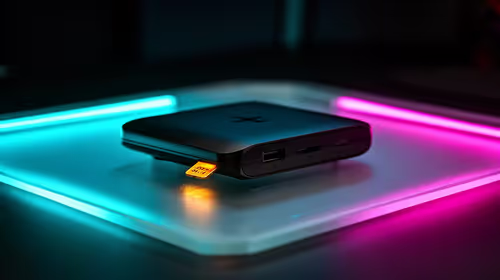
Of course, not every setup needs this. For those on the go, the focus is different; the array of ports on portable monitors serves a similar purpose of easy access. And if your dream screen doesn't have one, don't stress! You can easily add similar functionality with clever desk-mounted hubs and other monitor accessories.
The key is to keep an eye out for it when browsing. You might be surprised to find this handy feature included in some of the best PC monitor deals in South Africa, giving you a little extra bang for your buck. 🚀
Ready to Upgrade Your View?
A clean desk and easy access to ports can transform your workflow and gaming experience. From immersive curved screens to ultra-sharp 4K displays, the perfect monitor is waiting. Explore our massive range of PC monitors and find the perfect centrepiece for your setup.