Quick Answer
For most gaming setups in 2026, a 27-inch 240Hz monitor is the right choice if you play competitive titles and your GPU can sustain high frame rates. If you primarily play single-player games, do creative work, or have a mid-range GPU, a 27-inch 165Hz 1440p panel at lower cost is the smarter buy. The key decision factors are your GPU's frame rate output, the games you play, and your available budget.
Understanding What 240Hz Actually Delivers
A 240Hz monitor refreshes its image 240 times per second, compared to 165Hz at 165 times per second. The perceptible difference between these two refresh rates is real but contextual. In fast-paced competitive games like CS2, Valorant, or Apex Legends, where professional players operate above 200 FPS and sub-frame latency affects tracking, the jump from 165Hz to 240Hz provides a measurable advantage. Motion clarity at 240Hz is visibly smoother, and the motion-to-photon latency reduction is relevant at high levels of play.
For single-player games, story titles, or strategy games, the difference between 165Hz and 240Hz is marginal to imperceptible. Games like Baldur's Gate 3, Hogwarts Legacy, or any slow-paced genre are designed around a 60 FPS experience, and 165Hz already substantially exceeds what those titles need.
GPU Compatibility: Can Your Card Actually Hit 240 FPS?
A 240Hz monitor only delivers its full benefit if your GPU can actually sustain frame rates at or near 240 FPS in the games you play. This is the most common mistake in monitor selection: buying a 240Hz display without confirming the GPU can feed it.
At 1080p in CS2, Valorant, or Overwatch 2, cards from the RTX 4070 upward and the RX 7800 XT upward can consistently sustain 200-plus FPS on low-to-medium settings. At 1440p, sustaining 240 FPS requires an RTX 4080 or RX 7900 XT class GPU in these titles. If your GPU tops out at 120 to 160 FPS in your main game, a 165Hz monitor captures nearly all the benefit at lower cost.
Running a GPU utilization check while gaming at your current monitor's refresh rate tells you exactly how much GPU headroom you have. If the GPU is already at 95 to 100 percent utilization at 165 FPS, a 240Hz monitor will not increase your frame rate. Only upgrading the GPU achieves that.
Panel Type Considerations at 27 Inches
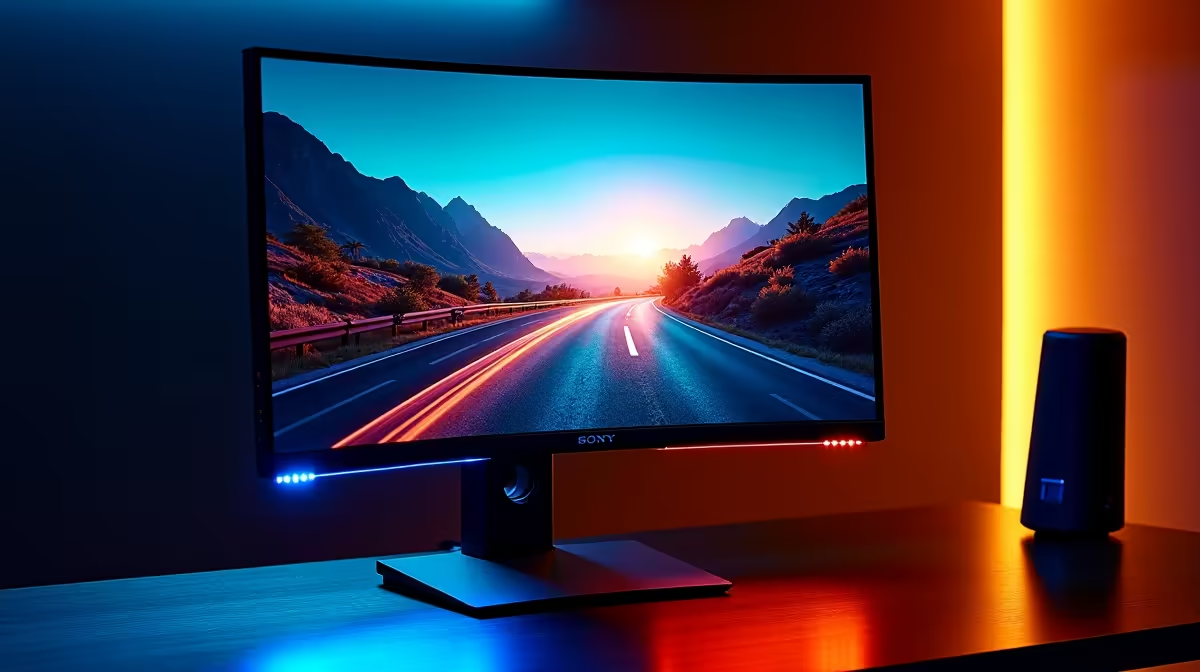
The 27-inch 240Hz monitor market in 2026 spans IPS, Fast IPS, and OLED panels. Standard IPS at 240Hz offers 1ms MPRT response, accurate colour (approximately 99 percent sRGB), and good viewing angles. Fast IPS variants reduce input lag further but can introduce minor inverse ghosting in exchange. OLED 27-inch 240Hz panels deliver instantaneous pixel response and infinite contrast ratios, but at a significant price premium and with burn-in risk on static UI elements during long work sessions.
For a gaming-primary setup, Fast IPS at 27 inches and 240Hz represents the current peak of the price-to-performance curve. For a mixed gaming and content creation setup, standard IPS 1440p at 165Hz gives better colour accuracy for creative work at a lower price, with excellent gaming performance that most users cannot distinguish from 240Hz in non-competitive contexts.
Cost vs Benefit in the SA Market
In the South African market in 2026, a quality 27-inch 1440p 165Hz IPS monitor sits in the R5,500 to R8,000 price range. A 27-inch 1440p 240Hz Fast IPS model costs approximately R9,000 to R13,000. The premium for 240Hz over 165Hz is roughly R3,000 to R5,000 depending on brand and features.
That premium is justified if you play competitive games where high FPS is the priority and your GPU already sustains 200-plus FPS in those titles. It is not justified if the GPU needs upgrading before the monitor can be utilized, or if your game library is primarily single-player. In that case, allocating the R3,000 to R5,000 price difference toward a GPU upgrade produces more actual gaming improvement.
Frequently Asked Questions
Is 240Hz noticeably better than 165Hz for gaming?
In competitive games at 200-plus FPS, yes, the motion clarity improvement is perceptible. In most single-player games running at 60 to 120 FPS, the difference is negligible since the monitor cannot display frames that were not rendered.
Does 240Hz reduce input lag compared to 165Hz?
Yes, in a measurable way. A 240Hz monitor displays a new frame every 4.17ms versus 6.06ms at 165Hz. Combined with a low input lag monitor design, this reduces the time between your input action and the frame being displayed, which matters in reaction-time-critical competitive play.
Should I prioritize resolution or refresh rate at 27 inches?
For competitive gaming, prioritize refresh rate. For single-player, creative work, or mixed use, prioritize resolution (1440p is ideal at 27 inches). At 27 inches, 1080p begins to show individual pixels at normal viewing distances, making 1440p the recommended minimum resolution at this screen size.
What response time should I look for in a 27-inch 240Hz monitor?
Look for 1ms MPRT (Moving Picture Response Time) or 1ms GtG (Gray-to-Gray) response time specifications. At 240Hz, anything above 3ms GtG will produce noticeable ghosting on fast-moving content. IPS panels in 2026 have largely resolved the historical ghosting issues that affected early fast IPS designs.