Your wireless charger. It sits there on your desk or bedside table, faithfully juicing up your phone... but when was the last time you actually looked at it? Ja, we thought so. Dust, fingerprints, and sticky residue don't just look grim; they can slow down charging speeds and even shorten your device's lifespan.
Knowing how to clean a wireless charger safely is a quick skill that every South African tech owner should have. Let's get it sorted. 🧼
Why a Clean Wireless Charger Matters
It’s not just about looks. A layer of dust and grime can create a small barrier between the charging coils in the pad and your device. This forces the charger to work harder, which can lead to:
- Slower Charging: The connection is less efficient, meaning more time tethered to the pad.
- Overheating: Increased resistance can generate excess heat, which is bad for both the charger and your phone's battery health.
- Poor Connection: The phone might struggle to connect, leading to that annoying start-stop charging cycle.
Keeping your gear in top shape starts with simple maintenance, and a reliable wireless charger is no exception.
The Safe Steps to Clean Your Charging Pad
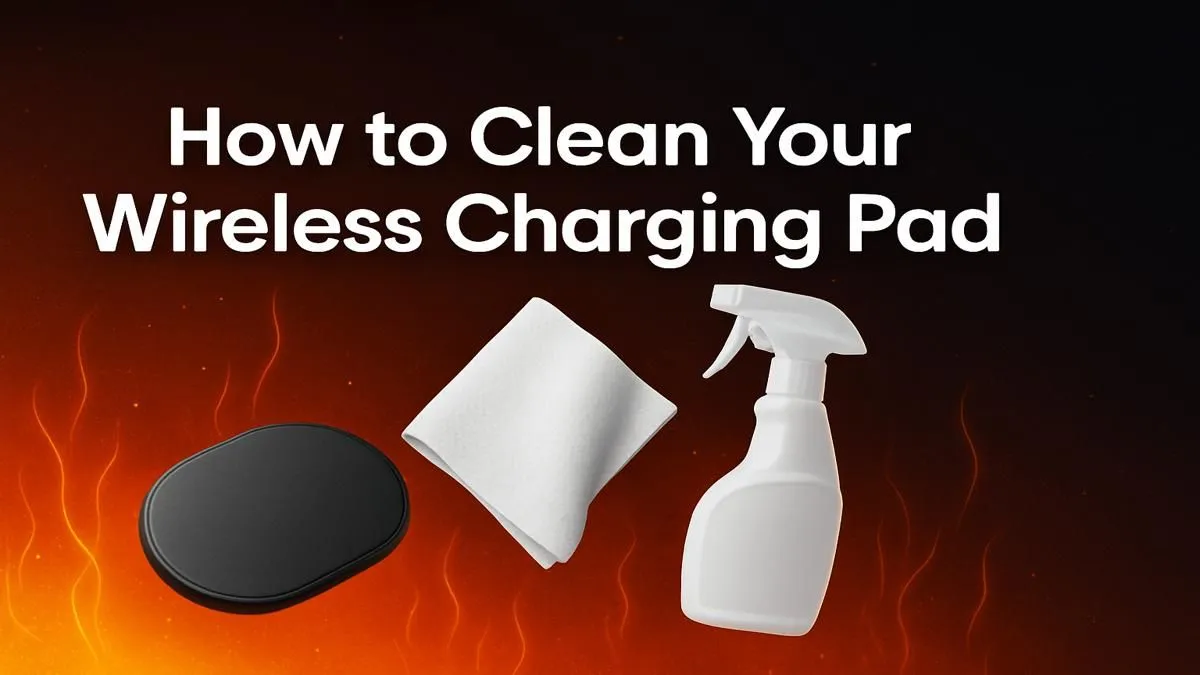
Ready to restore that "fresh out the box" look and performance? It only takes two minutes. Here’s how to clean a wireless charger effectively without causing any damage.
### What You'll Need
- A soft, lint-free microfibre cloth (like one for cleaning glasses).
- Cotton swabs or a soft-bristled brush.
- A small amount of isopropyl alcohol (70% is ideal) - optional.
- Distilled water - optional.
Safety First! ⚡
Never, ever use harsh chemicals like window cleaner, bleach, or abrasive solvents on your charger. These can damage the surface coating and ruin the electronics inside. Stick to the basics for a safe and effective clean.
### The Cleaning Process
- UNPLUG IT! This is the most important step. Disconnect the charger from the wall outlet and unplug the cable from the charging pad itself.
- The Dry Wipe: Start by wiping the entire surface with your dry microfibre cloth to remove loose dust and fingerprints.
- The Damp Wipe (If Needed): For stubborn smudges, lightly dampen a corner of your cloth with a tiny bit of distilled water or a 50/50 mix of water and isopropyl alcohol. Wring it out completely so it's just damp, not wet. Gently wipe the surface.
- Detailing: Use a dry cotton swab or a soft brush to gently clean out any dust from ports, seams, or air vents.
- Air Dry: Let the charger air dry completely for at least 10-15 minutes before you even think about plugging it back in.
When Is It Time for an Upgrade?
Sometimes, a good clean isn't enough. If your charger is still acting up, or if the cable is frayed and the surface is scratched, it might be time for a replacement. An old or failing charger can be a risk to your expensive devices.
Modern chargers often offer faster speeds and better safety features. Upgrading this essential part of your gaming accessories can be a smart move. You can find excellent, reliable quality options from brands like Promate, which are built to last. If you're looking for a specific model, you can always check out the latest Promate chargers to see what's new. ✨
Ready for a Flawless Charge?
A clean charger keeps your devices healthy, but sometimes an upgrade is the best fix for slow speeds. If your old pad has seen better days, it might be time for a fresh start. Explore our wide selection of modern chargers and find the perfect power-up for your setup.