



FPS Drops Troubleshooting for DDR5 build
DDR5 build FPS drops needs a methodical troubleshooting pass. Review drivers, thermals, power settings, background apps, cables and game settings before replacing parts in an SA gaming setup.
Read moreOptimize RTX 5060 Ti for CS2. Step-by-step instructions with SA-specific tips, common pitfalls to avoid & expert recommendations.
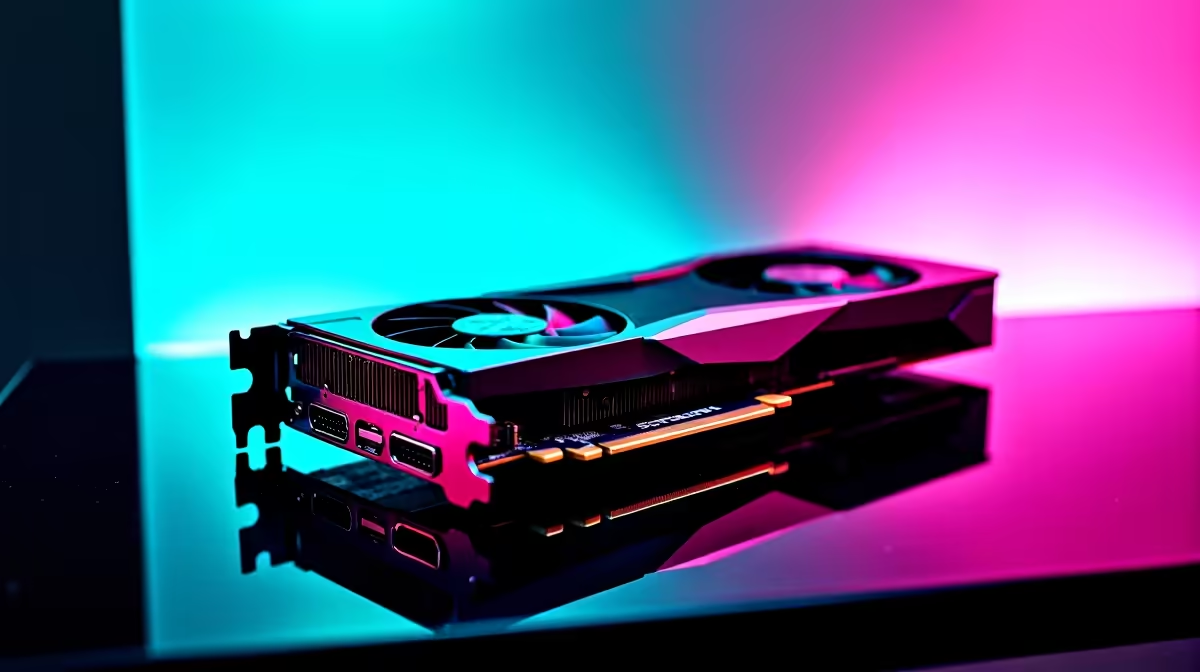
Load shedding might pause your grind, but frame drops never should. If you recently grabbed the latest mid-range king, you are probably wondering how to optimise RTX 5060 Ti for CS2. Counter-Strike 2 demands absolute precision. Those volumetric smokes can tank your FPS when you need it most. Let us tweak your setup so you can hold those angles on local servers without breaking a sweat.
Before you even launch the game... you need to tune your hardware. The 50-series architecture is incredibly efficient. But we want raw performance, not power savings.
Right-click your desktop and open the NVIDIA Control Panel. Navigate to 'Manage 3D Settings'. Set your Power Management Mode to 'Prefer Maximum Performance'. This ensures your GPU does not downclock during quiet moments in-game. If you are still hunting for the right hardware to push high frames, browsing top-tier graphics cards is a good starting point.
Now let us look at the game itself. You want high frames and crystal-clear visibility.
Set your Global Shadow Quality to High. CS2 relies heavily on dynamic shadows to spot enemies pushing corners... so do not drop this too low. Keep Model and Texture Detail on Medium.
Most importantly, enable NVIDIA Reflex Low Latency and set it to 'Enabled + Boost'. This is crucial for competitive play. It reduces system latency so your mouse clicks register instantly. If your current rig cannot maintain a steady 240Hz for your monitor, it might be time to look at some of the best gaming PC deals available right now.
Right-click CS2 in Steam, go to Properties, and add '-novid -high' to your Launch Options. This skips the intro video and forces Windows to prioritise the game for better CPU performance.
Knowing how to optimise RTX 5060 Ti for CS2 is only half the battle. The Source 2 engine is still heavily reliant on your processor.
If you pair a brand-new graphics card with an ancient CPU... you will not see the frames you paid for. You need system balance. Upgrading your whole setup often makes more financial sense. You can easily find incredible pre-built PC deals that perfectly balance CPU and GPU power without stretching your ZAR budget.
Maybe you travel for work or study... but you still need to hit your daily aim training. Desktop power is great, but modern mobile GPUs are catching up fast.
You can still get those buttery smooth headshots on a portable machine. Check out our massive range of notebooks for sale in South Africa if you need high refresh rates on the move. And if you want to save some cash for extra weapon skins, always keep an eye on our weekly specials for the absolute best component drops.
Ready to Dominate the Server? Tweaking settings can only take you so far. When you are ready to push past 300 FPS and experience a true competitive advantage in South Africa, Evetech has your back. Explore our massive range of gaming PCs and find the ultimate rig to conquer your matches.
How to Optimize RTX 5060 Ti for CS2 available at Evetech.co.za with local warranty and fast delivery.
How to Optimize RTX 5060 Ti for CS2 - check Evetech for latest stock and SA pricing.
Depends on your use case. How to Optimize RTX 5060 Ti fo offers good value at current Rand pricing.
DDR5 build FPS drops needs a methodical troubleshooting pass. Review drivers, thermals, power settings, background apps, cables and game settings before replacing parts in an SA gaming setup.
Read more
Fps drops on ddr5 build in south africa usually needs a settings, driver, thermal, or power check first. Work through safe SA troubleshooting steps before replacing parts or assuming a full upgrade.
Read more
X870E motherboard frame pacing issues needs a step-by-step check before replacing parts. Review drivers, settings, thermals, power, background apps, display limits, cables, and game options before changing hardware.
Read more
4K monitors cost more as sharp panels raise the bar. See why 4k monitors still expensive for gamers in cape town before choosing screen specs, GPU targets, and value trade-offs.
Read more
4K monitors still feel expensive for Gqeberha gamers because panel quality, higher refresh rates, and GPU demands raise total setup cost. Compare 1440p, screen size, ports, and refresh rate before paying more for 4K.
Read more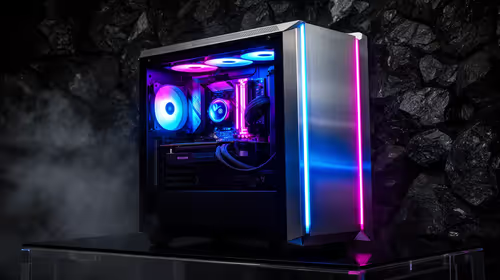
ARGB cases explain mid-tier SA build appeal with visible style, airflow room, and cable control. For SA buyers, the smarter choice is a case where lighting, fan layout, and GPU clearance work together instead of just looking bright.
Read more
The Epomaker RT75 is a tri-mode 75% keyboard with a removable TFT screen. Local screen-equipped compact boards started at R1,199 in our snapshot.

Gigabyte has launched two B450M D3HP boards for Ryzen 3000 to 5000 CPUs. The exact models had no confirmed Evetech listing on 15 August.

Attackers are exploiting a patched Mac screen-sharing flaw to gain root access. Update macOS and remove public port 5900 exposure immediately.

An auto-clamping phone holder offers seamless, one-handed convenience for your vehicle. Discover how it compares to manual cradle mounts to see which keeps your device secure during your daily drive. 🚗📱

A 10,000-hour test found similar image retention across older and newer OLED TVs, while newer panels were brighter and more efficient. Local OLED monitors started at R9,999.

Canonical expects Ubuntu on WSL users to outnumber native Ubuntu desktop users before the end of 2026. The software is open source and runs inside supported Windows PCs.

Telkom's daily bundles pair WhatsApp access with 10 all-network voice minutes. The R15 option includes 300MB, while the R17 option uses a fair-use threshold.

PC Partner expects entry-level graphics-card shortages to worsen in the second half of 2026. Current Evetech GPU listings started at R4,399 in our snapshot.

YouTube will count public views from the first frame across video formats from 24 August, while earnings and eligibility remain tied to engaged viewing.

CXMT memory has been demonstrated at DDR5-9000 and DDR5-6000 CL28, but the results depend on tuned hardware and do not represent a broad retail specification.

Microsoft is testing a simpler File Explorer context menu with controls for built-in commands, app extensions, icon labels and the position of Properties.

Lexar's THOR ULTRA is a DRAMless PCIe 5.0 SSD rated up to 11,000MB/s reads and 10,000MB/s writes, with capacities from 512GB to 4TB.