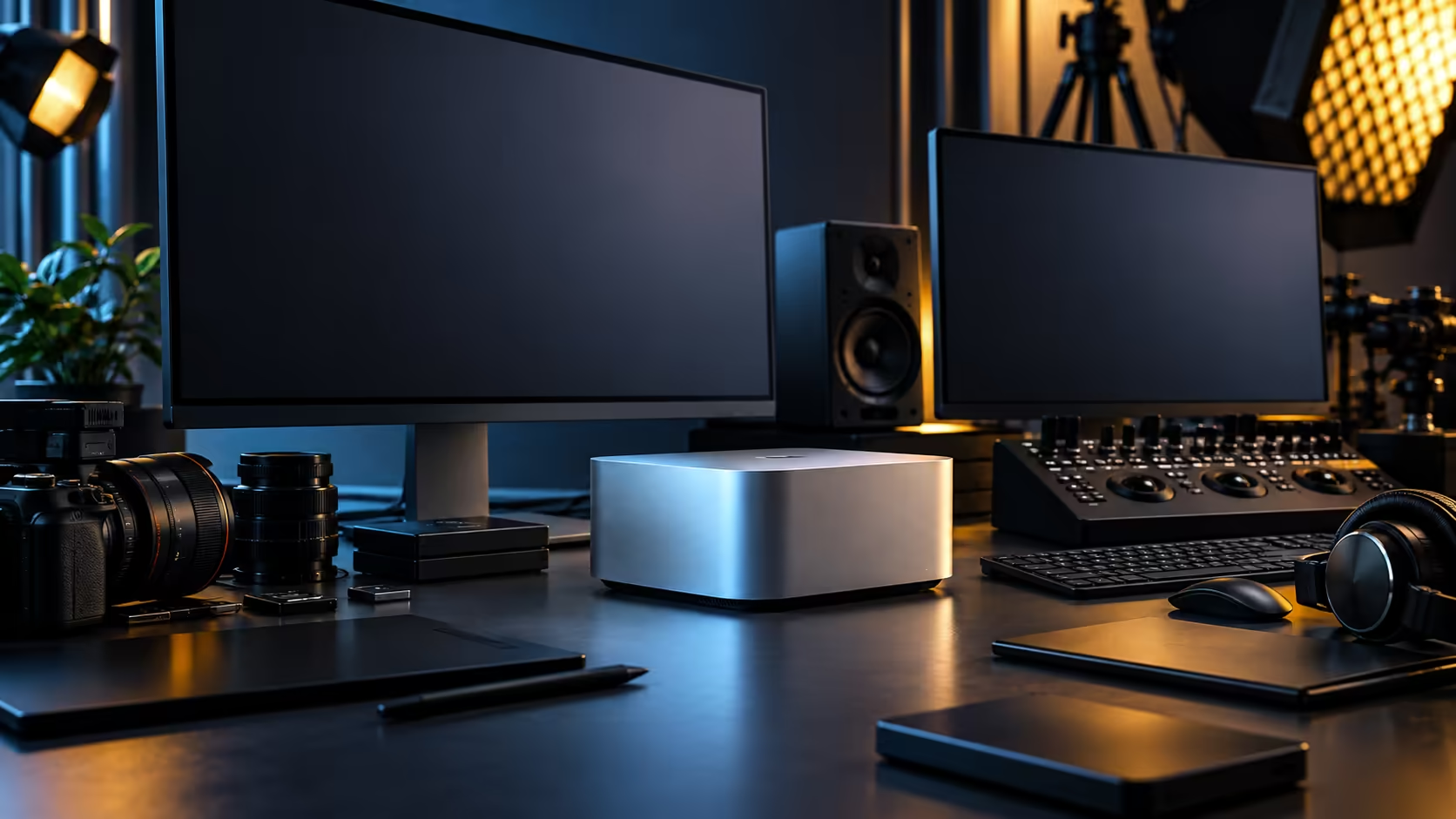
Thirty-six gigabytes sounds like a lot until you open a real project and watch the number start moving. The honest way to answer whether 36GB unified memory is enough is to stop guessing and actually look at what your own work does to it.
Quick Answer
For most large creative projects, yes, 36GB handles multi-layer video editing, colour grading and typical 3D work comfortably. For local AI, it depends entirely on model size: a quantised model somewhere between 7 billion and 13 billion parameters fits well, while the largest open-weight releases will not. The Mac Studio M5 Max with this configuration and a 512GB SSD is R49,499.
🎬 Creative work: where 36GB comfortably sits
Multi-track video editing, layered compositing and colour grading all draw from the same shared pool here, which is the whole point of unified memory.
Because the CPU, GPU and Neural Engine all read from one 36GB space, a 4K timeline with several layers, an export running in the background and a browser open for reference material typically fits without the machine needing to swap or slow down. Heavier 3D scenes with large textures and complex simulations push closer to the limit, which is why the honest test is opening your actual heaviest project rather than trusting a general answer either way.
🤖 Local AI: the answer changes by model size
This is where a single yes-or-no answer stops being useful and the model itself has to be checked directly.
A quantised model in the roughly 7 to 13 billion parameter class fits comfortably within 36GB alongside macOS and your open applications. Beyond that, go straight to what the model's own publisher states it needs and weigh that number against 36GB yourself, rather than trusting a vague "AI-ready" label on a spec sheet. Running a model beside other memory-hungry work, a 3D viewport or a video timeline, eats into that same 36GB pool, so test your actual combination rather than the model in isolation.
🧮 A quick way to check your own headroom
Open Activity Monitor while working normally, not during a quiet moment, and watch memory pressure under real load.
If it stays green or briefly yellow during your heaviest task, 36GB is comfortably sized for your work. Sustained red pressure is the honest signal that your workload has outgrown this tier, and since the memory can't be added to later, that's worth knowing before you buy rather than after. Compare this configuration against the broader mini PC range, the compact PC lineup and the memory tiers available elsewhere if your test suggests you need more.
Frequently Asked Questions
Is 36GB enough for 4K video editing?
For most multi-layer 4K editing and colour grading, yes. Very large or effects-heavy timelines are worth testing directly, since the memory can't be expanded afterward.
What size AI models run comfortably in 36GB?
Models in the 7 to 13 billion parameter class, quantised appropriately, run well alongside typical open applications. Beyond that range, look up the specific model's stated requirement before assuming it fits.
How can I tell if my project is too big for 36GB?
Watch memory pressure in Activity Monitor while working normally. Sustained high pressure under your actual heaviest task is a clearer signal than any general guideline.
Can I upgrade the memory later if 36GB turns out to be too little?
No, unified memory is fixed at purchase on the Mac Studio and cannot be expanded afterward.
Ready to check if 36GB fits your actual workload?
Test your heaviest project's memory use, then compare configurations across the mini PC range if you need more headroom.