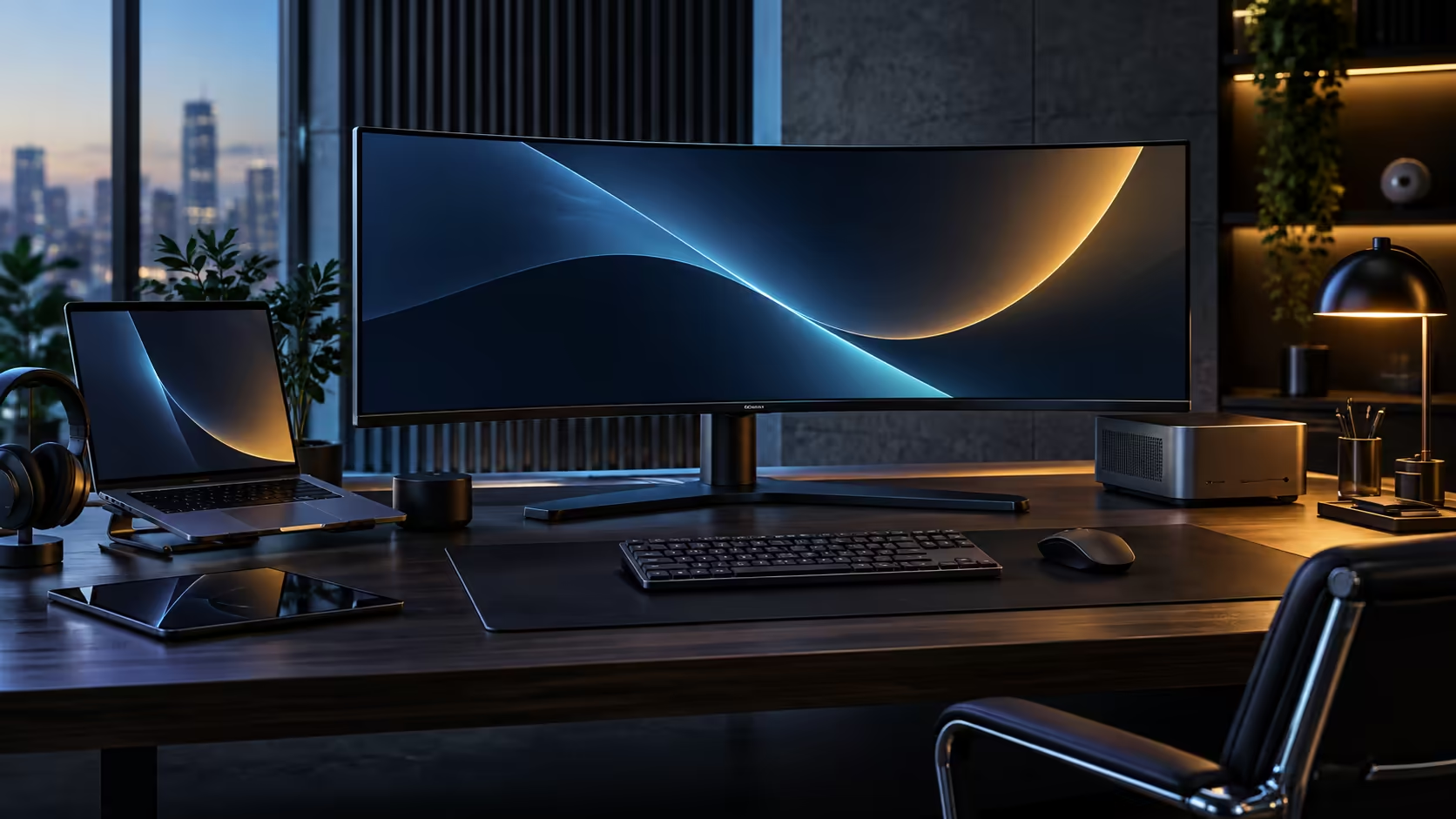
Pixel density numbers tend to get ignored on a monitor spec sheet in favour of resolution alone, which is a shame, because density is what actually decides whether text looks crisp or slightly soft at your normal seating distance. A 1500R curved 3440x1440 monitor does well on both counts, and the two figures worth knowing are 109 and 3440.
Quick Answer
It is a strong fit for work and multitasking. About 109 pixels per inch keeps text and interface elements sharp without needing Windows display scaling adjustments, and 3440 horizontal pixels comfortably holds three real working windows side by side. The 1500R curve suits an arm's length seating position, which is where most desk users sit, and R7,999 at Evetech is what this exact configuration costs on the CU34E4CW.
🔬 Why 109 pixels per inch is the sharpness sweet spot
Pixel density describes how tightly packed the pixels are, and it is a better predictor of sharpness than resolution alone.
Divide 3440x1440 into a 34-inch diagonal and the resulting density lands close to 109 pixels per inch, matching roughly what a standard 27-inch QHD monitor delivers at the same resolution scaled to a smaller size. That density is sharp enough to read small text comfortably at typical desk distances of 60cm to 80cm without needing Windows scaling set above 100%, which some higher-density panels require to keep text a readable size. Running at 100% scaling also avoids the occasional rendering quirks that scaled interfaces can introduce in older applications not built to expect it.
🪟 What 3440 pixels of width actually holds
Width in pixels translates directly into how many genuinely useful windows fit side by side without cramming.
Divide 3440 by three and each pane still lands close to 1150 pixels, which is genuinely enough real estate to run a code editor down one side, an email client down the other, and a full spreadsheet or timeline stretched across the centre, none of them squeezed. A standard 2560-pixel QHD panel simply cannot offer this: split the same way, its columns shrink to a size where a third pane stops being worth opening at all.
🪑 Why 1500R suits a normal desk rather than a cinema setup
Curve radius only helps if it matches how far away you actually sit, and 1500R is calibrated for a specific, common distance.
A 1500R curve is designed around a viewing distance of roughly 1.5 metres, which happens to match a typical desk setup where a chair sits an arm's length or a little more from the screen. Sit noticeably closer than that and the curve can feel slightly more pronounced than expected; sit further back, as you might for a lounge television, and a gentler curve or a flat panel usually suits better. For a desk-based multitasking setup, 1500R at normal seating distance is close to the ideal match rather than an arbitrary marketing number.
If a monitor arm suits your desk better than the included stand, monitor accessories is worth a look before you order, and the curved monitor range alongside the broader office monitor range shows how this exact resolution and curve combination compares with other panels currently in stock.
Frequently Asked Questions
Is 109 pixels per inch sharp enough for detailed work?
Yes, for typical desk viewing distances of 60cm to 80cm, text and interface elements remain sharp at 100% Windows scaling without needing to increase it.
How many windows can I comfortably fit across a 3440-pixel wide screen?
Roughly three, each landing near 1150 pixels once divided evenly, which covers a main task, a second reference source and a chat or email pane all open together.
Is a 1500R curve too tight if I sit close to my desk?
It can feel more pronounced at very close distances. 1500R is calibrated for roughly 1.5 metres, which suits a typical arm's length desk position rather than an unusually close seating arrangement.
Do I need to change Windows scaling on this monitor?
Most people run it comfortably at 100% scaling given the pixel density, though personal preference and eyesight can still make a slightly higher setting more comfortable.
Does the curve make three-window multitasking easier or harder?
Easier, since the curve keeps the far-left and far-right windows at a more consistent distance from your eyes than a flat panel of the same width would.
Ready to see three windows fit comfortably on one screen?
Check your desk distance against the 1500R curve, then judge the width for yourself against your usual multitasking layout.