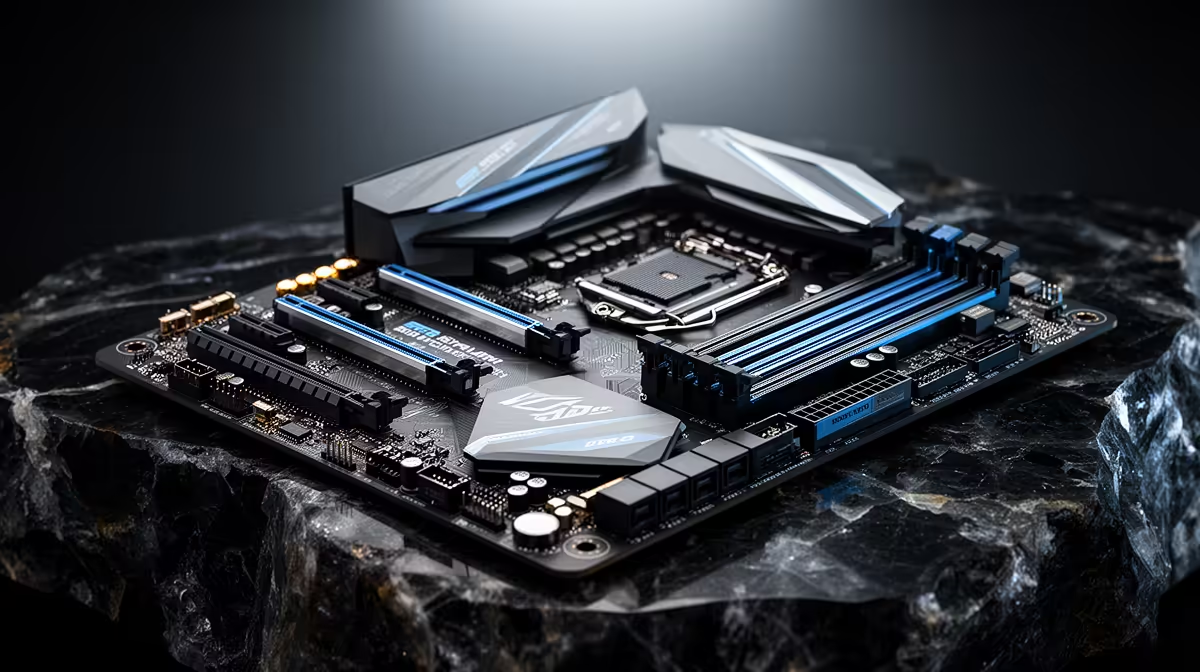
A motherboard can add ports, lanes and compatibility without raising frame rates on its own. A motherboard-only upgrade earns the labour when those platform features solve a clear limit or prepare a confirmed CPU change.
Quick Answer
A motherboard-only upgrade is worth it when the current board is faulty or blocks a connection you need: more M.2 storage, faster network, USB-C, a capture card, BIOS recovery or suitable power support for an already-owned compatible CPU. It rarely improves game frame rate on its own. Moving the same CPU, GPU and memory to another compatible board usually changes features and tuning rather than performance. A socket change is not motherboard-only because it brings a new processor and may require new memory. Price the exact missing feature against an add-in card or external device before rebuilding the PC.
Name the blocked feature
Write the device and bandwidth you need. A second NVMe SSD may fit an adapter card; faster Ethernet may use an open PCIe slot; more USB can come from a supported controller.
Add-in solutions are less attractive when the graphics card covers the slot, chipset lanes are shared or you need boot and firmware integration. Read the current board manual first.
A fault can justify a replacement
Intermittent USB, damaged sockets, failed network and unstable power need diagnosis before purchase. Test supported defaults, known-good devices and current firmware. A Windows problem can follow you to the new board.
If the board is defective, use warranty and authorised support where applicable. Do not bend socket pins or flash firmware by guesswork.
Compatibility is a full checklist
The replacement must support the exact CPU, DDR generation, cooler mount, case size and power connectors. Check whether its BIOS recognises the processor out of the box.
Storage lane sharing, front-panel headers and rear I/O can differ even on the same chipset. Photograph cables and keep encryption recovery information secure before the swap.
Expect software and activation work
A motherboard change replaces core platform devices. Install supported chipset, network and audio drivers. Windows activation and encryption can react to the hardware change, so prepare through Microsoft's supported process.
A same-socket board can prepare a later CPU
Replacing the board now can make sense when a confirmed future CPU is already supported and a fault or missing feature forces action today. Check the official CPU list and firmware, not a socket name alone. A socket can span processors that a specific board never supports.
Avoid buying twice. If the planned CPU needs another cooler, memory capacity or power class, map those parts before moving the current processor. The new board should solve today's fault and remain suitable for the named next chip.
Keep the old board intact until the replacement passes memory, storage, network and sleep tests when it is safe to do so.
Compare gaming PC systems and popular PC configurations when a platform bundle makes more sense than moving old parts.
FAQ
Will a new motherboard raise frame rate?
Usually no when CPU, GPU and memory settings remain equivalent. It can remove a fault or platform limit.
Can I keep the same Windows installation?
Often, but drivers, activation and encryption need preparation. Back up first and follow supported migration steps.
Should I pair the swap with a new CPU?
Only when the current CPU misses a measured target or the desired board requires another socket.
Compare a motherboard swap with the smallest supported add-in solution for the exact feature you lack.