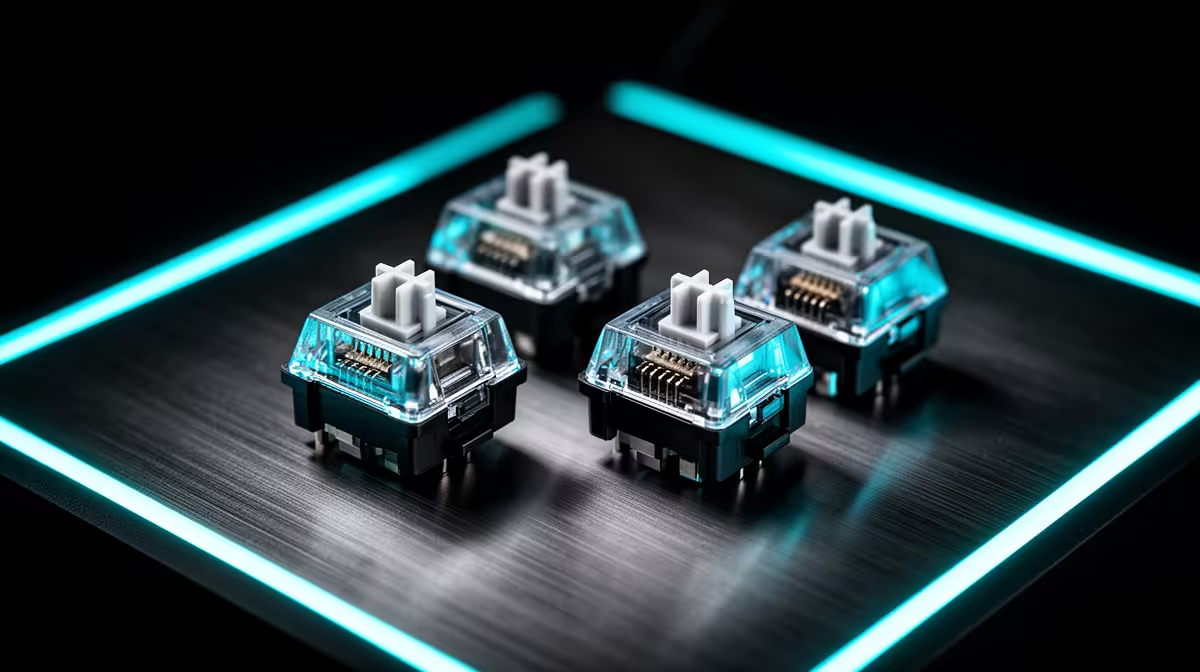
Light-based switches remove contact debounce from the click mechanism, but the whole mouse still has firmware and USB timing. Optical mouse click latency offers a technical gain whose durability and feel may matter more in daily play.
Quick Answer
Optical mouse switches can achieve low click latency because they do not need the same contact-debounce window as a mechanical microswitch. They are not automatically instant or faster in every mouse. Firmware, scan timing, USB reports and the game still add delay. The real gap can be too small to feel without controlled equipment. Optical's clearer technical advantage is avoiding electrical contact chatter, though the shell, spring, light path and electronics can still fail. Choose by complete-device measurements, click feel, shape and warranty.
Detection is only the first stage
Breaking a light path gives the controller a clean state change. The firmware still decides when to report it.
A mechanical design can use a short, well-tuned debounce algorithm and test close to an optical one. Poor optical firmware can lose the theoretical lead.
Polling rate and frame time follow both. Do not compare switch component claims with end-to-end results.
Feel varies across optical designs
Optical switches still use moving parts and return force. They can feel crisp, hollow, heavy or soft depending on the shell and mechanism.
Test repeated clicks, drag-and-hold and side buttons. The main buttons may use optical switches while side buttons remain mechanical.
Read latency tests like a mechanic
A credible test reports the mouse, firmware, polling rate, debounce setting, connection mode, sample count and comparison device. High-speed camera and electronic trigger methods can produce different numbers.
Compare mice measured by the same reviewer and method. Do not subtract a manufacturer's component response from another reviewer's click-to-display result.
Look at average and variation. A consistent click matters more than one fastest sample surrounded by slow outliers.
Test the main buttons separately. Shell pre-travel and switch force can make left and right differ.
Put the gap against one frame
At 60fps, one frame takes about 16.7ms. At 240fps, it takes about 4.2ms. A small switch difference can influence which frame receives the click, but frame timing is never perfectly aligned with your finger.
That makes a low-latency optical design useful in a complete high-refresh system without making every mechanical mouse slow. Stable frame time and display mode remain part of the result.
Check durability without a guarantee
Optical sensing avoids contact oxidation and chatter. The return spring, plunger, shell hinge, emitter and receiver still age.
Read the warranty beside the advertised press rating. A lab cycle number is not a promise for spills, side loads or every production unit.
Mechanical hot-swap switches can be easier to replace on supported mice. Optical parts can be proprietary. Ownership life includes the repair path.
Choose by the complete click
Try click force, sound, pre-travel, rebound and drag holding. A faster switch that tires the finger or releases a drag is a poor fit.
Keep shape, weight and sensor performance on the same shortlist. Switch technology should break a close tie, not excuse a shell you cannot grip.
The required links point to keyboards
This queue row supplies keyboard retail references rather than mouse pages. Use gaming keyboard deals and popular keyboard choices only for the keyboard side of your setup. They do not prove an optical-mouse latency claim.
FAQ
Are optical clicks always faster?
No. They avoid contact debounce, while complete firmware and report timing decide the mouse result.
Can players feel the difference?
Some may in a controlled high-refresh setup, while the gap can be smaller than shape or frame-time effects.
Should latency alone decide?
No. Check click reliability, feel, mouse shape, warranty and full-device measurements.
Compare complete click-latency tests from one method, then choose the mouse whose shape and switches stay reliable through a full session.