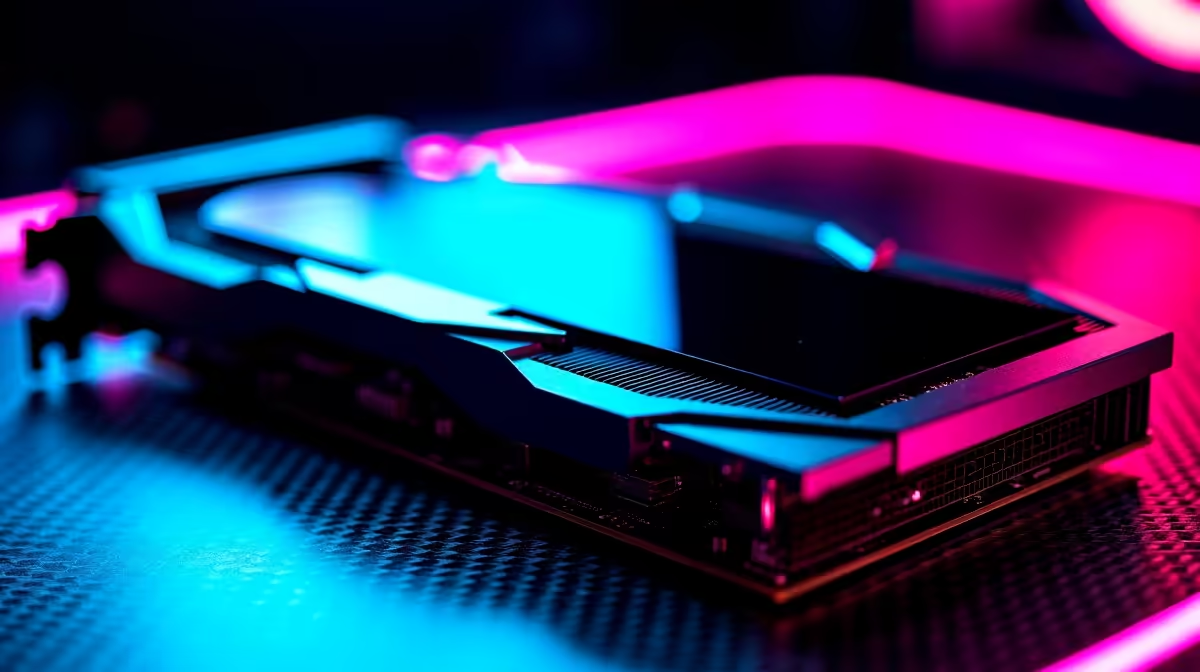
You just dropped a serious amount of ZAR on the latest hardware. You boot up your favourite title, the fans spin up, and then... nothing. Facing an RTX 5070 black screen is every South African gamer's worst nightmare. Before you panic and assume your GPU is dead, take a breath. We have the ultimate guide to fix and troubleshoot your display issues in 2026.
Why Your RTX 5070 Black Screen Happens
Understanding the root cause is half the battle. The RTX 50-series draws significant power and requires a flawless connection to your motherboard. If your system is struggling to deliver clean power, the card will protect itself by cutting the display.
Sometimes the issue is purely software. Windows 11 updates occasionally clash with NVIDIA's newest drivers. If your overall system is heavily outdated, trying to run next-gen tech might cause severe bottlenecks. In some cases, it actually makes more financial sense to explore the best gaming PC deals rather than endlessly troubleshooting old hardware.
Step-by-Step Fixes for the RTX 5070 Black Screen 🔧
Let us look at the most effective ways to get your display working again.
1. Inspect Your Power Delivery
NVIDIA's RTX 5070 requires highly stable power. If you are using an older 600W power supply, it might be tripping under load. A failing PSU is a leading cause of the RTX 5070 black screen during heavy gaming. Ensure your PCIe power cables are fully seated.
Cable Management Pro Tip ⚡
Always use separate PCIe power cables from your PSU to your graphics card. Daisy-chaining a single cable can cause power spikes that lead to sudden black screens and system crashes.
2. Wipe Drivers with DDU
Corrupt display drivers cause massive headaches. Download Display Driver Uninstaller (DDU). Boot your PC into Safe Mode and wipe the old NVIDIA files completely. Once you reboot, install the newest drivers directly from the official source to optimise performance.
3. Check Connections and Hardware
A faulty DisplayPort or HDMI cable can easily mimic a dead GPU. Swap out your cable and test a different monitor. If the RTX 5070 black screen persists after all software and power fixes, the card itself might have a hardware fault. If it is out of warranty, you might need to browse the latest graphics cards for a replacement.
When Is It Time to Upgrade? 🚀
Troubleshooting is frustrating. If you prefer a system that is stress-tested and guaranteed to work, our pre-built PC specials take the guesswork out of gaming.
Need mobility to game through load shedding? The modern notebooks for sale pack desktop-level performance into portable designs. Whatever route you choose, always keep an eye on our daily specials to grab the best tech upgrades for less.
Ready to Game Without Interruptions?
Troubleshooting hardware can be stressful. If you are ready for a rig that just works flawlessly out of the box, Evetech has you covered. Explore our massive range of gaming PC specials and find the perfect machine to conquer your world without the black screen headaches.