Quick Answer
Choose optical switches for an SA gaming setup if you want very fast actuation, consistent key feel, and software control for competitive games. Do not spend the whole budget on the keyboard: premium optical boards such as Razer Huntsman, Corsair K70 OPX, or Bloody LK-style models usually cost a few thousand rand, leaving budget for the mouse, monitor, headset, or desk.
What Optical Switches Change
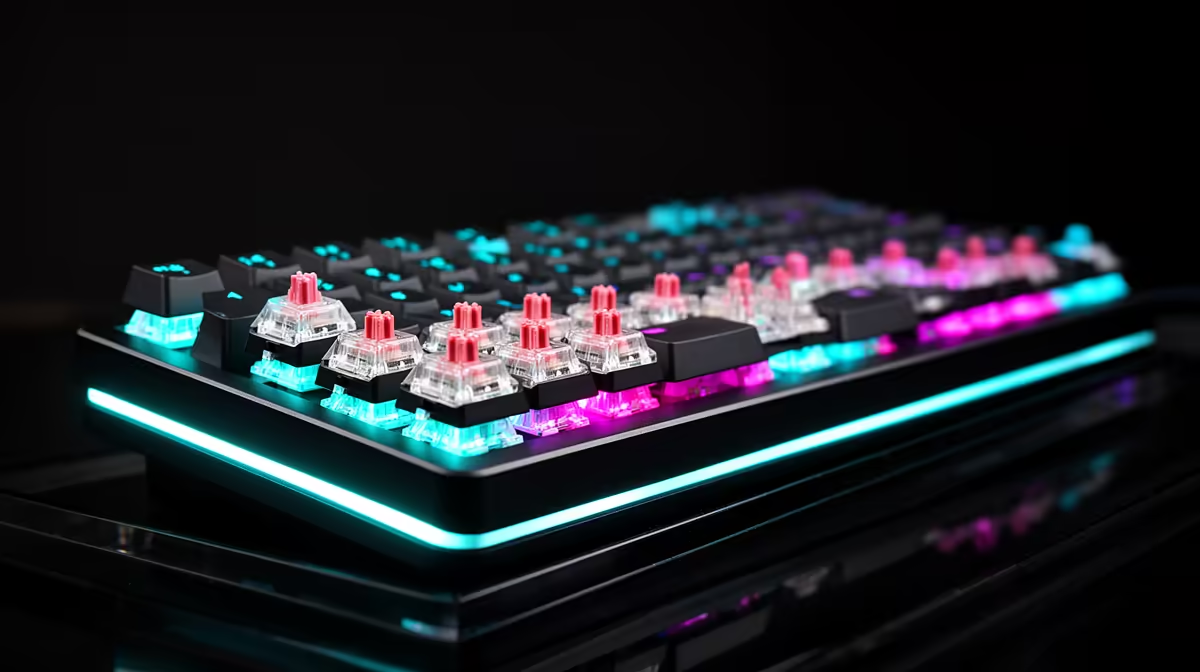
Optical switches use light-based actuation instead of a traditional metal contact. That can mean actuation around 1.0-1.5mm on some boards, rapid trigger options on newer models, and fewer debounce delays. The difference is most visible in shooters, rhythm games, and fast movement titles where consistent key release matters more than RGB or macro keys.
What To Compare In SA Stores
Shortlist by layout, switch feel, wrist comfort, keycap quality, and software reliability. A Razer Huntsman V3 Pro, Corsair K70 RGB Pro OPX, Logitech G Pro X TKL-class board, or Bloody optical board can fit broad price bands from roughly R1,000 to R5,500. Full-size boards suit Excel and number entry, while TKL layouts free mouse space for low-sensitivity 1080p esports play.
When Mechanical Still Wins
Traditional mechanical switches are still better if you care about sound, hot-swap freedom, custom keycaps, or a familiar tactile bump. A good Cherry MX, Gateron, or Kailh mechanical board can feel better for typing even if an optical board is faster on paper. For South African buyers, warranty support and replacement keycaps should matter as much as the switch marketing.
FAQ
Are optical switches better for FPS games?
Yes, they can help with fast strafing and repeated inputs, but the gain is small compared with practice, mouse control, and monitor refresh rate. Treat optical switches as a feel upgrade, not a guaranteed rank upgrade.
Is R20,000 too much for a keyboard upgrade?
Yes for the keyboard alone. A sensible premium keyboard purchase is usually a few thousand rand, leaving the rest for a 144Hz or 165Hz monitor, a lighter mouse, or better audio.
Which layout should I choose for gaming and study?
Choose TKL if you want more mouse room but still need function keys. Choose full-size if you use spreadsheets often, and choose 60 percent only if you are comfortable using shortcuts for missing keys.