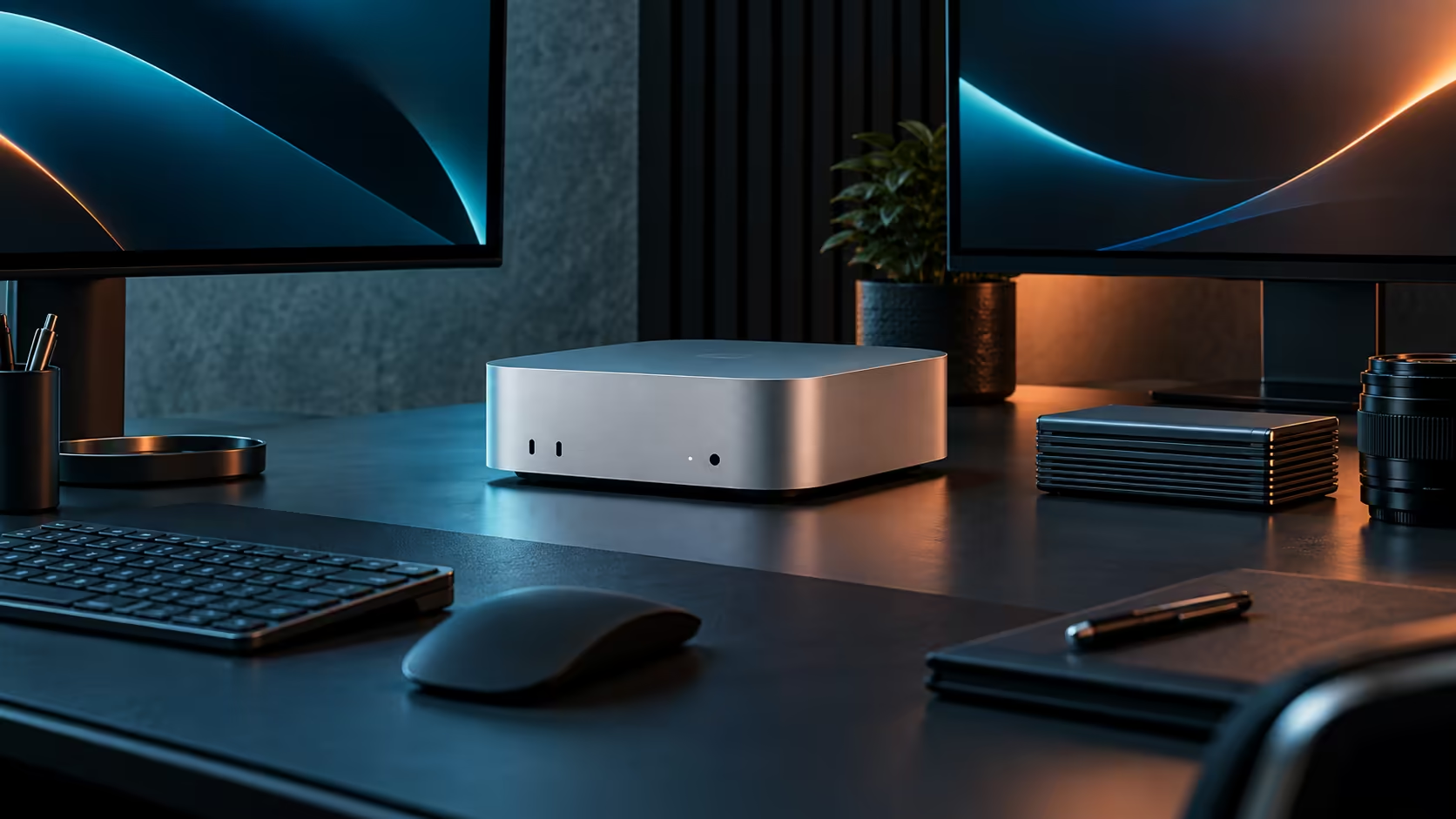
A black screen on a Mac Mini M5 Pro is almost always the cable, not the machine. Work through the lead, the port and the display's own input setting, in that order, before assuming anything is actually broken.
Quick Answer
Start with the cable: a charging-only USB-C lead carries no video signal at all, which is the single most common cause of "nothing showing up" on a new setup. Test the same monitor on a different Thunderbolt 5 port or the HDMI output on this R33,599 machine before suspecting the display or the Mac Mini itself.
🔌 Rule out the cable first
Not every USB-C cable carries video; some are built for charging and basic data only. Swap in a cable known to carry video, or try the monitor's own bundled cable, before assuming the port or the machine is at fault. This single check resolves a large share of "new monitor, no picture" reports.
🖥️ Check the display's input source
Most monitors need the correct input manually selected between HDMI 1, HDMI 2 or a USB-C source, especially when several devices have been connected to the same screen previously. Cycle through the monitor's own input menu rather than assuming it will auto-detect the new connection immediately.
🔁 Try the other port type
If Thunderbolt 5 shows nothing, move the same cable-and-monitor combination to the HDMI output, or vice versa, to isolate whether the fault sits with one specific port. A proper cable rated for the connection you are using rules out a large share of intermittent display issues on its own.
🔄 Restart both ends before assuming a fault
A quick restart of the machine, and holding the monitor's own power button for 5 seconds to fully cycle it rather than just putting it to sleep, clears a surprising share of connection faults that look like a hardware problem. This matters most after moving a monitor between different machines or ports, since some displays hold onto a stale configuration until fully power-cycled.
🧰 When it genuinely is the port or the display
If the same known-good cable fails on a specific Thunderbolt or HDMI port but works elsewhere, that port itself is the likely fault, and it is worth confirming with a second monitor before assuming the whole machine needs attention. Compare the rest of the Mac Mini lineup, or a different chassis in the mini PC category, if a hardware fault turns out to be genuine.
Frequently Asked Questions
Why does my monitor show nothing even though the cable is plugged in?
Most often the cable is charging-only, the wrong input is selected on the monitor, or the cable itself is faulty; test each in turn.
Should I try a different cable before assuming the port is broken?
Yes, a known-good cable is the fastest way to rule out the most common cause before troubleshooting the port itself.
Does using an adapter increase the chance of connection problems?
It can, since each adapter is another point of failure; a direct cable rated for the connection is more reliable where one is available.
Should I restart the machine before troubleshooting further?
Yes, it costs nothing and resolves a real share of display faults that look more serious than they actually are.
Ready to fix a stubborn external display connection?
Test a known-good cable and the alternate port before assuming anything is broken.