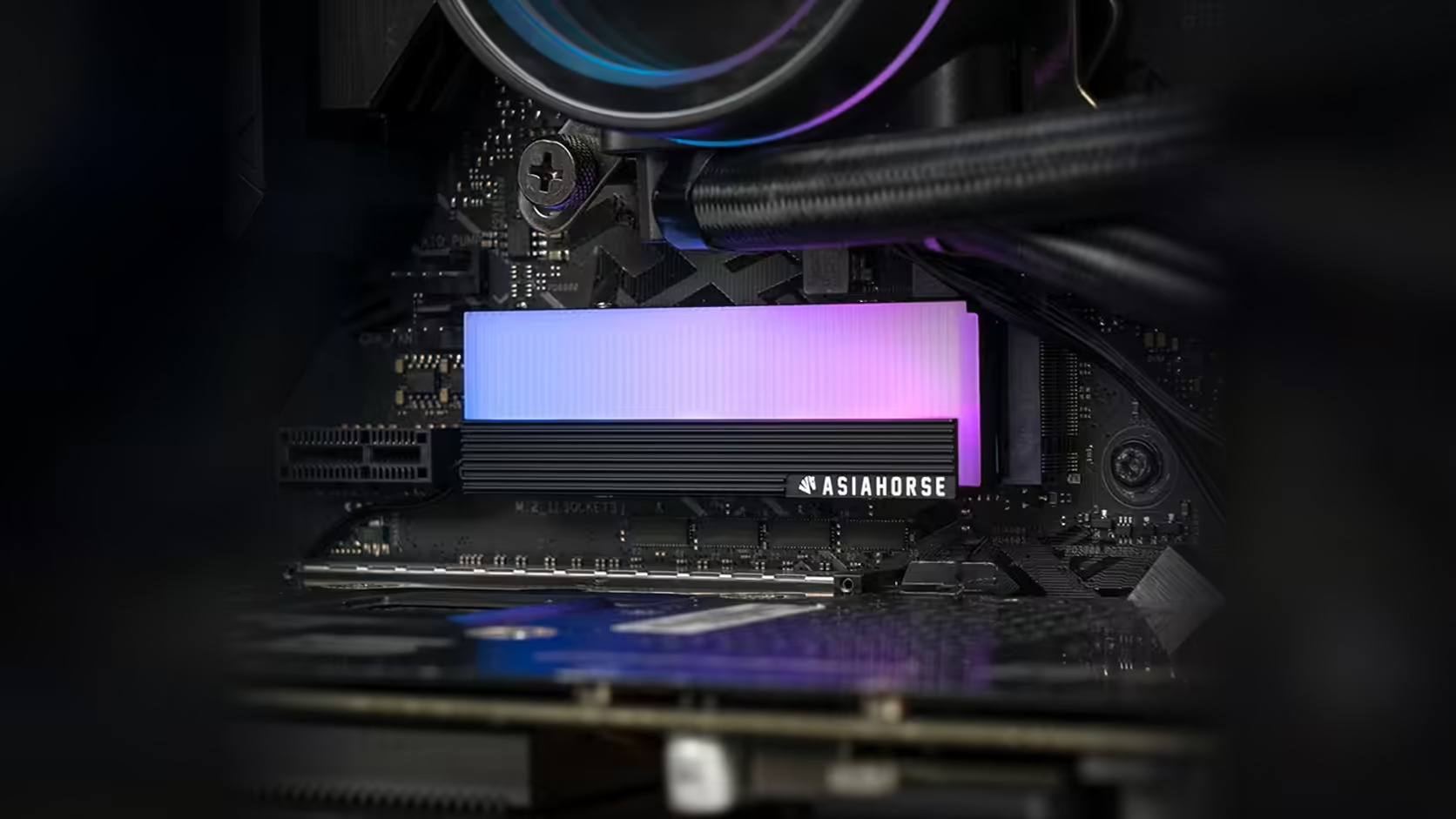
Not every lit component in a build needs to compete for the brightest spot in the case. The AsiaHorse M.2 cover's small accent of a lighting panel is a modest addition by design, and that is a genuinely reasonable thing for a drive cover to be rather than a shortfall to apologise for.
Quick Answer
This M.2 heatsink, R199 with VAT worked into that figure and never guaranteed to hold, carries five LEDs on its infinity ARGB panel, which is a modest amount of light suited to a supporting role rather than to being the centrepiece of a build's lighting scheme. Sitting low on the board, it adds a point of visual interest without competing against a larger fan array or light strip for attention.
💡 What five LEDs actually looks like
Five LEDs on a panel the size of a drive cover produces a soft, localised glow rather than the kind of broad illumination a fan ring or a strip running the length of a case delivers. That scale is appropriate to what the cover is: a small accessory, not a lighting fixture in its own right.
Where it sits physically in a case
Low on the motherboard, in the open area near the M.2 slots, this cover's lighting typically ends up positioned below the memory modules and beside or beneath the graphics card, depending on the specific slot chosen. That vantage point suits a supporting accent well, adding detail to a section of the board that otherwise goes unlit in many builds.
🎨 Why a modest accent can work better in a busy build
A case already carrying lit fans, a strip along the front panel and RGB memory does not necessarily benefit from one more bright, attention-grabbing element. Several strong light sources competing at similar brightness can actually make an interior harder to read visually, whereas a smaller accent adds interest without pulling focus away from the components already doing the heavy lifting on lighting.
🎛️ Controlling brightness further
Since the panel syncs with your motherboard's own RGB software, whatever brightness and effect controls that application offers apply here too. There is no separate app or dial specific to this cover to learn.
🌑 A different case for a darker build
In a case with otherwise minimal lighting, this cover's panel becomes proportionally more prominent, and some builders specifically want exactly that: a single clearly visible lit point rather than a case saturated in light throughout. Either approach is valid; it simply depends on what the rest of your build's lighting already looks like. For the rest of the scheme, case accessories has other small accents worth pairing it with, and the solid state drive range covers the drive itself.
Frequently Asked Questions
How much light does a five-LED panel actually produce?
A modest, localised glow appropriate to a small accessory rather than to a major lighting element in the case.
Where does the lighting typically sit in a finished build?
Low on the board, near the M.2 slots, often below the memory and beside or beneath the graphics card depending on slot choice.
Does a small accent suit a build that already has plenty of lighting?
It often does, since one more modest accent adds interest without competing for attention against brighter elements already present.
Can the brightness be adjusted further?
Yes, through whatever RGB software your motherboard already runs, since the panel syncs with that rather than needing its own controls.
Does the panel show up more clearly in a darker build?
It becomes more visually prominent in a case with otherwise minimal lighting, which some builders specifically prefer.
Adding a subtle accent rather than another bright centrepiece?
Browse Evetech's solid state drive range and finish your build's lighting scheme with something understated.