



FPS Drops Troubleshooting for DDR5 build
DDR5 build FPS drops needs a methodical troubleshooting pass. Review drivers, thermals, power settings, background apps, cables and game settings before replacing parts in an SA gaming setup.
Read moreA study-and-gaming combo can justify USB-C to HDMI when the same device needs a larger screen for notes, videos and casual play. Promate EZHUB-7 is R270 and TransHub-Lite is R305 for simpler use, while VersaHub-MST at R1,500 and Minisforum TB4-01 at R2,600 suit broader desk setups.
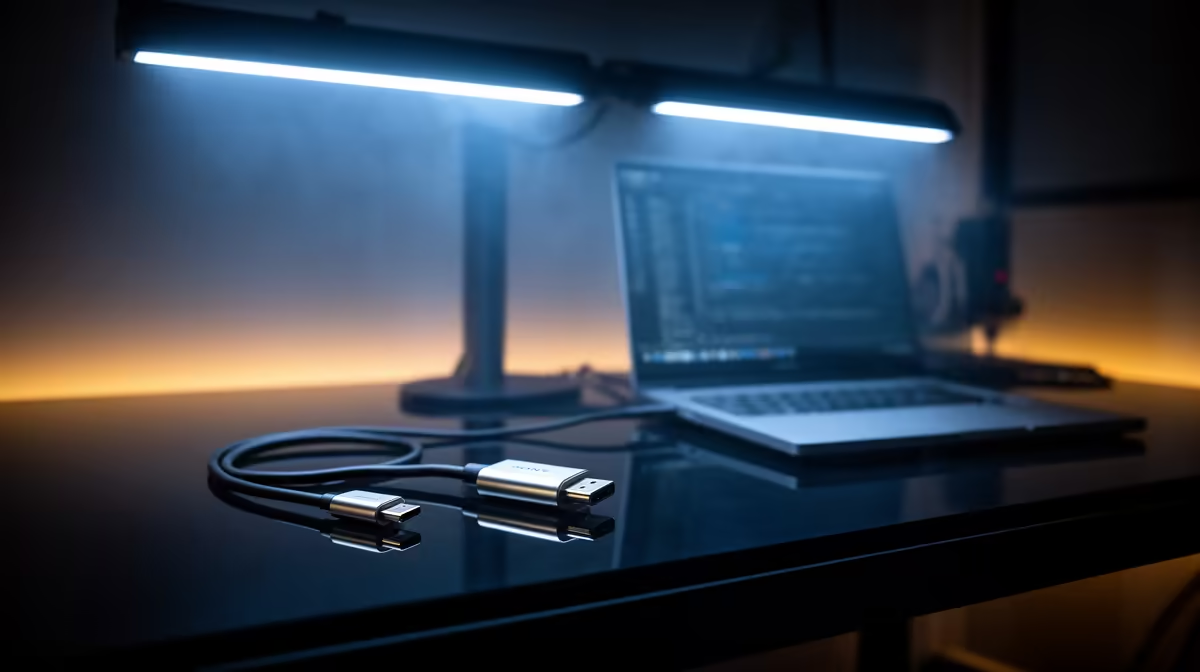
A USB-C to HDMI adapter is worthwhile when the laptop port supports video output and the external display improves study or gaming. The USB-C shape alone does not confirm DisplayPort Alt Mode or Thunderbolt. Check the exact laptop specification before buying the adapter.
Write down the monitor resolution, refresh rate and HDMI version. A basic adapter may handle document work but limit a high-refresh gaming display. Confirm whether audio must travel over HDMI and whether the laptop needs charging at the same time. Avoid an unpowered chain of adapters.
The factpacks list no verified USB-C to HDMI adapter SKU or price for this use. Compare current models by supported resolution and refresh, HDCP, host compatibility, cable length and warranty. A product description should state the required video mode, not merely 4K support without a refresh rate.
The Lenovo LOQ with Core i5-12600HX, RTX 3050, 8GB memory and 512GB storage costs a verified R9,500 as a study-and-gaming laptop reference. Verify which physical port connects to its graphics output. The Dahua 25-inch 200Hz gaming monitor carries a verified R1,850 price, but an adapter must support its intended mode.
Test a lecture, protected video and game at the selected resolution. Keep the adapter only when wake, audio and display switching remain stable.
Adding a study-and-gaming display? > Ask Evetech to match the laptop port, adapter and monitor mode.
For mixed study and gaming, the adapter must work well with both lesson screens and play sessions.
Check device video support first, then decide whether one HDMI output is enough for the shared setup.
Pick the option that connects your current monitor without forcing constant cable changes between study and games.
A basic adapter fits a student desk when the goal is simply moving the picture to one display.
For this combo, value comes from clear study text and dependable video output during casual gaming.
Consider a new main device only if school apps or games struggle before the adapter is involved.
DDR5 build FPS drops needs a methodical troubleshooting pass. Review drivers, thermals, power settings, background apps, cables and game settings before replacing parts in an SA gaming setup.
Read more
Fps drops on ddr5 build in south africa usually needs a settings, driver, thermal, or power check first. Work through safe SA troubleshooting steps before replacing parts or assuming a full upgrade.
Read more
X870E motherboard frame pacing issues needs a step-by-step check before replacing parts. Review drivers, settings, thermals, power, background apps, display limits, cables, and game options before changing hardware.
Read more
4K monitors cost more as sharp panels raise the bar. See why 4k monitors still expensive for gamers in cape town before choosing screen specs, GPU targets, and value trade-offs.
Read more
4K monitors still feel expensive for Gqeberha gamers because panel quality, higher refresh rates, and GPU demands raise total setup cost. Compare 1440p, screen size, ports, and refresh rate before paying more for 4K.
Read more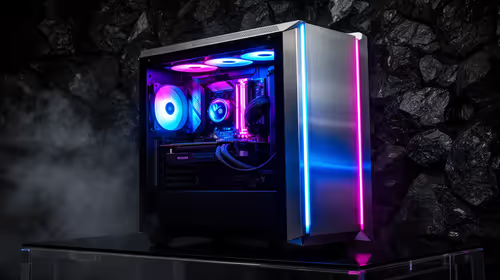
ARGB cases explain mid-tier SA build appeal with visible style, airflow room, and cable control. For SA buyers, the smarter choice is a case where lighting, fan layout, and GPU clearance work together instead of just looking bright.
Read more
The Epomaker RT75 is a tri-mode 75% keyboard with a removable TFT screen. Local screen-equipped compact boards started at R1,199 in our snapshot.

Gigabyte has launched two B450M D3HP boards for Ryzen 3000 to 5000 CPUs. The exact models had no confirmed Evetech listing on 15 August.

Attackers are exploiting a patched Mac screen-sharing flaw to gain root access. Update macOS and remove public port 5900 exposure immediately.

An auto-clamping phone holder offers seamless, one-handed convenience for your vehicle. Discover how it compares to manual cradle mounts to see which keeps your device secure during your daily drive. 🚗📱

A 10,000-hour test found similar image retention across older and newer OLED TVs, while newer panels were brighter and more efficient. Local OLED monitors started at R9,999.

Canonical expects Ubuntu on WSL users to outnumber native Ubuntu desktop users before the end of 2026. The software is open source and runs inside supported Windows PCs.

Telkom's daily bundles pair WhatsApp access with 10 all-network voice minutes. The R15 option includes 300MB, while the R17 option uses a fair-use threshold.

PC Partner expects entry-level graphics-card shortages to worsen in the second half of 2026. Current Evetech GPU listings started at R4,399 in our snapshot.

YouTube will count public views from the first frame across video formats from 24 August, while earnings and eligibility remain tied to engaged viewing.
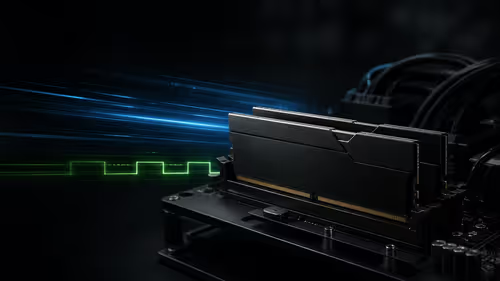
CXMT memory has been demonstrated at DDR5-9000 and DDR5-6000 CL28, but the results depend on tuned hardware and do not represent a broad retail specification.
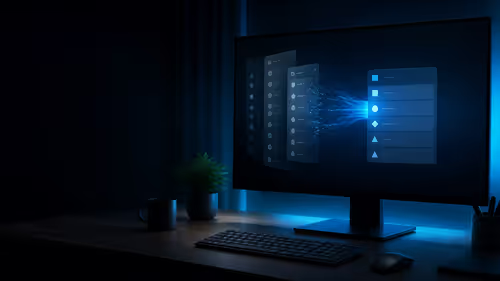
Microsoft is testing a simpler File Explorer context menu with controls for built-in commands, app extensions, icon labels and the position of Properties.
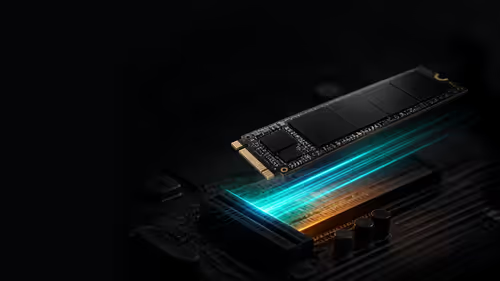
Lexar's THOR ULTRA is a DRAMless PCIe 5.0 SSD rated up to 11,000MB/s reads and 10,000MB/s writes, with capacities from 512GB to 4TB.