How to Set Up a USB Condenser Microphone for Streaming
Your stream can look sharp and still fall flat if the audio is fuzzy. South African viewers notice that fast. Whether you’re grinding ranked in Valorant, chatting on Twitch, or recording a quick YouTube tutorial, clean voice audio instantly makes you sound more polished. The good news? Learning how to set up a USB condenser microphone for streaming is usually simple... if you know the right order.
How to Set Up a USB Condenser Microphone for Streaming on Your Desk
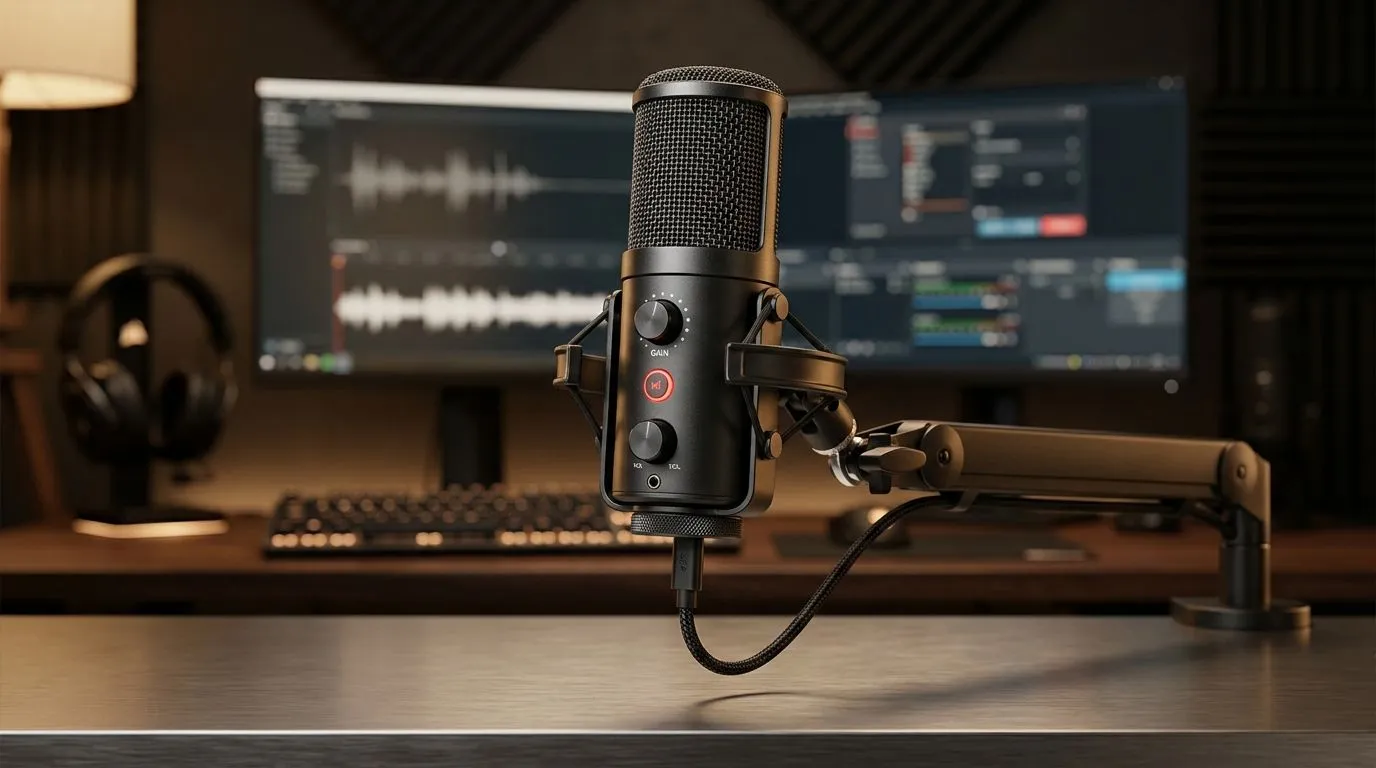
Start with placement. A USB condenser mic is sensitive, so put it close enough to your mouth for a clear signal, but not so close that every breath pops through. A desk boom arm helps keep the mic steady and frees up space for your keyboard and mouse.
Keep the mic away from speakers, fans, and vibrating desks. If your room has hard walls, a curtain, rug, or even a bookshelf can soften reflections. That matters more than people expect. Great audio often comes from the room, not just the mic.
If you’re building a full creator setup, Evetech’s streaming essentials range is a sensible place to start. It’s useful when you want a cleaner desk and fewer cables everywhere.
How to Set Up a USB Condenser Microphone for Streaming on Windows
Plug the mic into a direct USB port on your PC. Avoid cheap hubs if you can. Then open your sound settings and select the microphone as the default input device. On Windows, you’ll usually find this under Sound settings or the Control Panel audio section.
Next, check input levels. Speak at your normal streaming volume and watch the meter. You want a strong signal without clipping. If the mic has gain control, start low and raise it slowly. Loud is not the same as clear.
Quick test before you go live
Record 20 seconds of voice, then listen back with headphones. Do you hear hiss, echo, or popping? Fix that before your first viewer hears it.
Streaming Audio Tip ⚡
Use headphones while testing your mic. If your speakers are on, the mic can pick up the game audio and create echo. It’s a small habit that saves a lot of embarrassment on stream.
How to Set Up a USB Condenser Microphone for Streaming with the Right Extras
A microphone alone is only part of the picture. A pop filter reduces harsh “P” sounds. A boom arm improves positioning. A good webcam also helps when you want your face and voice to feel connected on stream.
If you’re upgrading a creator corner, check out a webcams selection so your camera and mic setup feel balanced. Viewers tend to trust streams that look and sound consistent.
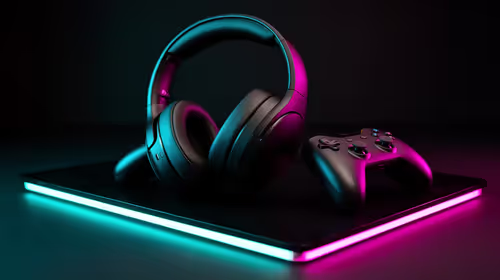
For vibe-heavy setups, lighting matters too. Soft RGB accents can make a stream look more professional without overwhelming the frame. If you want that neat desk aesthetic, Evetech’s CORSAIR streaming essentials and Cololight streaming essentials ranges are worth a look.
How to Set Up a USB Condenser Microphone for Streaming Without Common Mistakes
Here’s where most first-time streamers slip up:
Don’t sit too far away
If your mic is on the desk and your voice sounds thin, move the mic closer before cranking the gain.
Don’t max out input gain
That adds noise. A cleaner signal at lower gain usually sounds better.
Don’t ignore your software
OBS, Discord, and Windows can each apply their own audio settings. Check all three.
Don’t skip the final listen test
A 30-second test can save you from a whole stream of awkward audio.
How to Set Up a USB Condenser Microphone for Streaming the Smart Way
The best streaming setups are built step by step. First, get the mic working. Then improve placement. After that, add accessories that solve real problems. That approach keeps spending sensible, which matters when you’re shopping in ZAR and trying to stretch your budget.
If you’re creating from home in South Africa, that balance matters even more. Power cuts, shared spaces, and compact rooms all influence your setup. A tidy, predictable audio chain helps you sound consistent, even when life isn’t.
The shortest path to better streams is simple... plug in, position well, test, and refine. Once that’s sorted, your audience hears you properly. And that’s half the battle 🔧
Ready to Find Your Perfect Match?
The Mac vs Windows debate is complex, but for maximum power, choice, and value in South Africa, Windows is hard to beat. Explore our massive range of laptop specials and find the perfect machine to conquer your world.