A camera pointed at the wrong angle is worse than no camera at all, because it gives a false sense that something is being watched. Using an AI camera to detect spaghetti failures only works if it can actually see the plate, and that is a placement problem as much as a technology one.
Quick Answer
Aim the camera across the bed so it can see the whole plate and any plastic that has come loose from the model, never straight down at a single point that misses the edges. The Creality K1C watches from inside its own enclosure, which on a nine-hour print separates catching a small, early failure from discovering a ruined night's work the next morning. It costs R12,599.
🎯 Why angle matters more than resolution
A camera aimed down at the centre of the plate can miss a failure starting at the edge entirely, since spaghetti failures often begin where a part first lifts or a corner catches. A wider angle covering the full 220mm width of the bed catches more of the plate in frame, which matters far more for this specific job than having a sharper picture of a smaller area.
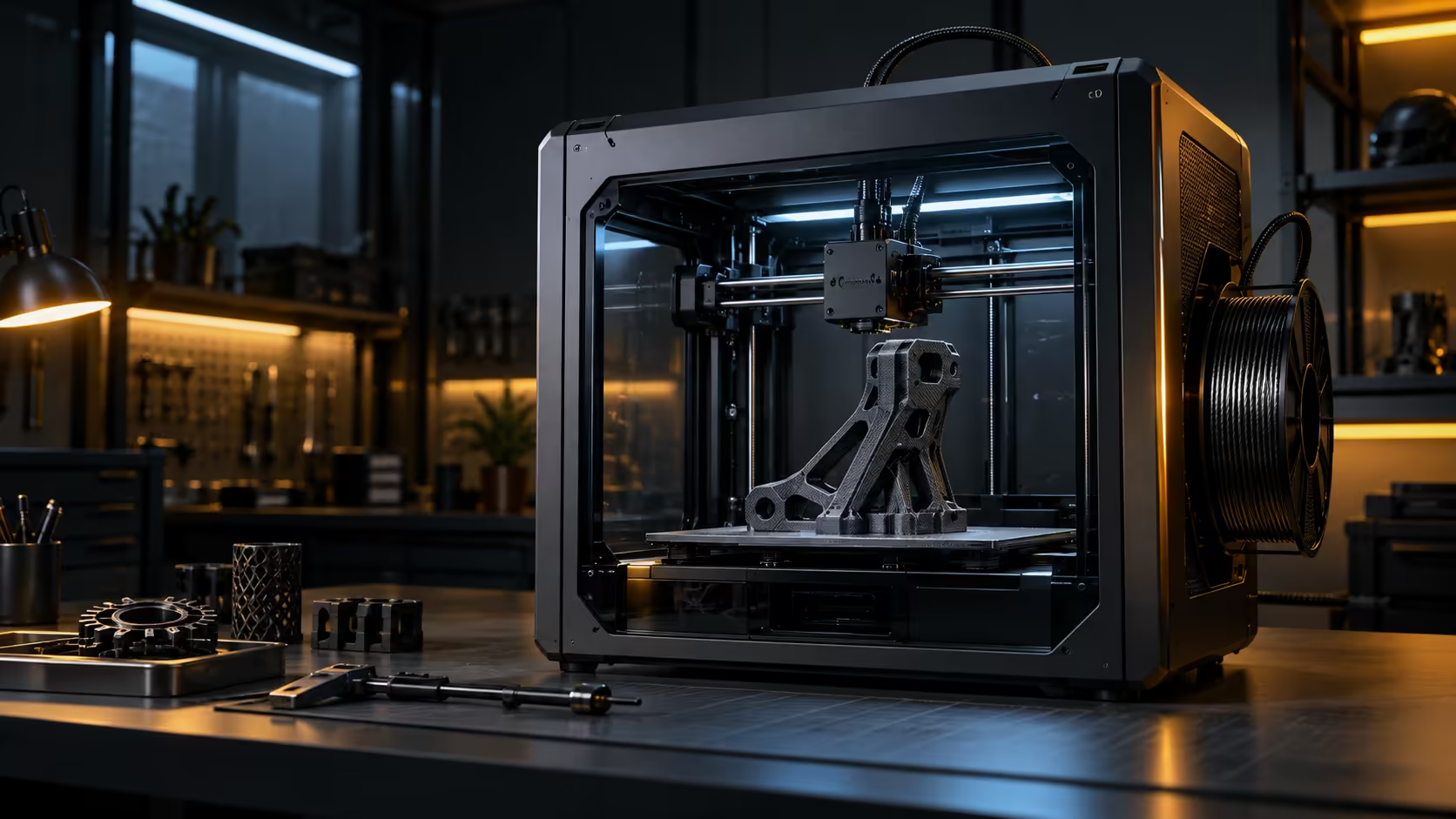
An enclosed machine has an advantage here, since the camera sits inside the chamber with a stable, consistent view rather than needing to be mounted separately and aimed by hand.
⏱️ What a spaghetti failure actually costs uncaught
A print that comes loose or jams early does not stop feeding filament on its own; it keeps extruding into open air for however long the job was scheduled to run. On a 9-hour print, catching the failure at minute 30 saves 8.5 hours of wasted filament and machine time compared to discovering it only when the job was due to finish.
📱 Checking in without standing over the machine
The real value of this kind of monitoring comes from checking a feed remotely rather than staying in the room for the whole print. A quick look from a phone during a break at work, on a decent connection, beats returning home to find out a print failed hours earlier than you could have known. Compare this specific capability across the 3D printer range rather than assuming every machine handles remote monitoring the same way. A webcam accessory adds a second angle if a single built-in view is not enough for a particular setup, and stock up on filament since the whole point of catching failures early is not wasting the spool on a print that was already doomed.
Frequently Asked Questions
Does camera placement really matter more than image quality?
Yes, a well-aimed lower-resolution view of the whole plate catches more real failures than a sharp view of only part of it.
What counts as a spaghetti failure specifically?
A tell-tale wisp of plastic hanging in mid-air instead of landing on the model, usually after a part has come loose or a jam starts dragging filament across the bed.
Can I check the camera feed from outside the house?
Usually yes through a companion app once the printer is on your home network, though the exact setup steps differ between models, so budget ten minutes to pair it the first time rather than the day a big print is running.
Is monitoring only useful for long prints?
It matters most for long prints where a failure could otherwise run unnoticed for hours, though it does no harm on shorter jobs either.
Losing prints to failures nobody caught in time?
Aim the camera to actually see the plate, then check in from wherever you are.