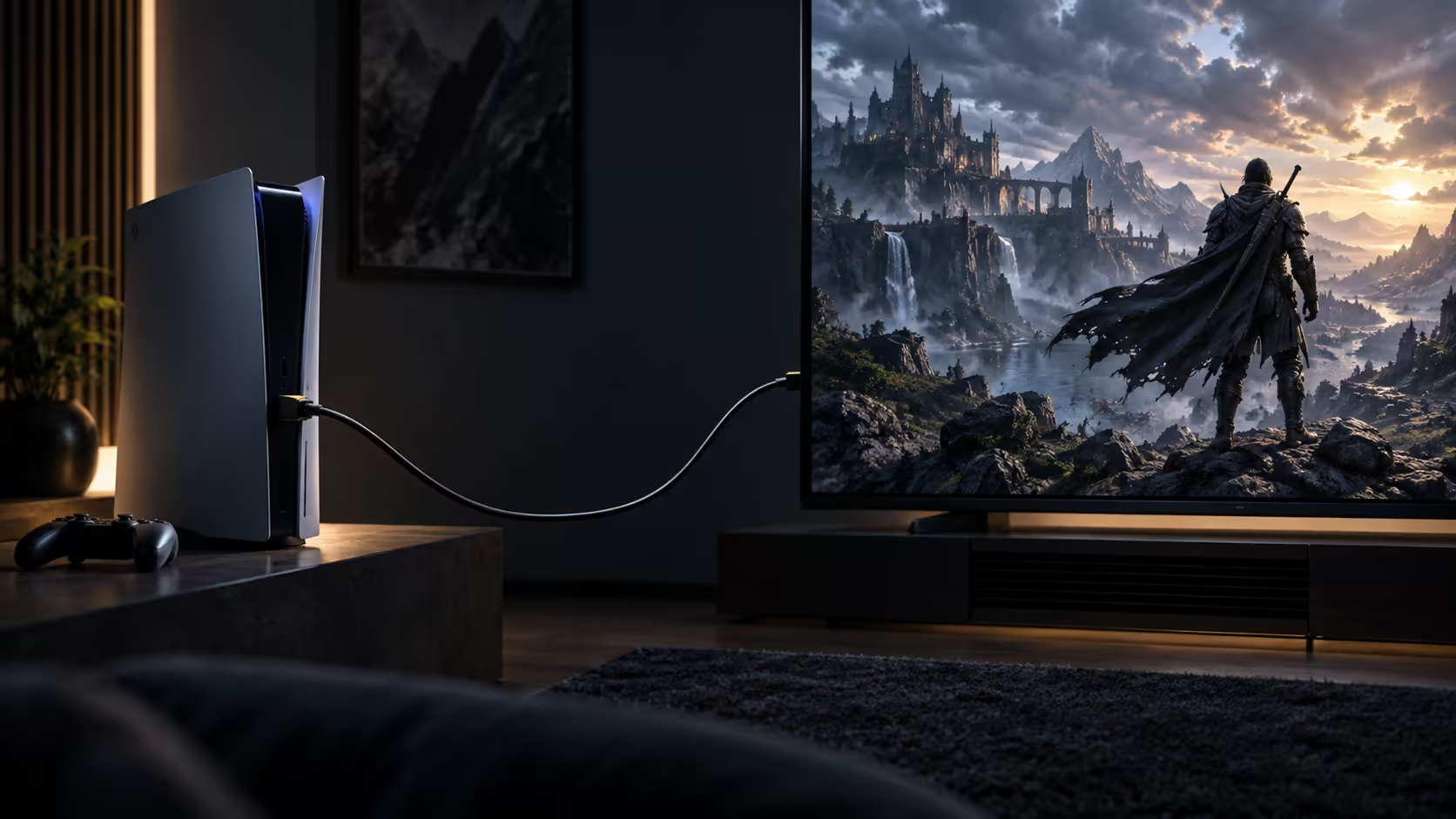
The short answer to what HDMI cable you need for 4K at 120Hz gaming fits in one number, and everything else in this decision is secondary to it.
Quick Answer
You need a lead rated for 48Gbps, which is the HDMI 2.1 tier that carries 4K at 120Hz with room left over. Length matters only for reaching the socket comfortably. An Anker 1.8m meeting that rating is R299, and the rest of the chain decides what happens after the cable does its part.
🔢 48Gbps is the number, not the version
Buying a cable labelled "HDMI 2.1" without checking the actual Gbps figure is the most common way people end up with the wrong lead, since 2.1 covers a range of bandwidth levels rather than one fixed guarantee. The number that specifically unlocks 4K at 120Hz is 48Gbps, and any cable that states this plainly, alongside the modes it carries, has been built to the tier this mode actually needs. The comprehensive cable range is a straightforward place to compare that figure across different lengths.
📏 Length is about fit, not performance
Once a cable meets the 48Gbps figure, a shorter or longer length within reason changes nothing about the signal it carries; it only changes how neatly it fits your setup. Measure the actual distance between the console or PC and the display, including any bend around furniture, and buy to that figure rather than assuming a longer cable is somehow safer. The 1.8m Anker suits most desk and lounge distances without leaving excess slack to manage.
🖥️ The cable is only one part of the chain
Even the right cable will not show 4K at 120Hz if the display cannot accept it or the game does not offer the mode. Our gaming monitor range lists refresh rate model by model, which is the fastest way to confirm a screen actually accepts the higher figure rather than guessing from its age or price bracket. Separately, dig into the console's own video output menu to switch 120Hz on for the specific input in use. Anyone chasing responsiveness over smoothness gets a further boost from a wired controller, which sidesteps a wireless connection's own added delay entirely.
Frequently Asked Questions
Is any cable labelled "HDMI 2.1" guaranteed to support 4K 120Hz?
No. HDMI 2.1 spans several bandwidth tiers within one label, so a cable earns confirmation for 4K at 120Hz only once it names the full 48Gbps figure itself.
Does a more expensive HDMI cable carry more bandwidth than a cheaper one at the same rating?
No. Once two cables both meet the 48Gbps figure, they carry identical bandwidth; any extra you pay past that point goes toward finish and packaging rather than raw capacity.
Can I use the same cable for both 4K 120Hz and 8K 60Hz?
Yes, provided it is rated for the full 48Gbps figure. Both modes fit under that same ceiling, so one cable covers either without needing to be swapped.
What length HDMI cable should I buy if I am not sure of the distance?
Measure the actual path first, including any bend around furniture, rather than guessing. A 1.8m lead suits most desk and lounge setups, but the true distance is what should decide it.
Ready to buy the cable that actually gets you 4K 120Hz?
Check for the 48Gbps figure specifically, then match the length to your own measured distance.