Quick Answer
When buying a dock for travel gaming, ignore triple-display marketing and gigabit Ethernet you will not use on the move. Prioritise compact size, strong Power Delivery, and one solid HDMI output. Compact travel docks start around R900.
What To Tune Out For Travel Use
A travel gaming dock is about portability and the essentials, so much of a desktop dock's spec sheet is irrelevant. Ignore triple-display support; on the road you connect to one hotel TV or portable monitor, not a three-screen array. Ignore heavy Ethernet expectations too, since you are usually on Wi-Fi away from home, though one port is a harmless bonus.
Also ignore bulky docks with large external power bricks. The point of a travel dock is to slip into a bag, so weight and size matter more than a long port list you will not use in a hotel room.
What Actually Matters On The Move
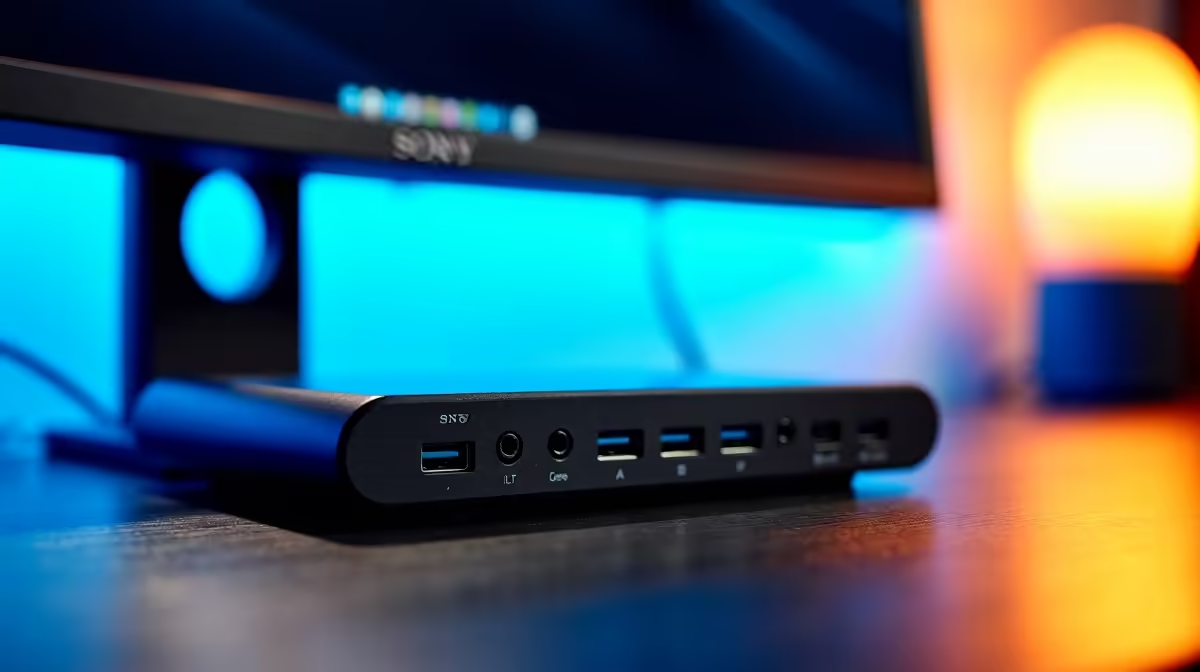
Prioritise a compact, light dock with enough Power Delivery to charge your laptop or handheld, one reliable HDMI output at 4K60 or 1080p120 for a TV or monitor, and a couple of USB ports for a controller and storage. Pass-through charging through a single cable keeps the bag tidy. These few features cover real travel gaming without dead weight.
FAQ
Do I need triple-display support in a travel dock?
No. On the move you use one screen, usually a hotel TV or portable monitor. Triple-display capability adds cost and bulk you will not use travelling.
What is the most important travel dock feature?
Compact size paired with enough Power Delivery to charge your device and one reliable HDMI output. Portability and the essentials beat a long port list.
Is Ethernet useful on a travel dock?
Rarely, since you are usually on Wi-Fi when travelling. One port is a harmless bonus, but it should not drive your buying decision for travel use.
Choose a compact dock with solid Power Delivery and one good HDMI output for travel gaming, and ignore multi-display and heavy Ethernet specs.