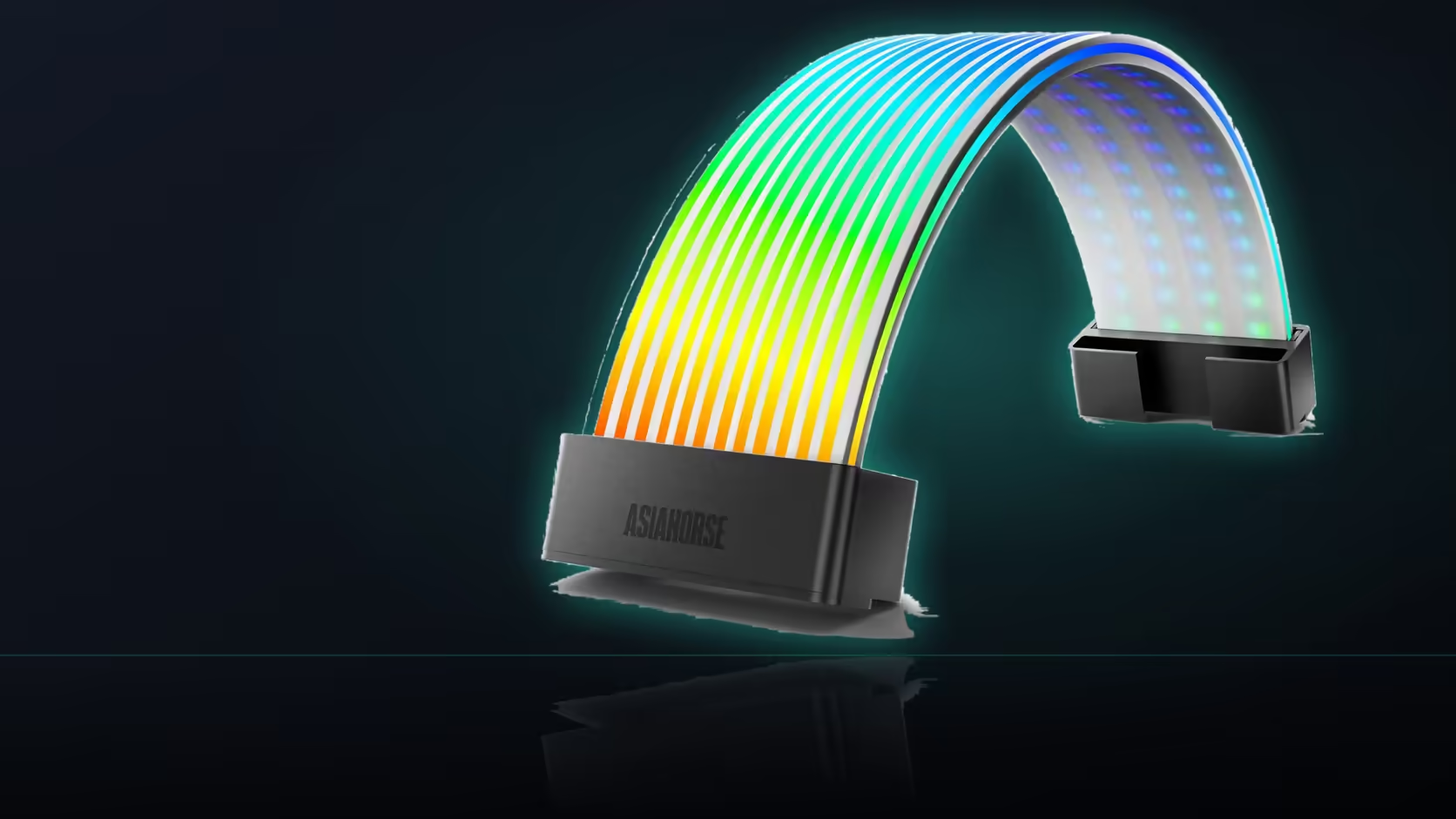
A remote control is only as useful as its next known location, and that small, easy-to-lose accessory decides whether the Aurora Learn ARGB PSU Cable Cover's whole preset library is actually convenient or just theoretically available.
Quick Answer
Keep the Aurora Learn remote somewhere within reach where you actually sit, rather than filed away in a drawer, since a preset you cannot change easily is effectively a fixed one regardless of the R599 cover's 124-plus options. The remote is small enough to misplace easily, and a spot on the desk near the machine keeps that control genuinely worth having day to day.
📍 Why the remote's location matters more than the library size
The whole point of a preset library is being able to move through it, and a remote left out of reach turns even 124-plus options into whatever scene happened to be active when it was last used. The controller behind it all still needs its own SATA feed from a power supply, no matter how often the remote itself actually gets picked up.
🖥️ Where builders typically end up keeping it
On the desk near the machine seems to be the most common landing spot, since it keeps the remote visible and within reach without needing to be hunted for whenever a change is wanted. A handheld remote generally needs a clear path to its receiver too, so where the controller itself sits inside the case matters just as much as where the remote lives on the desk.
🔄 What happens if the remote genuinely goes missing
The cover keeps running whichever preset was last selected, so the lighting effect persists even though changing it becomes difficult without the remote in hand. Switching to board sync is one way past that entirely, moving control into software rather than relying on a small handheld item that can wander off.
📝 On a shared desk, a little labelling helps
If more than one person uses the machine, noting roughly which button does what can save the next person cycling through the whole library by trial and error just to find a scene they liked before. Worth extending that same habit to any case lighting already running in the case, since other household members are likely to want to adjust that too.
Frequently Asked Questions
Why does the remote's storage spot matter so much?
Because the presets are only useful if changing them is easy, and a remote out of reach effectively turns the cover into a fixed-scene light.
Where do most people end up keeping the remote?
On the desk near the machine, where it stays visible and within reach without needing to be searched for each time.
Does the remote need a clear line of sight to work?
A handheld remote generally does, so the controller's position inside the case matters just as much as where the remote itself sits.
What happens to the lighting if the remote is lost?
It keeps running the last preset selected, so the effect persists even though changing it becomes genuinely difficult without the remote.
Is board sync a way around losing the remote?
It is, since sync moves control into the board's software entirely, removing the reliance on a small handheld item altogether.
Should the remote's buttons be labelled on a shared machine?
On a shared desk it helps, saving the next person from cycling through the whole preset library just to rediscover a favourite.
Does the remote control anything beyond this cover?
No, it is supplied specifically with the cover and its controller, so it only drives that lighting rather than anything else in the build.
Want lighting control you will actually keep using?
Browse Evetech's power supply range to plan an Aurora Learn install that stays convenient.