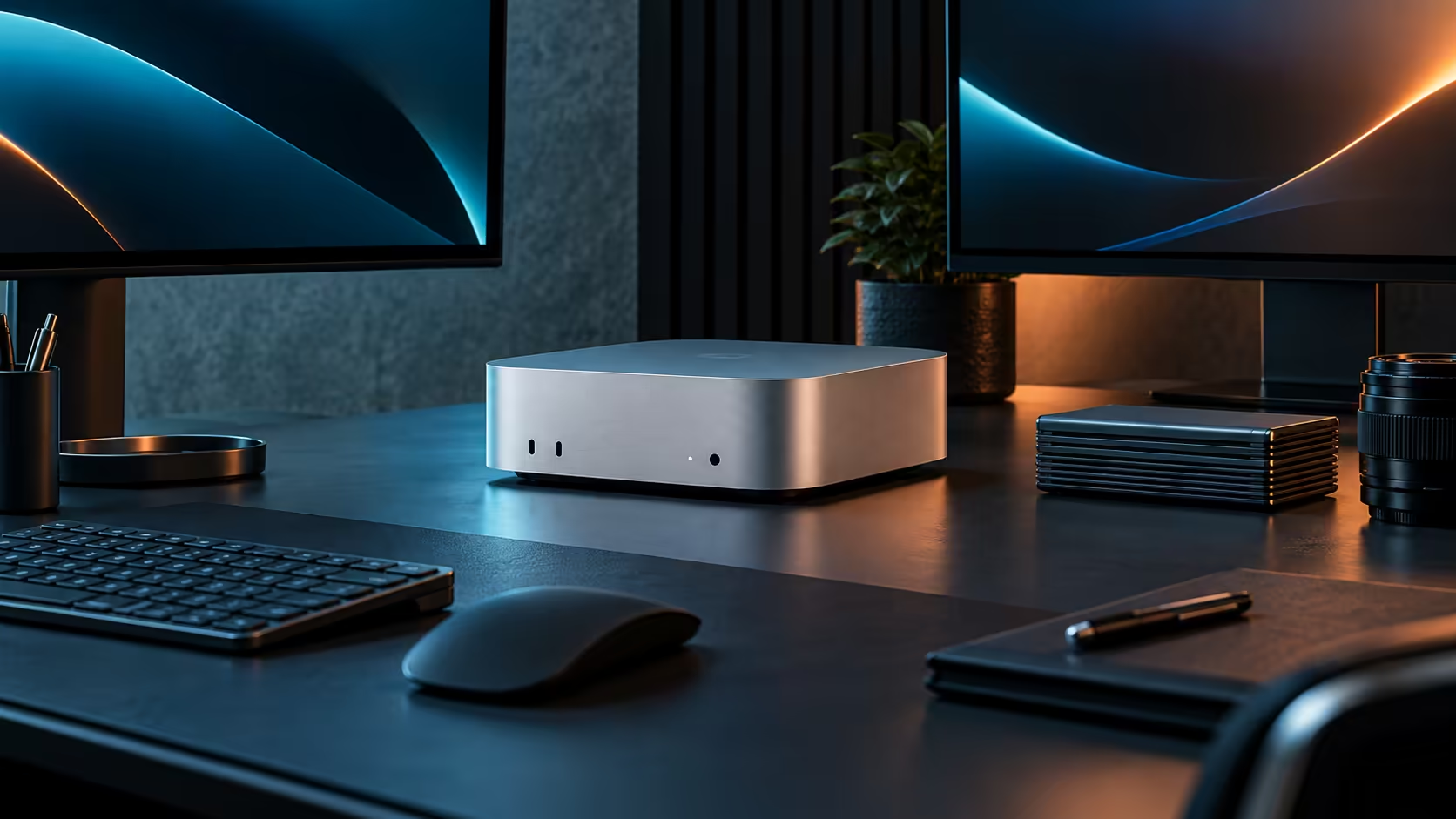
The slowest link in the chain decides the result, and on an external drive that is usually the enclosure or the cable, not the SSD sitting inside it or the Mac Mini M5 Pro itself.
Quick Answer
Check the enclosure's own rated speed before blaming the port. On a Thunderbolt 5 socket, like the ones on this R33,599 Mac Mini M5 Pro, a drive rated for only 10Gbps still stops near 1,000 MB/s regardless of how fast the port itself can go, because the enclosure is the limiting factor.
📦 The enclosure sets a hard ceiling
A fast SSD inside a slow enclosure never exceeds what that enclosure's own controller supports. A 10Gbps enclosure caps out well below what a Thunderbolt 5 port can carry, so buying a faster port does nothing without also buying an enclosure rated to match it.
🔌 The cable matters more than people expect
A USB-C cable not rated for the connection's full bandwidth throttles the transfer regardless of what the drive and enclosure can do together. This is easy to miss because a lower-rated cable still works, just slower, rather than failing outright.
🧮 How to actually test it
Copy a single file of at least 10GB rather than many small ones, since small-file transfers are limited by overhead rather than raw bandwidth and will always look slower than the drive's real capability. Compare that number against the enclosure's published rating, not the port's.
🧠 What the drive inside actually contributes
Even a properly matched enclosure and cable cannot exceed what the SSD inside is physically capable of, so a budget drive in a premium enclosure still caps out at the drive's own rating. Check all three figures, drive, enclosure and cable, together rather than assuming the fastest of the three sets the result.
For other configurations built around fast Thunderbolt storage, the Mac Mini lineup and the broader mini PC category are both worth a look before buying a replacement enclosure.
Frequently Asked Questions
Does the Mac Mini M5 Pro limit external drive speed?
Rarely; Thunderbolt 5 offers more bandwidth than most external drives can use. The enclosure or cable is the far more common bottleneck.
Why does copying many small files feel slower than one large file?
Small files carry more overhead per file, so the average speed reads lower than the drive's true sustained transfer rate.
Is a more expensive enclosure always faster?
Not automatically; check its stated bandwidth rating directly rather than assuming price alone reflects speed.
Can the SSD itself be the bottleneck even in a fast enclosure?
Yes, a slower drive inside a fast enclosure still caps the result at the drive's own rated speed.
Does the operating system report the real transfer speed accurately?
Broadly yes for a large single file, though it can fluctuate slightly during the copy as the system manages other background activity.
Ready to find your external drive's real bottleneck?
Check the enclosure and cable ratings before assuming the machine itself is holding your transfer back.