



FPS Drops Troubleshooting for DDR5 build
DDR5 build FPS drops needs a methodical troubleshooting pass. Review drivers, thermals, power settings, background apps, cables and game settings before replacing parts in an SA gaming setup.
Read moreWi-Fi Routers for console gamers moving to PC should be shortlisted around the job it must do. South African buyers should compare WiFi standard, coverage, latency, and device support, warranty path, and upgrade room before treating any pick as best.
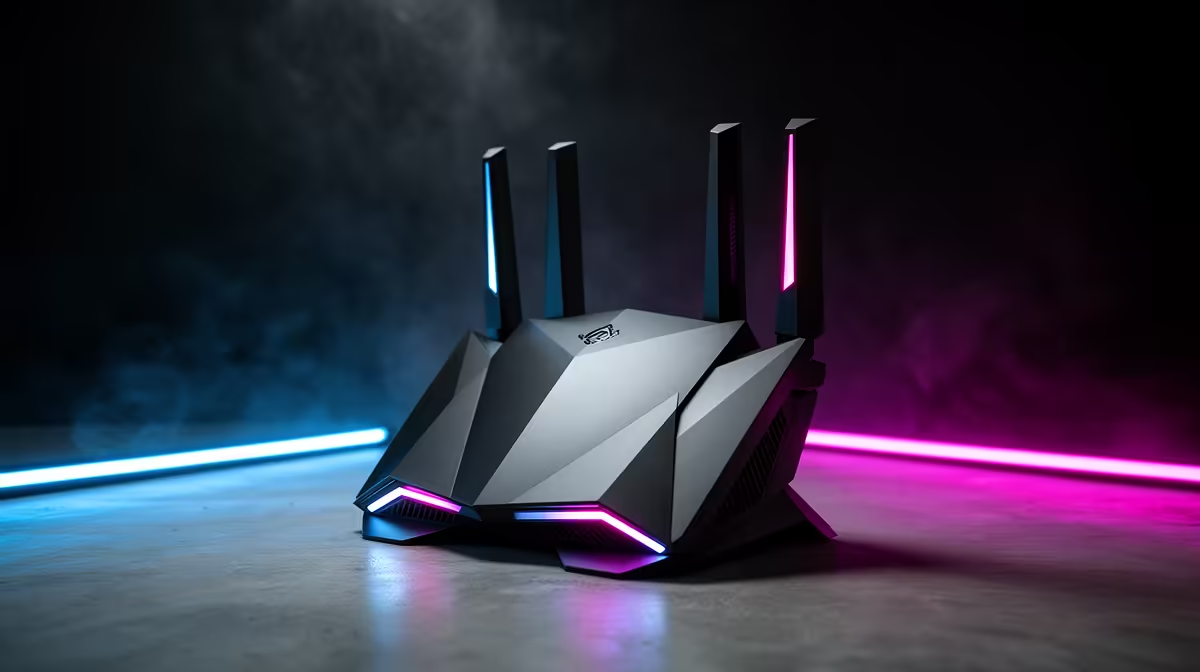
Yes, that spec matters when it changes daily comfort or stability; it is not worth paying for as only a premium badge. For console gamers moving to PC, use R1,600-R6,500 as a cautious SA buying band and compare examples such as TP-Link Deco X20, ASUS ZenWiFi XD5 and Mercusys Halo H80X. Check two-pack Wi-Fi 6 mesh with Ethernet backhaul, because that is where the purchase starts affecting real daily use.
Start with the problem already in the setup: controller habits and faster screens. If the mesh wifi fixes that problem, shortlist it; if it only adds a nicer label, spend elsewhere. Mesh is worth paying for when walls, distance or shared flats make one router unreliable. In SA homes, res rooms and shared flats, also check warranty support, cable length and the exact laptop, PC, console or monitor connection before you buy.
A practical shortlist has three tiers. Budget picks around R1,600 should cover the basic job without vague specs. Balanced picks in the middle of the R1,600-R6,500 range are usually the sweet spot because they add better build quality and headroom for daily use. Premium choices near R6,500 make sense only when the device is used for long sessions, shared by several people, or connected to expensive hardware.
Test against numbers, not hype: two-pack Wi-Fi 6 mesh with Ethernet backhaul, cable reach, desk space, heat and setup time. For gaming-adjacent setups, consistency is the target: a 60 fps casual game, a 120 Hz or 144 Hz display, clear voice chat, or stable Ethernet should not become worse after adding the mesh wifi.
Plan around R1,600-R6,500 for mesh wi-fi kits, then move up only when the model adds a spec you will use every week. For controller habits and faster screens, the balanced tier is usually safer than the cheapest listing.
Check two-pack Wi-Fi 6 mesh with Ethernet backhaul first, then confirm compatibility with the exact PC, laptop, console, monitor or room. Specs that do not improve comfort, stability or setup time should not drive the final price.
Skip premium when the current problem is placement, cabling, dust, room noise or unrealistic expectations rather than the mesh wifi itself. Pay more when the upgrade removes a measurable limit such as heat, unstable signal, bad audio, cramped controls or poor comfort.
write down your exact device model, room size, monitor refresh rate and budget band; then compare mesh wi-fi kits against those facts.
DDR5 build FPS drops needs a methodical troubleshooting pass. Review drivers, thermals, power settings, background apps, cables and game settings before replacing parts in an SA gaming setup.
Read more
Fps drops on ddr5 build in south africa usually needs a settings, driver, thermal, or power check first. Work through safe SA troubleshooting steps before replacing parts or assuming a full upgrade.
Read more
X870E motherboard frame pacing issues needs a step-by-step check before replacing parts. Review drivers, settings, thermals, power, background apps, display limits, cables, and game options before changing hardware.
Read more
4K monitors cost more as sharp panels raise the bar. See why 4k monitors still expensive for gamers in cape town before choosing screen specs, GPU targets, and value trade-offs.
Read more
4K monitors still feel expensive for Gqeberha gamers because panel quality, higher refresh rates, and GPU demands raise total setup cost. Compare 1440p, screen size, ports, and refresh rate before paying more for 4K.
Read more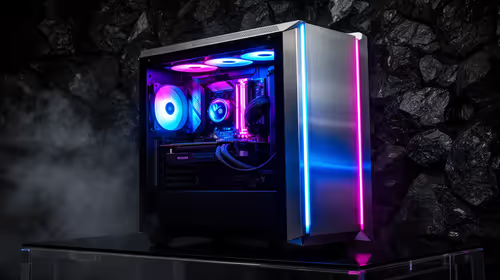
ARGB cases explain mid-tier SA build appeal with visible style, airflow room, and cable control. For SA buyers, the smarter choice is a case where lighting, fan layout, and GPU clearance work together instead of just looking bright.
Read more
The Epomaker RT75 is a tri-mode 75% keyboard with a removable TFT screen. Local screen-equipped compact boards started at R1,199 in our snapshot.

Gigabyte has launched two B450M D3HP boards for Ryzen 3000 to 5000 CPUs. The exact models had no confirmed Evetech listing on 15 August.

Attackers are exploiting a patched Mac screen-sharing flaw to gain root access. Update macOS and remove public port 5900 exposure immediately.

An auto-clamping phone holder offers seamless, one-handed convenience for your vehicle. Discover how it compares to manual cradle mounts to see which keeps your device secure during your daily drive. 🚗📱

A 10,000-hour test found similar image retention across older and newer OLED TVs, while newer panels were brighter and more efficient. Local OLED monitors started at R9,999.

Canonical expects Ubuntu on WSL users to outnumber native Ubuntu desktop users before the end of 2026. The software is open source and runs inside supported Windows PCs.

Telkom's daily bundles pair WhatsApp access with 10 all-network voice minutes. The R15 option includes 300MB, while the R17 option uses a fair-use threshold.

PC Partner expects entry-level graphics-card shortages to worsen in the second half of 2026. Current Evetech GPU listings started at R4,399 in our snapshot.

YouTube will count public views from the first frame across video formats from 24 August, while earnings and eligibility remain tied to engaged viewing.
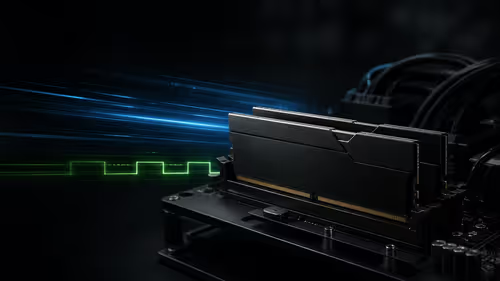
CXMT memory has been demonstrated at DDR5-9000 and DDR5-6000 CL28, but the results depend on tuned hardware and do not represent a broad retail specification.
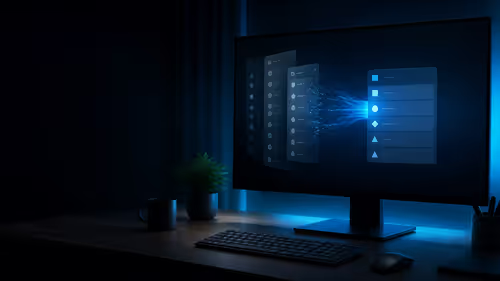
Microsoft is testing a simpler File Explorer context menu with controls for built-in commands, app extensions, icon labels and the position of Properties.
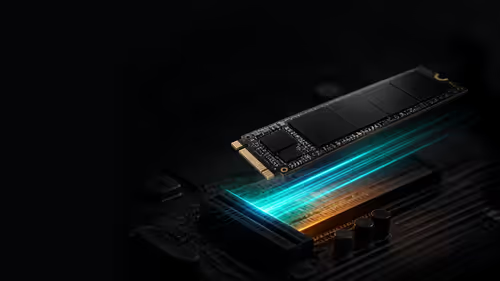
Lexar's THOR ULTRA is a DRAMless PCIe 5.0 SSD rated up to 11,000MB/s reads and 10,000MB/s writes, with capacities from 512GB to 4TB.