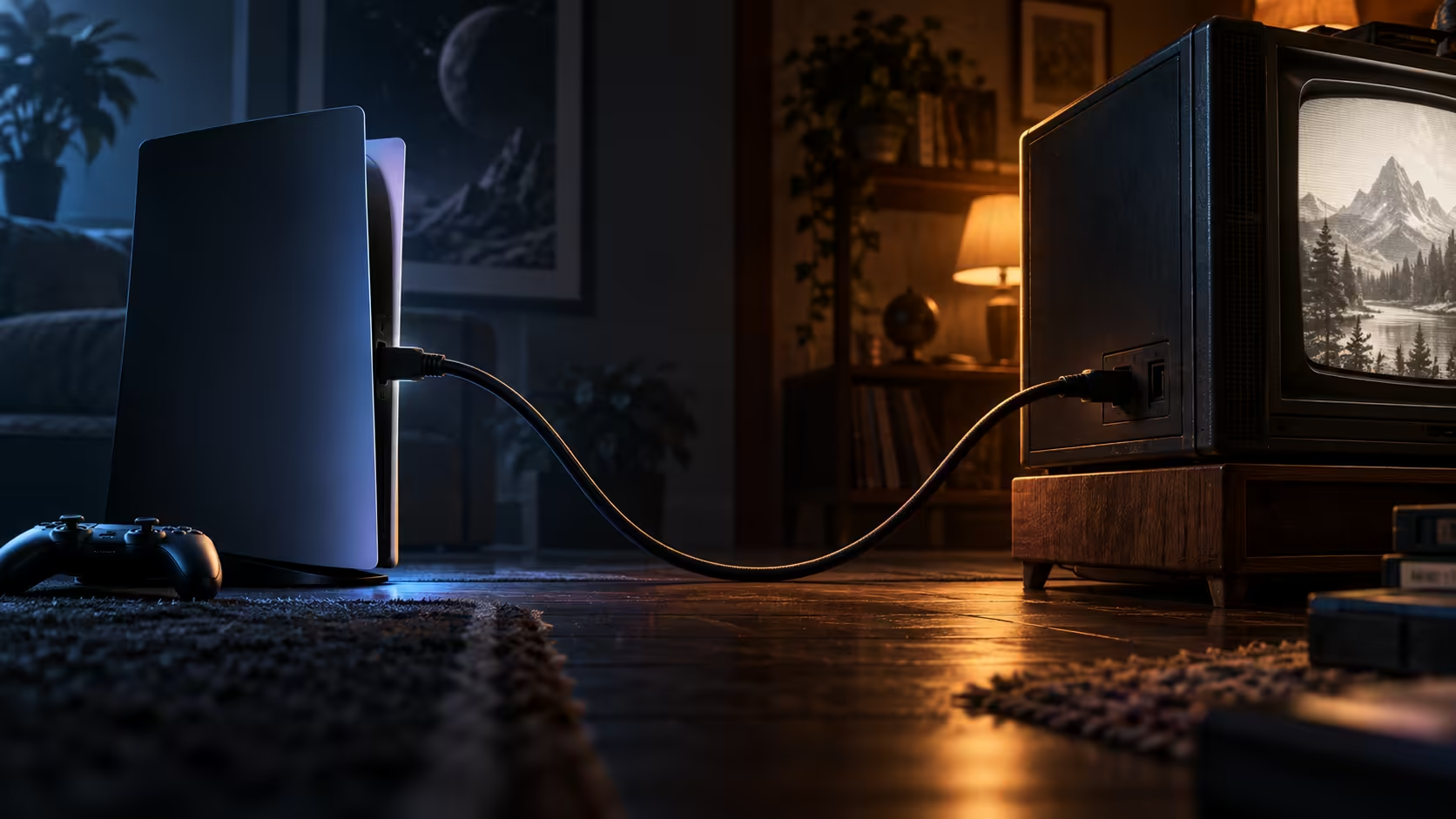
Will an HDMI 2.1 cable work with a television, laptop or console from several years back? Yes, without exception, and the short version of why is that the connector at each end has never once changed shape across any HDMI generation.
Quick Answer
It will. The connector and pin layout have not changed, so a 48Gbps lead plugs into an older television, laptop or console and the pair agree on the best mode both manage. Nothing is harmed, little is gained beyond stability, and the R299 wire keeps its headroom for later.
✅ The physical connector was never the limiting factor
Pop open the plug of any full-size HDMI cable ever made and you find the same nineteen contact points laid out the same way, whatever generation printed on the box. That single fact explains why a brand-new 2.1-rated cable slots straight into a television or laptop from a decade ago, no adapter, converter or workaround needed. Everything that actually changed between generations lives in the electronics and signalling driving those pins, never in their arrangement.
📉 Nothing is lost, and the extra capacity simply waits
Connecting a 48Gbps cable to an older device does not damage anything or reduce picture quality in any way; the two ends simply agree during their handshake on the highest mode the older device understands, and the cable carries that mode with plenty of room left in reserve. You are not using the cable's full capability yet, but nothing about that connection prevents using it fully later once a newer device joins the chain.
🎯 One genuine benefit worth knowing about
Even on an older device, a modern, well-built cable can sometimes reduce minor intermittent faults compared with a cable that has aged or degraded over years of use, simply because the newer cable's build quality and shielding tend to be better regardless of its bandwidth rating. This is a secondary reason to upgrade an old, worn cable even on equipment such as a projector or an older handheld console with no plans to move past its current resolution, separate from the bandwidth argument entirely. Browse the comprehensive cable range for a lead that covers both today's needs and whatever replaces the older device eventually.
Frequently Asked Questions
Do I need an adapter to connect a modern HDMI cable to an old laptop?
No. Every generation of HDMI uses the identical plug shape, so a current cable simply pushes straight into an old laptop's port without any adapter required.
Can plugging a 48Gbps cable into an old TV damage the television?
No. The handshake process simply settles on the highest mode both devices support, and there is no way for a cable's higher capability to cause damage to older hardware.
Should I replace a cable that already works fine on my older device?
Only if it shows signs of wear, such as intermittent dropouts, or if you plan to move the same cable to a newer device later where the extra bandwidth would actually be used.
Will an old projector ever be able to use the full 48Gbps a modern cable offers?
Only if the projector itself is replaced with a model built for HDMI 2.1. The cable cannot add capability the source or display hardware does not already have.
Ready to buy one cable that works across every device you own?
Pick the 48Gbps rating once, and let it move between old and new equipment as needed.