Staring at those jaw-dropping 4K gameplay videos online while your trusty 1080p rig chugs along? You're not alone. Many South African gamers think that Ultra HD is an all-or-nothing dream, requiring a brand-new PC that costs a fortune. But what if the path to pixel-perfect clarity was simpler? A strategic 4K gaming PC upgrade can transform your old machine into a modern powerhouse, and it all starts with picking the right parts.
The Heart of Your 4K Upgrade: The Graphics Card (GPU) 🔧
Let's be clear: when it comes to Ultra HD, your graphics card does almost all the heavy lifting. The jump from 1080p to 4K means your PC is pushing four times the pixels for every single frame. This is where your old GPU will wave the white flag.
For a smooth experience, you need a modern GPU with plenty of Video RAM (VRAM)—think 12GB or more to handle those high-resolution textures. Cards like NVIDIA’s GeForce RTX 40-series or AMD’s Radeon RX 7000-series are designed for this. This single component is the most critical part of your 4K gaming PC upgrade in SA, delivering the raw power needed for those crisp, detailed worlds.
Don't Let Your CPU Bottleneck Your 4K Dream
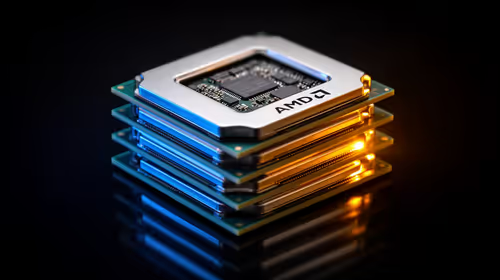
Imagine putting a jet engine in a go-kart. That's a bottleneck. If your Central Processing Unit (CPU) is too old, it can't feed your powerful new GPU with data fast enough, wasting its potential. While 4K gaming is less demanding on the CPU than 1080p, a seriously outdated processor will still hold you back, causing stuttering and inconsistent frames.
A successful revamp for your old rig requires balance. You don't need the most expensive CPU on the market, but pairing a top-tier GPU with a decade-old processor is a recipe for disappointment. A modern mid-range CPU will ensure your entire system works in harmony, pushing the high frame rates you can explore across all our gaming monitors, not just the 4K ones.
Seeing is Believing: Choosing Your Ultra HD Monitor ✨
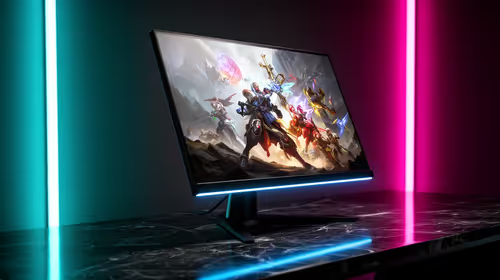
A powerful rig is useless if you can't see the results. Your monitor is your window to the game world, and upgrading it is a non-negotiable step. The difference is staggering... colours are richer, details you never noticed pop, and the clarity is simply on another level.
Evetech's massive range of PC monitors has options for every budget and desk size. Your first stop should be the dedicated 5K & 4K monitors page to see the latest tech. For ultimate immersion, many gamers are now opting for curved monitors, which fill your peripheral vision and pull you deeper into the action. And remember to always keep an eye on the best PC monitor deals for a lekker special. Some pro setups even add a small portable monitor on the side for Discord, keeping the main screen clear for the game.
Pro Tip for Max Frames 🚀
Your new 4K setup is powerful, but you can squeeze out even more performance! Enable NVIDIA DLSS or AMD FSR in your game's settings. These smart technologies use AI to render the game at a lower resolution and then intelligently upscale it to 4K. The result is a massive frame rate boost with almost no noticeable drop in visual quality. It's free performance!
Powering Your Revamped Rig
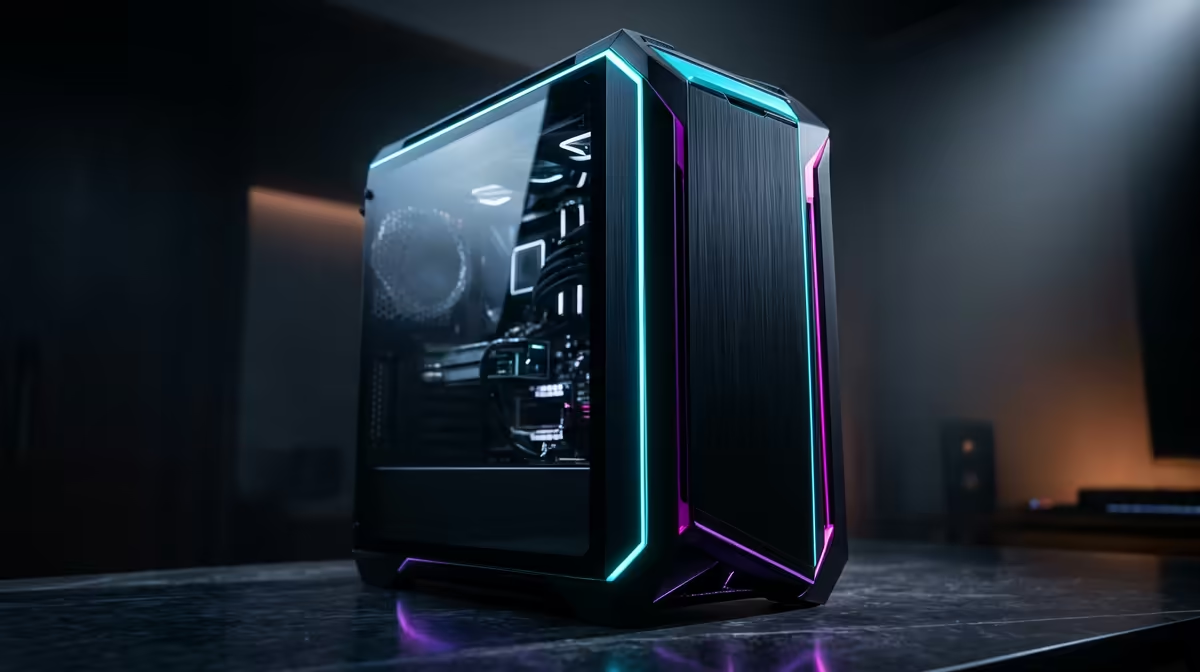
Before you check out, there are two final checks. A new high-end GPU is thirsty for power. Check your Power Supply Unit (PSU)—a quality 750W to 850W Gold-rated unit is a safe bet for most systems undergoing a 4K gaming PC upgrade. Secondly, more power means more heat. Ensure your PC case has good airflow to keep your new components running cool and quiet. This simple check can prevent performance throttling and extend the life of your hardware.
Ready to Experience True 4K Gaming?
The leap to Ultra HD is one of the most impactful upgrades you can make. With the right components, you can transform your old rig into a visual powerhouse. Explore our massive range of PC components and 4K monitors and start planning your ultimate upgrade today.