Is your trusty gaming laptop starting to feel a bit... slow? That epic boss battle in Elden Ring stutters, and your frame rates in Warzone are dropping lower than a loadout drop in the final circle. The thought hits you: can I pull off a gaming laptop upgrade myself? For many South African gamers, the DIY route is tempting. But before you break out the screwdrivers, let's explore what's actually possible and when it's smarter to invest in a new rig.
The Hard Truth About Gaming Laptop Upgrades
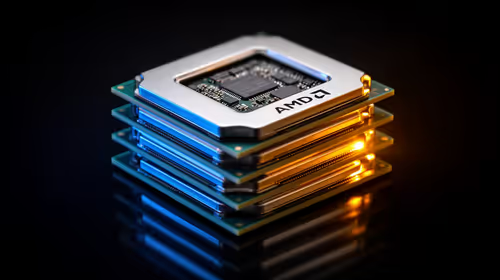
Unlike a desktop PC where nearly every part is modular, a gaming laptop is a tightly integrated piece of engineering. The most critical components for gaming performance—the CPU (processor) and GPU (graphics card)—are almost always soldered directly onto the motherboard. This means a CPU or GPU gaming laptop upgrade is practically impossible for 99% of laptops.
This is why choosing the right machine from the start is so vital. Investing in a laptop with a solid foundation, like one of the latest powerful GeForce RTX gaming laptops, gives you a longer runway before you even need to think about performance boosts.
What You Can Upgrade: The DIY Wins 🔧
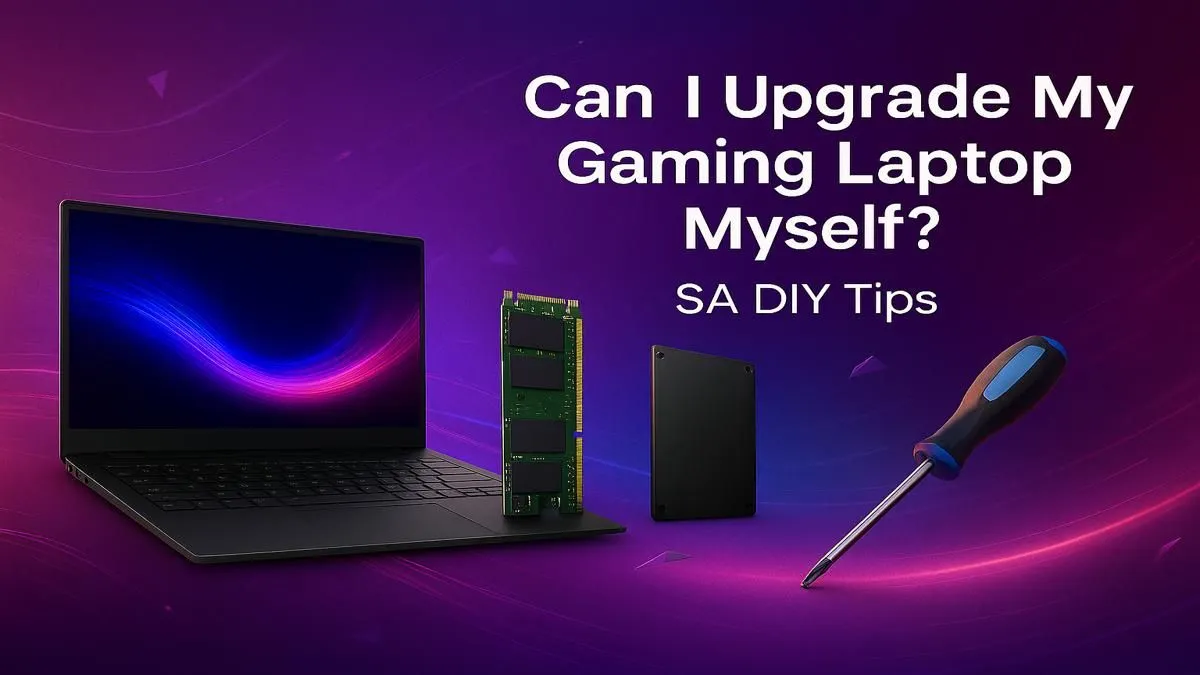
Don't lose hope just yet! While the core components are locked in, a couple of key upgrades can breathe new life into your machine. A successful DIY gaming laptop upgrade usually focuses on two areas: RAM and storage.
Boosting Your RAM (Memory)
Is your laptop struggling when you have Discord, a browser, and your game running all at once? A RAM upgrade could be your solution. Most gaming laptops come with 8GB or 16GB of RAM but have slots to support up to 32GB or even 64GB. More RAM allows your system to handle more tasks simultaneously, leading to smoother overall performance and fewer stutters in memory-hungry titles. It's often the most cost-effective gaming laptop upgrade you can perform.
Swapping Your Storage (SSD)
If your laptop still uses a traditional hard disk drive (HDD), upgrading to a Solid-State Drive (SSD) is a night-and-day difference. Your PC will boot up in seconds, and game loading screens will fly by. Many modern laptops, including a wide range of AMD Ryzen-powered machines, already have a fast NVMe M.2 SSD but might have a spare slot for you to add a second one for more game storage. ✨
Check Before You Buy ⚡
Before ordering parts, confirm your laptop's specifications. For RAM, you need the right type (e.g., DDR4 or DDR5 SO-DIMM) and speed. For storage, check if you have a spare M.2 slot or a 2.5-inch SATA bay. A quick search for your exact laptop model's teardown video on YouTube is your best friend here!
The DIY Upgrade Checklist: Are You Ready?
Thinking about giving it a shot? Run through this checklist first.
- Warranty: Will opening your laptop void your warranty? For many brands, the answer is yes. This is a huge risk to take if your machine is still relatively new.
- Tools: You'll need more than just a standard screwdriver. A proper electronics toolkit with precision bits, plastic prying tools, and an anti-static wrist strap is essential to avoid damaging delicate components.
- Research: Have you watched a step-by-step guide for your exact model? Different laptops have wildly different internal layouts. What’s easy on one can be a nightmare on another, especially with some modern Intel gaming laptops that have complex cooling systems.
Answering "no" to any of these should make you pause. A failed DIY job can turn a R2,000 upgrade into a R20,000 paperweight.
When a New Laptop is the Smarter Upgrade Path
A DIY gaming laptop upgrade is great for solving storage or multitasking bottlenecks. But if your core problem is low FPS in new games, more RAM or a faster SSD won't help. That's a GPU and CPU limitation, and it means it's time to look at a new machine.
Technology like NVIDIA's DLSS and ray tracing are built into newer graphics cards and can't be added to an older laptop. Often, you'll find that some of the great gaming laptops under R20k deliver better gaming performance than an older, high-end model you might spend a few thousand rand upgrading.
If you want a machine that will last you for years to come, looking at powerful laptops with a Core i7 CPU or even high-end options above R20k is the most logical path. Before you commit to a potentially risky DIY project, it's always smart to see what your money could get you in a brand-new, warranty-covered package. Why not take a moment to check out the best gaming laptop deals available right now?
Ready for a Real Performance Boost? 🚀
A DIY upgrade has its limits. For a true next-gen gaming experience with a full warranty and the latest technology, a new machine is the ultimate upgrade. Explore our massive range of gaming laptops and find the perfect rig to dominate the competition.