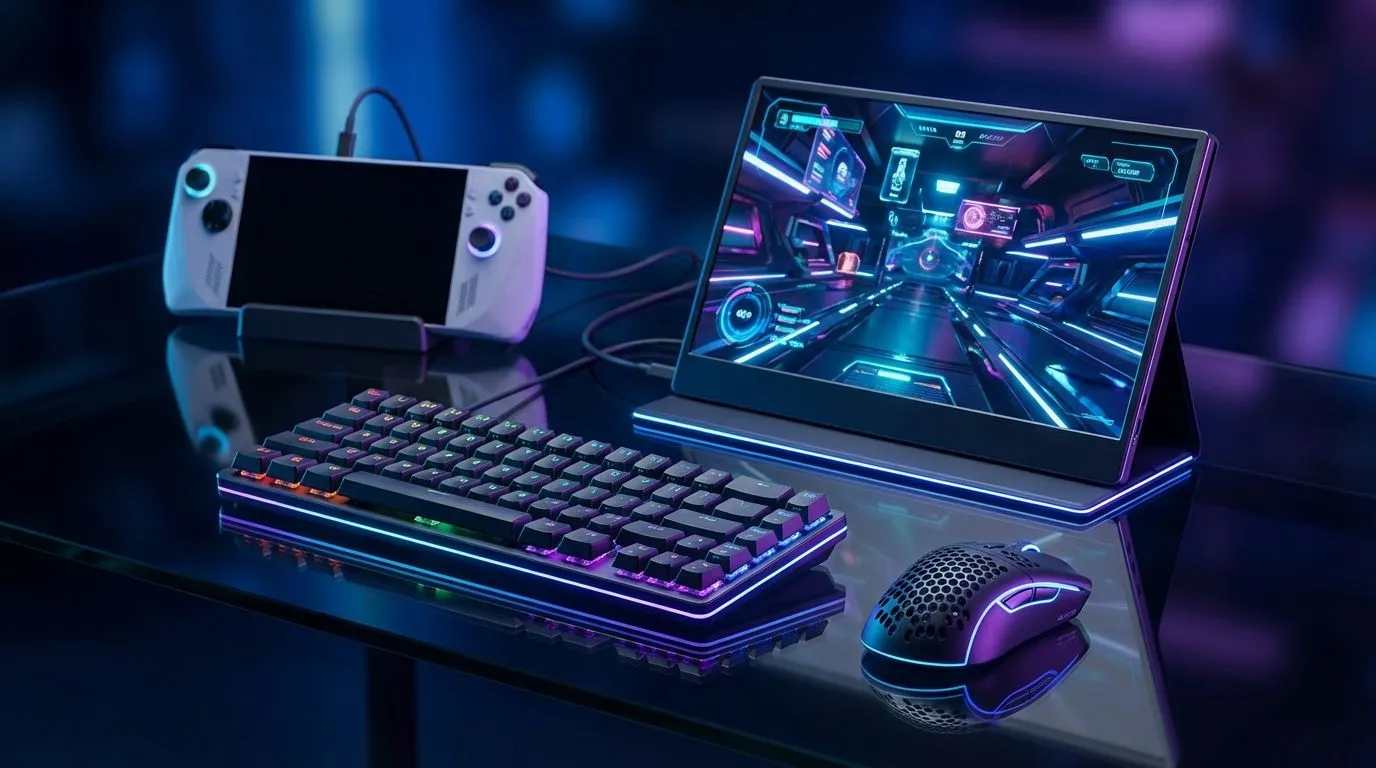
Gone are the days when portable gaming meant sacrificing performance for a tiny, dim screen. In 2025, carrying a console means having a legitimate PC in your backpack. But here is the secret most gamers miss... to unlock the true potential of your device, you need to dock it. Let’s build the ultimate handheld gaming setup that transforms your portable console into a desktop destroyer. 🚀
1. The Core: Choosing Your Portable Powerhouse
You cannot build a battle station without the engine. The South African market has exploded with high-performance options that run Windows 11, giving you access to Steam, Xbox Game Pass, and Epic Games without the "Linux workaround" headache.
While the category is broad, handheld gaming consoles have evolved into serious machines. If you prioritise a massive display for immersive sessions during an unexpected outage, the Lenovo Legion Go is a standout choice with its detachable controllers and FPS mode.
For those who prefer a more ergonomic, lightweight form factor that feels natural in the hands, the ASUS ROG Ally series continues to dominate the local scene. And let’s not overlook the new challenger, the MSI Claw, which brings Intel’s Arc graphics architecture into the palm of your hand.
2. The Monitor: scaling Up
Why stare at a 7-inch screen when you are safe at home? The beauty of these devices is the USB-C display output. However, you must be realistic about resolution.
Don't buy a 4K monitor for a handheld; the integrated graphics will struggle. Instead, aim for a 24-inch or 27-inch 1080p monitor with a high refresh rate (144Hz+). This sweet spot ensures your games look crisp without tanking your frame rates. Look for displays with FreeSync support to eliminate screen tearing, as handheld frame rates can fluctuate during intense action sequences. ✨
Performance Pro Tip ⚡
When docked to a larger monitor, enable AMD FSR (FidelityFX Super Resolution) or Intel XeSS in your game settings. Set it to 'Quality' or 'Balanced'. This renders the game at a lower internal resolution and upscales it, giving you high FPS on a big screen without making your handheld overheat.
3. The Peripherals: Mechanical Precision
Controller aim assist is great, but for competitive shooters or strategy games, nothing beats a mouse and keyboard. Since you are building a handheld gaming setup, space is likely a priority.
- The Keyboard: Go for a 60% or TKL (Tenkeyless) mechanical keyboard. These compact boards leave more room for mouse movement and fit easily into a backpack if you take your full setup to a LAN.
- The Mouse: A lightweight wireless mouse is essential. Look for something under 80g to reduce fatigue.
4. The Docking Station
This is the glue that holds it all together. You don't necessarily need a proprietary dock, but you do need a USB-C hub that supports 100W Power Delivery (PD). The console needs roughly 65W to run at full turbo mode while charging, and the remaining wattage powers your USB peripherals and HDMI output.
By combining the right console with smart peripheral choices, you get the best of both worlds: a beastly rig for your desk and a portable console for the road. 🔧
Ready to Build Your Hybrid Setup?
Whether you need the raw power of the Legion Go or the ergonomics of the ROG Ally, we have the gear to get you started. Shop our full range of Handheld Consoles and take your gaming anywhere, anytime.