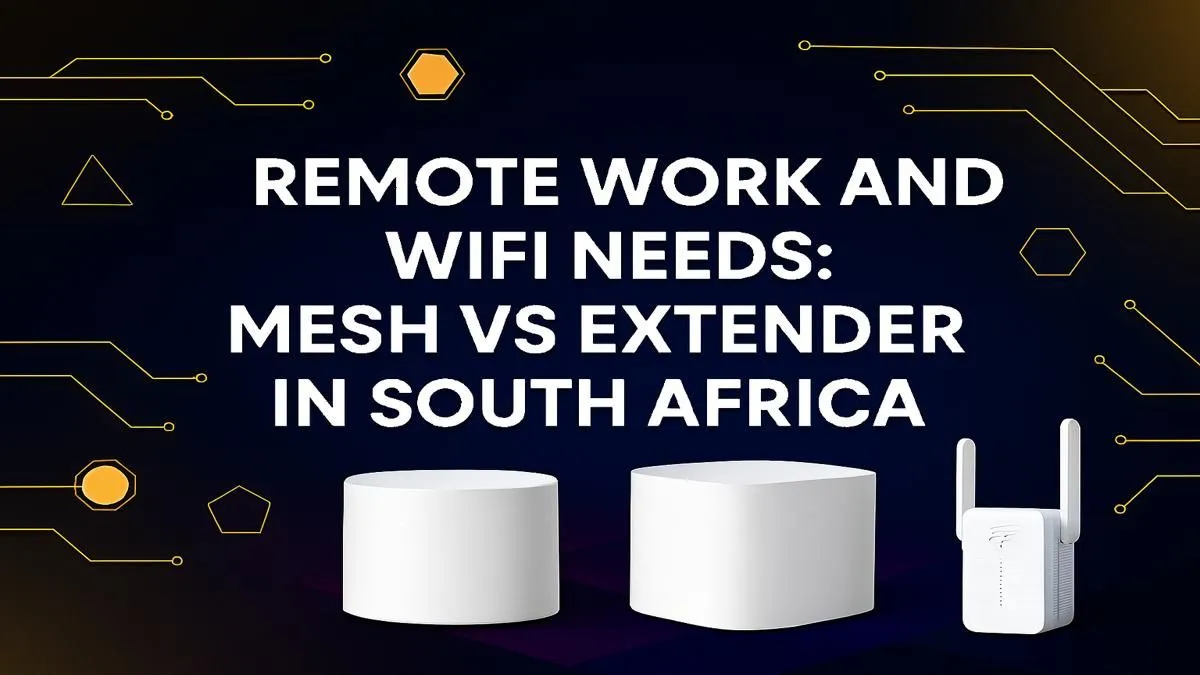
Is your WiFi connection letting you down during crucial work-from-home moments? You’re not alone. For many South Africans, a patchy connection is a daily frustration, turning important Teams calls into a pixelated mess. The big question is how to fix it. When it comes to the Mesh vs Extender South Africa debate, choosing the right gear is key to reclaiming your productivity. Let's break down which solution is the best for your remote work setup.
What's a WiFi Extender? The Quick & Easy Boost
Think of a WiFi extender as a simple megaphone for your router's signal. You plug it into a wall socket somewhere between your router and the "dead zone," and it captures the existing WiFi signal, then rebroadcasts it further.
It's a straightforward and often affordable way to push your signal into a spare room or onto the patio. For a small flat or a single problem area, one of these simple wireless range extenders can be a perfectly good fix. 🔧
However, they have a catch. Most extenders create a new network (like "MyWiFi_EXT"). This means you have to manually switch between networks as you move around. More importantly, they typically cut your potential internet speed in half because the same radio has to both receive and transmit the signal.
What's a Mesh WiFi System? The Whole-Home Solution
A mesh WiFi system is a far more sophisticated solution. Instead of one device shouting louder, it's a team of smart devices (called nodes) that work together. You replace your existing router with the main mesh node and place the other nodes around your home.
Together, they create a single, massive, and seamless WiFi bubble. Your phone, laptop, or console will automatically connect to the strongest node without you ever noticing. This intelligent system ensures you get consistent speeds everywhere, from the lounge to the garage. It's the ultimate upgrade for larger or double-storey homes, making it a top contender for the best WiFi for remote work. Many of these powerful kits are found alongside modern wireless routers and mesh systems.
Mesh vs Extender South Africa: The Head-to-Head Breakdown
So, how do they stack up for a typical South African home office? Let's get straight to the point.
Performance & Speed
A WiFi extender will always be slower than your main router. A mesh system, on the other hand, is designed to maintain high speeds across its entire coverage area. For video conferencing and large file transfers, mesh wins easily. ✨
Coverage & Reliability
An extender is like patching a hole. A mesh system is like re-doing the whole wall. Mesh provides more reliable, blanket coverage without the dropped connections you experience when switching between an extender's network and your router's.
Ease of Use
While an extender is easy to plug in, the need to manage two separate networks can be annoying. A mesh system is a "set it and forget it" solution with one network name and one password. It just works.
Cost
This is where extenders have a clear advantage. They are significantly cheaper upfront. A mesh system is an investment, but one that pays off in reliability and performance.
Placement Pro Tip 📍
Whether you choose a mesh node or an extender, placement is critical. Position it roughly halfway between your router and the dead zone. Avoid hiding it behind thick walls, furniture, or in a cupboard. A clear line of sight, or as close to it as possible, will give you the best performance.
Choosing the Best WiFi for Remote Work in SA
For casual browsing or extending a signal to one extra room on a tight budget, an extender is a viable choice.
But if your income depends on a stable internet connection... if you can't afford to drop out of a client call or wait forever for a download... then a mesh system is the superior choice. The stability and consistent speed it provides are essential for a professional remote work environment. 🚀
And remember, a great network is only half the story. Ensure your PC or laptop can take full advantage of the improved signal with high-quality wireless adapters for the best possible speeds. Ultimately, the decision in the mesh vs extender battle comes down to your specific needs and home layout, so it pays to explore our full range of wireless networking gear to see all the options available.
Ready to Banish Buffering Forever?
A rock-solid WiFi connection is non-negotiable for modern work and play. Whether you need a simple boost or a whole-home solution, investing in the right gear makes all the difference. Explore our complete range of networking solutions and build a network that never lets you down.