Quick Answer
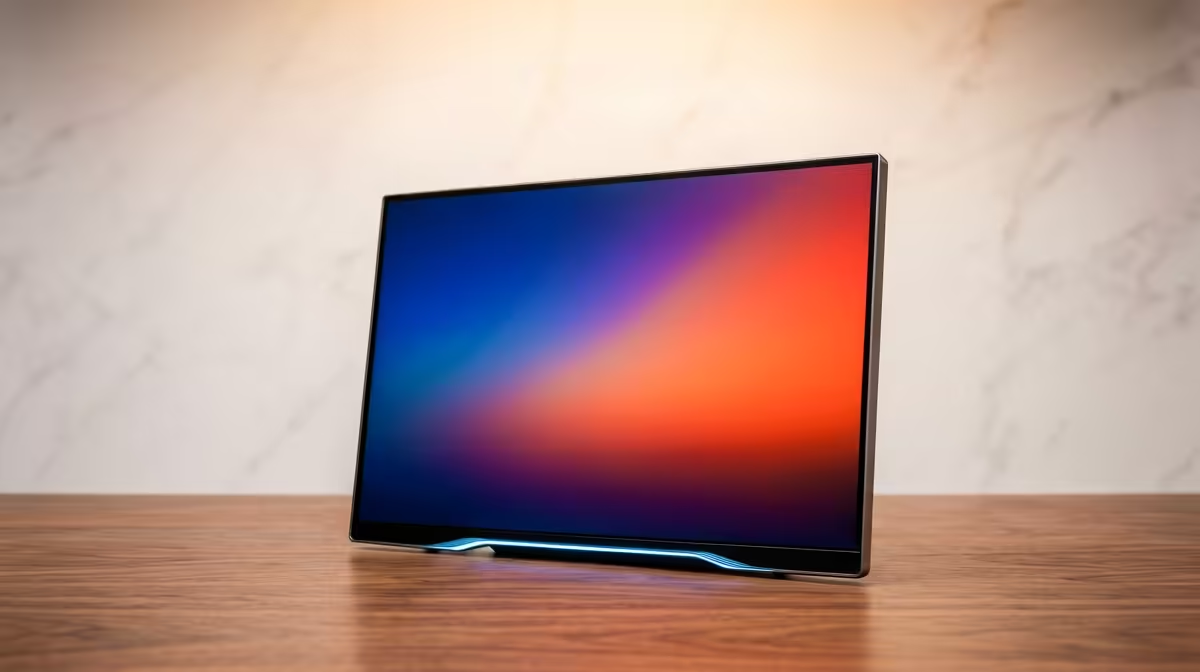
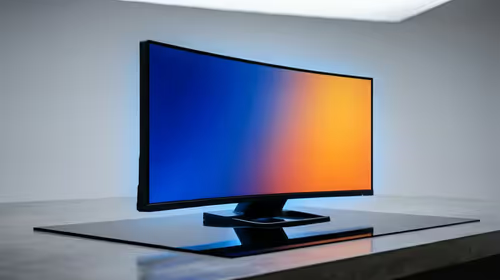
For photo editing and retouching on a 1440p 180Hz display, colour accuracy is the non-negotiable spec — choose an IPS panel with sRGB ≥99% and DCI-P3 ≥90% coverage. The 180Hz refresh helps with smoother layer masking and brush stroke preview in Photoshop and Lightroom, but the panel's colour performance determines output quality. Budget R5,500–R7,000 for the monitor alone.
Why Colour Accuracy Beats Refresh Rate for Photo Work
For retouching, an IPS panel factory-calibrated to Delta E < 2 ensures colours on screen match print and web output. A TN or VA 180Hz panel at the same price will have wider colour deviation and poorer viewing-angle consistency — shadow regions on the sides of the screen look different from the centre, causing inaccurate masking decisions.
Key specs to prioritise for a photo editing 1440p monitor:
- sRGB coverage: ≥99% for web-accurate colour work
- DCI-P3 coverage: ≥90% if also editing for video or print
- Delta E ≤ 2: factory calibrated or user-calibratable
- Panel type: IPS only — not TN, not VA for retouching
- Brightness: ≥350 nits for SDR photo work in a bright SA home or studio
Full Setup Recommendation for Photographers in SA
- Monitor: 27-inch 1440p IPS 180Hz with ≥99% sRGB (~R5,500–R7,000)
- CPU: Ryzen 7 7700X (
R5,500) or Core i7-14700K (R7,500) — Lightroom Classic and Photoshop are multi-threaded - GPU: RTX 4060 Ti (
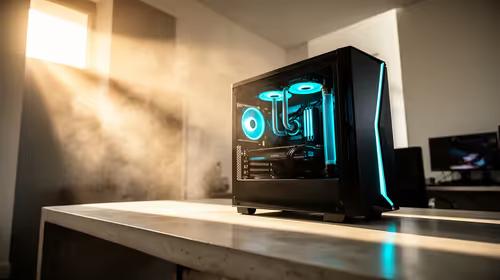
R8,500) or RX 6800 (R8,000) — Photoshop uses GPU acceleration for filter previews - RAM: 32GB DDR5 (~R2,800) — Lightroom's preview cache and open catalogues consume RAM rapidly
- Storage: 2TB NVMe (~R1,600) for catalogue + 4TB external for RAW archive
Total: R32,000–R38,000
SA-Specific Retouching Context
SA photographers working with wedding albums, commercial product shots, or estate agency images typically output to sRGB for web and Adobe RGB for print. A 1440p IPS panel covering ≥99% sRGB and ≥90% DCI-P3 covers both output profiles reliably. Pair with a hardware colour calibrator for quarterly recalibration — important in SA's variable ambient light conditions.
FAQ
Does 180Hz help in Photoshop or Lightroom?
Yes, subtly. Layer previews, brush stroke feedback, and content-aware fill previews render more fluidly at 120–180Hz versus 60Hz. The improvement is real but secondary to colour accuracy. A 60Hz wide-gamut IPS monitor beats a 180Hz TN panel for photo work every time.
How much RAM do I need for retouching large RAW files in Lightroom?
32GB is the practical minimum for Lightroom Classic with a 50,000+ image catalogue and multiple 45MP RAW files open simultaneously in the Develop module. 64GB eliminates slowdowns when exporting large batches while editing. Evetech stocks 32GB DDR5 kits from ~R2,800.
Is a 27-inch or 32-inch 1440p monitor better for photo retouching?
27-inch at 1440p gives 108 PPI — excellent pixel density for skin retouching detail. 32-inch at 1440p drops to 91 PPI, which is softer and may cause pixel-level retouching to look smoother on screen than it is in the actual file. Photographers doing fine detail work prefer 27-inch 1440p. 32-inch suits layout and overview work.
Browse Evetech's 27-inch IPS monitor range with 1440p and sRGB ≥99% coverage for photo retouching. Pair with 32GB DDR5 and a Ryzen 7 7700X for Lightroom Classic performance that keeps up with large RAW catalogues.