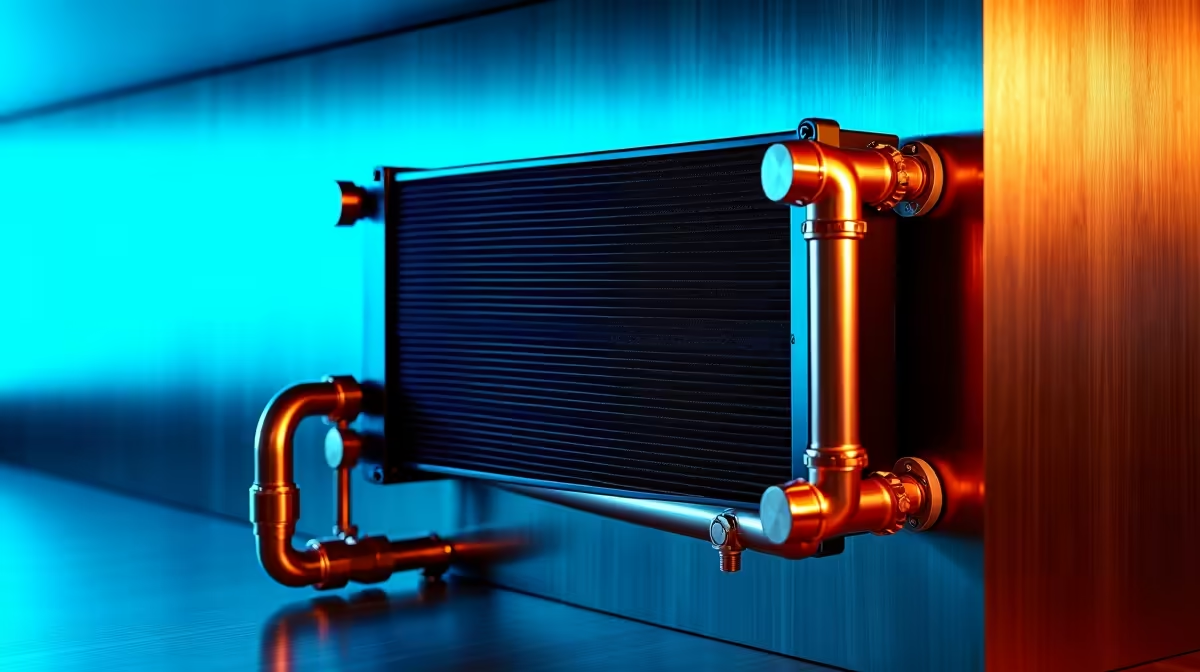
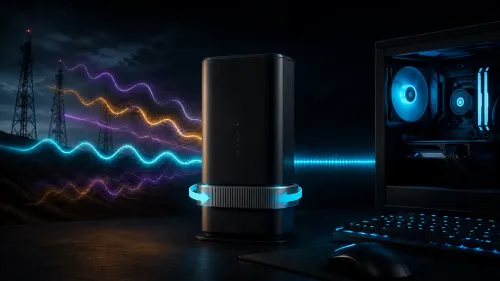
Is your gaming PC starting to sound like a jet engine during a Johannesburg heatwave? You're not alone. When the summer sun beats down, traditional fan curves often struggle, leading to thermal throttling right when you're about to clutch a win. But what if your PC could outsmart the heat? Enter the next evolution in performance management: AI PC cooling solutions for hot climates, a smarter way to keep your rig frosty and your frames high, even when it’s scorching outside. 🌡️
The South African Heat vs. Your High-End Rig
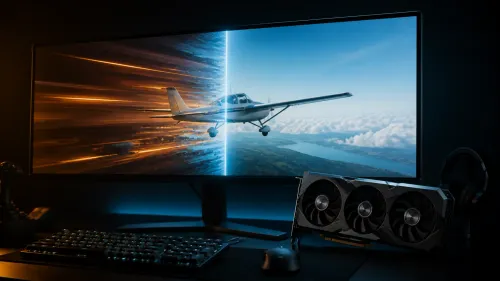
We all know the feeling. The air is thick, the power might dip any second, and your PC's fans are screaming. This isn't just annoying; it's a performance killer. When your CPU or GPU gets too hot, it automatically reduces its speed to protect itself—a process called thermal throttling. Suddenly, your smooth 144 FPS gameplay turns into a stuttering mess.
In a climate like ours, with intense summer temperatures from Cape Town to Polokwane, standard cooling can be a reactive, brute-force solution. It waits for components to get hot, then blasts the fans. This approach is noisy, inefficient, and often too late to prevent performance dips. To truly conquer the heat, you need a system that thinks ahead. That's why exploring the best gaming PC deals with modern cooling is more important than ever.
Demystifying AI PC Cooling Solutions
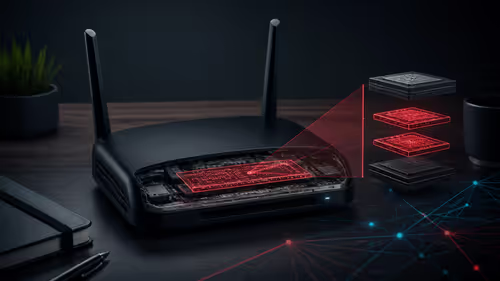
When we say "AI cooling," we're not talking about a sentient computer deciding your fan speeds. Instead, think of it as intelligent, predictive software. AI PC cooling solutions use algorithms and machine learning to analyse your system's data in real-time.
Here’s how it works:
- Learning Your Habits: The software learns how you use your PC. It knows the difference between you browsing the web and jumping into a heavy Cyberpunk 2077 session.
- Predictive Adjustments: Based on this data, it anticipates temperature spikes. Before a heavy load even hits, it can gently ramp up fan speeds or AIO pump RPMs to prepare.
- Micro-Optimisation: It makes thousands of tiny, inaudible adjustments per minute, finding the perfect balance between temperature and noise.
This tech is often built directly into the motherboards of modern systems, whether you're looking at Intel PC deals or browsing the latest AMD Ryzen PC deals. It’s a quiet revolution happening right on the circuit board.
Quick Start for AI Cooling 💡
Many modern motherboards (like ASUS or MSI) have AI Cooling features. To enable it, reboot your PC and enter the BIOS UEFI (usually by pressing DEL or F2). Look for a 'Q-Fan Control' or 'Smart Fan' section. You'll often find an 'AI Cooling' or 'AI Optimization' toggle. Enable it, save, and exit. The system will then run a brief calibration to learn your fans' capabilities.
The Real-World Benefits of AI Cooling in Hot Climates
So, what does this smart tech actually mean for your daily gaming and productivity? The benefits are tangible, especially in a warmer environment.
1. Whisper-Quiet Operation
Because the system isn't just reacting to high temperatures, it avoids the sudden, jarring "jet engine" effect. Fans ramp up smoothly and only when necessary. This means a much quieter environment for late-night gaming sessions or focused work. Whether your rig is powered by the latest graphics cards found in our NVIDIA GeForce gaming PCs or the powerful options in our AMD Radeon gaming PCs, intelligent cooling keeps the noise down.
2. Smarter, Sustained Performance
The biggest win is the reduction of thermal throttling. By anticipating heat loads, AI cooling keeps your components within their optimal temperature range for longer. This ensures you get the consistent, high-level performance you paid for, which is crucial for competitive gaming and demanding creative workloads. Even the latest GPU architectures, like those in our Intel Arc gaming PCs, benefit immensely from this proactive thermal management.
3. Potential for Better Efficiency
While not a massive power-saver, optimising fan usage means your system isn't wasting energy on unnecessary cooling. Every little bit helps, especially when you’re trying to keep your power consumption down. This intelligent approach to resource management is vital for everything from entry-level builds to high-performance machines.
How to Get AI-Powered Cooling in Your Setup 🔧
Ready to embrace a cooler, quieter PC? You have two main options.
First, if you're building or upgrading, you can specifically choose a motherboard that features AI cooling technology. Many modern chipsets support this out of the box. This smart tech isn't just reserved for the highest-end builds anymore; you can find it in surprisingly affordable budget gaming PCs that offer incredible value.
Second, the easiest route is to opt for a professionally built system. At Evetech, we ensure our builds are optimised for performance and thermal efficiency from the get-go. This is especially true for our demanding workstation PCs, where sustained performance under load is non-negotiable. By choosing from our wide range of pre-built PC deals, you get a balanced, tested machine ready to handle the South African climate without breaking a sweat.
Ultimately, an AI PC cooling solution is more than a feature; it’s a necessity for getting peak performance in hot climates. Don't let the heat be your final boss.
Ready to Build a PC That Stays Frosty?
Beating the South African heat requires a smart setup. Whether you need a pre-built powerhouse or the parts for a custom rig, we've got you covered. Explore our best gaming PC deals and build a machine that keeps its cool when the pressure's on.