Quick Answer
For a UCT Architecture student in Bellville digs, a laptop with a Ryzen 7 / Core i7, 16–32GB RAM, an RTX 4060 (8GB) and a 1TB SSD (from around R22,000) runs Revit, AutoCAD, SketchUp and Lumion smoothly. Architecture needs a real GPU, unlike most degrees.
Why architecture needs a GPU
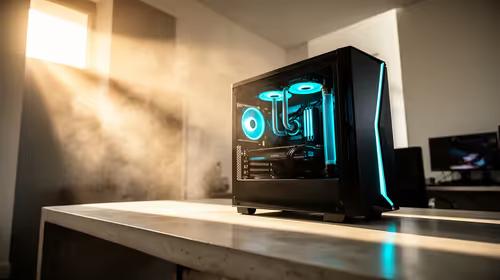
Revit, AutoCAD and especially Lumion and Twinmotion lean on the graphics card for 3D modelling and rendering. An RTX 4060 (8GB VRAM) handles model navigation and renders that integrated graphics can't. Pair it with a Ryzen 7 / Core i7 and 16GB RAM (32GB for heavy Lumion scenes), plus a 1TB SSD since BIM project files and asset libraries grow large fast.
Bellville digs setup
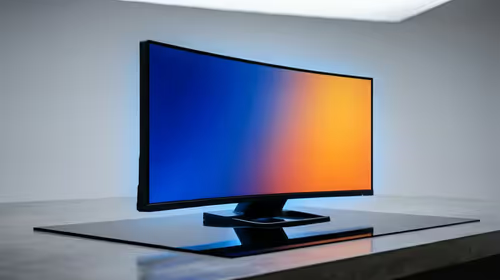
Bellville has good fibre for downloading large asset libraries and uploading submissions on a 20–50 Mbps line. In digs, a laptop lets you model in studio, the library and your room. At your desk, add a 1440p IPS monitor (~99% sRGB) — the extra screen space and accurate colour make detailed drawings and renders far easier to judge.
Storage and software
Revit, AutoCAD and Lumion projects with their asset libraries grow large, so a 1TB SSD is the practical minimum. Keep active projects on the SSD and archive finished work externally. UCT typically provides student licences for Autodesk software, so budget for hardware rather than the apps themselves.
FAQ
Do architecture students need a gaming laptop?
Effectively yes — a laptop with an RTX 4060 handles Revit, Lumion and SketchUp where integrated graphics struggle.
How much RAM for architecture software?
16GB is the minimum; 32GB is worth it for large Lumion scenes and complex BIM models.
How much should I budget?
From around R22,000 for a capable architecture laptop; NSFAS's R5,200 allowance won't cover it, so combine with savings.
discrete RTX GPU and 32GB RAM for architecture — Lumion and Twinmotion renders depend on both far more than on raw clock speed.