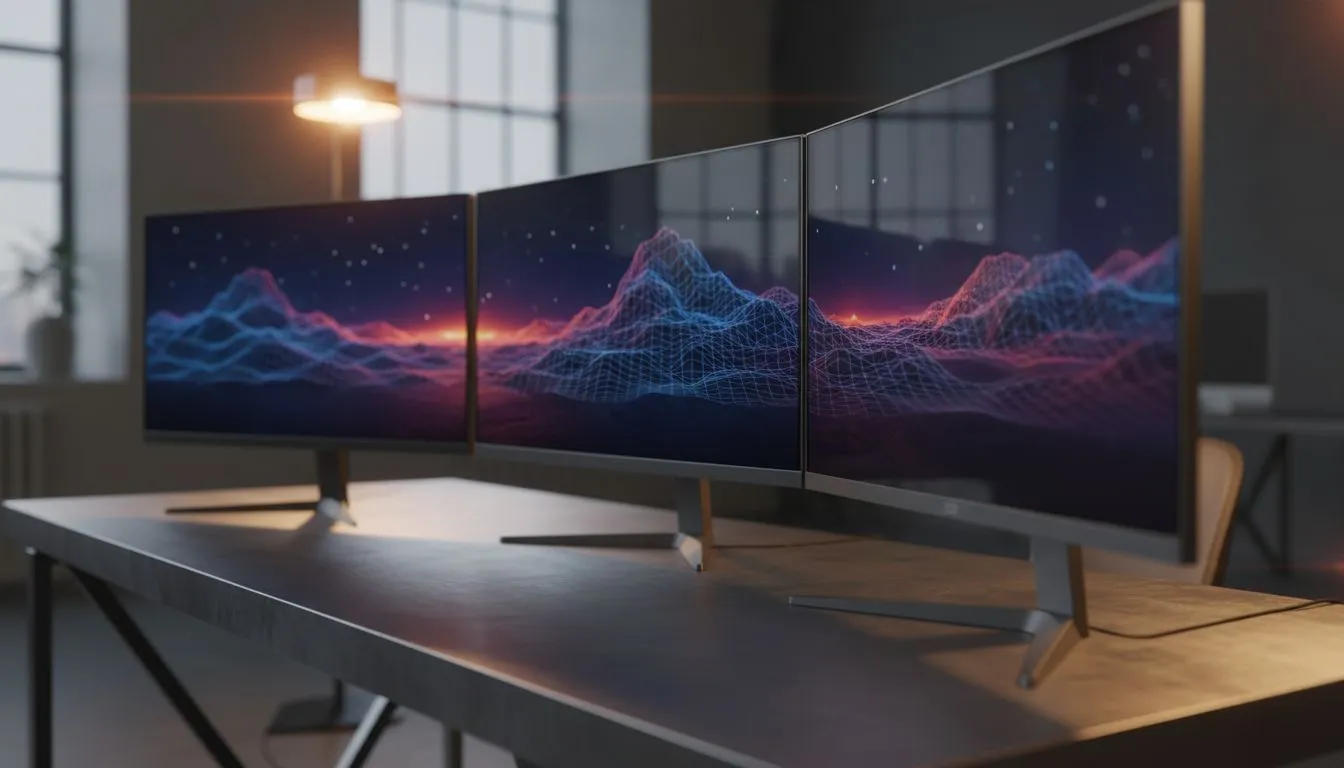
Why Bezelless Displays Define the Modern Battle Station
Ever sat in front of a massive flight simulator or a dense video timeline and felt the "bezel gap" ruin the magic? When you are building the ultimate workstation or gaming rig in SA, choosing the best bezelless monitors for triple monitor setup isn't just about aesthetics. It is about creating a seamless window into your digital world without those annoying black bars breaking your immersion.
Finding the right balance between performance and price is key. You can often find incredible value by checking out the best PC monitor deals currently available. Getting three identical screens ensures that the colour profiles and pixel densities match perfectly... which is vital for a cohesive view. 🚀
Seamless Immersion with Ultra-Thin Frames
The primary goal of a triple display is to expand your peripheral vision. Standard PC monitors with thick plastic frames create a "window pane" effect. Bezelless designs, often called "frameless" or "edge-to-edge," reduce the gap between panels to just a few millimetres.
For local gamers, this is a total game-changer for racing sims or first-person shooters. When you browse all gaming monitors at Evetech, look for models with an "ultra-slim bezel" tag. This design allows the images to flow from one screen to the next with minimal interruption. ✨
Curved vs Flat for Triple Setups
Should you go flat or curved? If you buy curved monitors, the wrap-around effect is significantly enhanced. The curve brings the outer edges of the side monitors closer to your eyes... keeping the focal distance consistent across the entire panoramic view.
Triple Monitor Alignment Tip ⚡
When setting up three screens, use a dedicated triple-monitor stand. This allows you to fine-tune the tilt and angle, ensuring the edges of your bezelless displays touch perfectly. Even a 2mm misalignment can break the immersion of your panoramic view.
Pixel Density and Resolution Matters
If you are a creative professional or a high-end gamer, resolution is everything. Choosing to buy 5K and 4K monitors for a triple setup requires serious GPU power, but the clarity is unmatched. Imagine having a massive 12K horizontal workspace for your 4K video editing timeline... it is a productivity dream.
For those who need a smaller, secondary reference screen or a mobile setup, you might even consider how to buy portable monitors to complement your main desk arrangement. 🔧
Finalising Your Setup with the Right Gear
A triple monitor array is heavy and takes up significant desk real estate. You will almost certainly need to invest in some monitor accessories like heavy-duty gas-spring arms. These help you reclaim your desk space and position your screens at the perfect ergonomic height.
Buying three monitors at once in South Africa can be a significant investment, often ranging from R9,000 to over R30,000 depending on the specs. Always check for bundle deals to maximise your ZAR value.
Ready to Build Your Dream Setup?
Eliminating bezels is the first step toward total digital immersion. Whether you are dominating on the battlefield or crushing your workflow, the right screens make all the difference. Explore our massive range of monitors and find the perfect displays to complete your triple-monitor masterpiece.