Staring at a stuttering timeline while your 4K footage drops frames? We've all been there. That dreaded export timer crawling along when a client in Cape Town needs the final cut... yesterday. In 2026, your creativity shouldn't be bottlenecked by your hardware. The heart of a smooth editing experience is your processor. This guide breaks down the best CPU for 4K video editing, helping South African creators like you find the perfect brain for your build. 🎬
Why Your CPU is King for 4K Video Editing
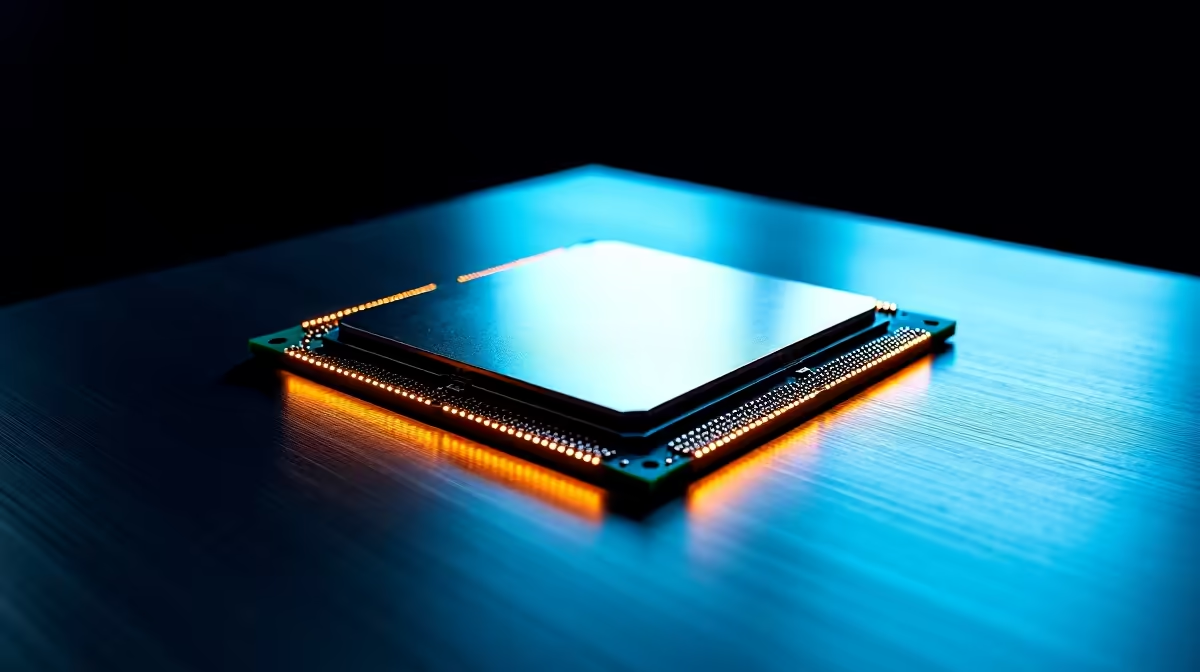
Your Graphics Card gets a lot of glory, but for video editing, the Central Processing Unit (CPU) does the heaviest lifting. It handles crucial tasks like decoding complex video files, rendering effects in real-time, and, most importantly, encoding your final project. A powerful CPU means a fluid timeline and drastically shorter export times. Whether you're looking at Intel's latest processors or what Team Red offers, understanding its role is key.
What to Look for in a Top CPU for 4K Editing
Choosing the right processor isn't just about picking the one with the biggest number. For 4K workflows, a few key specs matter more than others. 💡
Cores and Threads: The Multitasking Muscle
Think of cores as individual workers. The more cores and threads you have, the more tasks your CPU can handle simultaneously. This is vital for rendering and exporting, where the software can split the job across all available cores. While a solid 14-core CPU offers a massive leap for most creators, jumping to powerhouse 24-core options can literally cut your export times in half for complex projects.
Clock Speed: The Responsiveness Factor
Measured in Gigahertz (GHz), clock speed determines how fast each core can process instructions. A higher clock speed leads to a snappier, more responsive experience when scrubbing through your timeline, applying effects, and general system usage. Many options in AMD's Ryzen lineup excel at balancing high core counts with impressive clock speeds.
Don't Forget Quick Sync! ⚡
Many Intel CPUs feature Quick Sync Video technology, which uses the integrated GPU to dramatically accelerate video encoding and decoding in programs like Adobe Premiere Pro and DaVinci Resolve. This can be a massive time-saver, freeing up your main CPU cores for other tasks.
Our 2026 Picks for SA's 4K Video Editors
Finding the best processor for 4K video editing in South Africa means balancing performance with your budget. Here are our top recommendations for different types of creators.
The All-Rounder Powerhouse: High Performance, Smart Value
For the professional creator or serious enthusiast who needs to crush 4K timelines without selling a kidney, the upper mid-range is the sweet spot. Processors in the AMD Ryzen 7 series consistently deliver an incredible blend of multi-core performance for rendering and high single-core speed for a buttery-smooth editing experience. They are true workhorses. 🚀
The Budget-Conscious Champion: Maximum Bang for Your Buck
Just starting out or upgrading an older rig? You don't need to spend a fortune to get great 4K performance. The market is packed with incredible value. You can find excellent Intel options under R4200 that will handle 4K projects with ease. On the other side, there are some great value AMD CPUs for under R3000 that offer fantastic multi-threaded performance for their price, perfect for speeding up those exports.
Building a Balanced Rig 🔧
Remember, the best CPU for 4K video editing needs a good team. Don't pair a monster processor with slow RAM or a clunky hard drive. For a balanced 4K editing PC, aim for:
- RAM: 32GB as a minimum, 64GB is ideal for complex projects with lots of effects.
- Storage: A fast NVMe SSD for your operating system, software, and active project files is non-negotiable.
- GPU: A dedicated graphics card with at least 8GB of VRAM will help accelerate effects and playback.
By ensuring your other components can keep up, you'll unlock the full potential of your new processor.
Ready to Build Your 4K Editing Beast?
The right CPU is the difference between frustration and flow. Stop waiting for renders and start creating faster. Explore our full range of Intel and AMD CPUs and find the perfect core for your creative workstation.