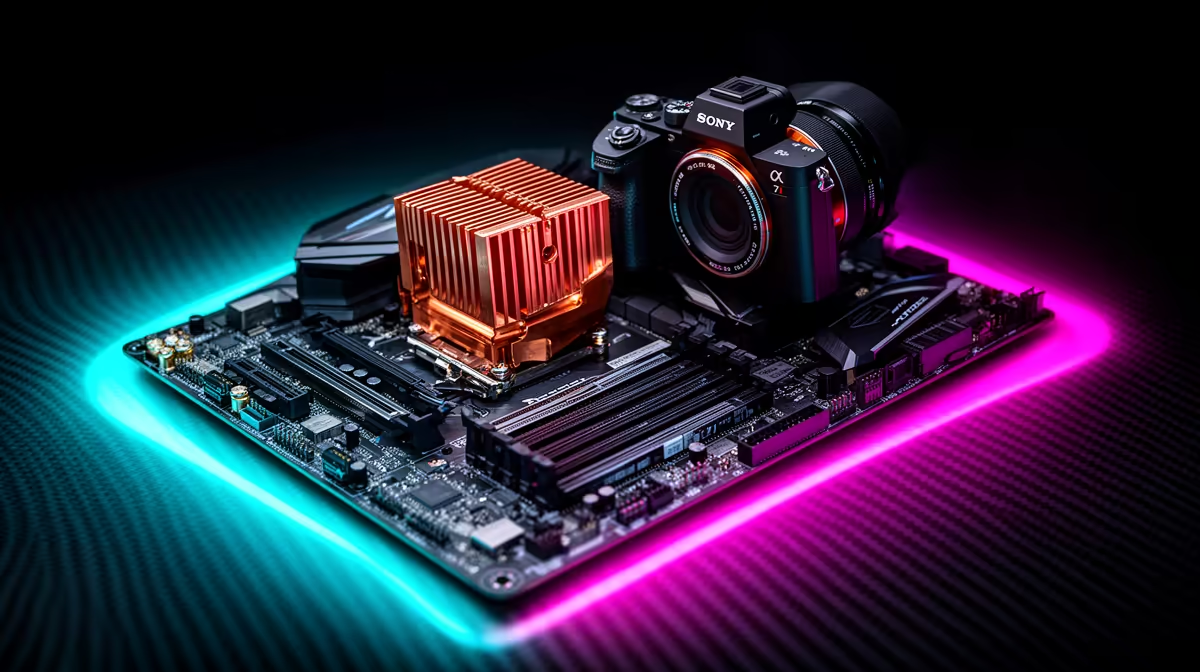
Building a new gaming rig in South Africa? It’s tempting to pour all your cash into a beastly GPU, but hold up... the motherboard is the unsung hero of your PC. Picking the wrong one can bottleneck your entire system, wasting performance you paid for. This guide will help you navigate the options and find the best gaming motherboard in South Africa for your specific build, ensuring every rand spent translates into pure, unadulterated power. Let’s get you sorted. 🚀
Why Your Gaming Motherboard Choice Matters
Think of your motherboard as the central nervous system of your PC. It’s the foundation upon which every other component is built. It dictates what CPU you can use, how fast your RAM can run, and how many high-speed drives you can install. A cheap, low-quality board can lead to instability, poor power delivery, and limited upgrade paths down the line.
Ultimately, choosing the right motherboard isn't just about compatibility; it’s about unlocking the full potential of your components. A well-chosen board provides a stable platform for overclocking, superior connectivity, and the peace of mind that your rig is built to last.
Key Features of the Best Gaming Motherboards
Navigating motherboard specs can feel like learning a new language. Let's break down the most important features to look for when shopping for gaming motherboards in SA.
Chipset and CPU Socket: The Perfect Match
This is the most critical decision. The chipset and CPU socket determine which processor family your motherboard supports. You can't install an AMD CPU on an Intel motherboard, or vice versa.
- Intel: Uses the LGA (Land Grid Array) socket, like the current LGA 1700 for 12th, 13th, and 14th Gen CPUs.
- AMD: Uses the AM socket, with AM5 being the latest for Ryzen 7000 series and beyond.
The chipset (e.g., Intel's Z790 or AMD's B650) is the board's brain, managing data flow and enabling features like overclocking and PCIe lanes.
RAM and Storage: Speed is Everything
For modern gaming, 16GB of RAM is the baseline, but 32GB is becoming the sweet spot. Look for motherboards with four RAM slots to allow for future upgrades. Pay attention to whether the board supports DDR4 or the newer, faster DDR5 standard.
For storage, ensure the board has at least one M.2 slot for a super-fast NVMe SSD. This dramatically reduces game load times. The best gaming motherboards often feature multiple M.2 slots, some with PCIe 5.0 support for next-gen speeds. ✨
BIOS Flashback Pro Tip 🔧
Some motherboards might need a BIOS update to work with the very latest CPUs, even if they share the same socket. Look for boards with a 'BIOS Flashback' or 'Q-Flash Plus' feature. This lets you update the BIOS with just a USB stick and a power supply—no CPU or RAM needed! It's a lifesaver that can prevent a massive headache.
VRMs and Power Delivery: The Key to Stability
VRM stands for Voltage Regulator Module. In simple terms, it’s the componentry that delivers clean, stable power to your CPU. A motherboard with a robust VRM setup and good heatsinks will run cooler and handle high-performance CPUs (especially if you plan to overclock) without breaking a sweat. This is a crucial, often overlooked, feature of a quality gaming motherboard.
Intel vs. AMD: Choosing Your Platform in South Africa
The age-old question: Team Blue or Team Red? Both platforms offer incredible performance, but their motherboard ecosystems have key differences.
Intel's Z-series chipsets (like Z790) are the top-tier choice, offering full CPU and memory overclocking capabilities. For those on a tighter budget, the B-series (like B760) provides excellent performance but typically locks CPU overclocking. If you're building an Intel-powered rig, it's worth exploring our extensive range of Intel motherboards to see the full spectrum of options.
On the other side, AMD has been praised for its user-friendly approach. With the latest AM5 platform, even the more affordable B650 and B650E chipsets allow for CPU overclocking. The high-end X670 and X670E boards offer more connectivity and PCIe 5.0 lanes for enthusiasts. To see what Team Red has to offer, check out the latest AMD motherboards and find the perfect fit for your Ryzen processor.
Ultimately, the best gaming motherboard for you depends on your chosen CPU and your performance goals.
Ready to Build Your Foundation?
Choosing the right motherboard is the first step to a legendary PC build. It’s the platform that brings your CPU, GPU, and RAM together for epic performance. Explore our massive range of motherboards and find the perfect backbone for your dream rig.