Quick Answer
An eMalahleni photo-editing setup needs a colour-accurate monitor, 32GB RAM, and a fast CPU more than a top gaming GPU. A Ryzen 7, 32GB RAM, a 1TB NVMe SSD, and an IPS monitor with strong sRGB coverage handle large RAW files smoothly, with the system around R22,000 to R30,000 including the screen. Calibrate the monitor with a hardware tool after setup, since even accurate panels drift over time. An eight-core CPU and 32GB RAM keep large RAW files and exports responsive.
The Monitor Is The Priority
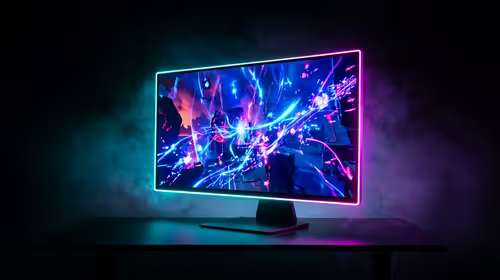
For photo work, an accurate display matters as much as the PC. Look for an IPS panel with at least 99% sRGB coverage, and ideally Adobe RGB or DCI-P3 for print work, so edits look right everywhere. A 27-inch 1440p or 4K panel gives the resolution to judge fine detail in RAW images.
CPU, RAM And Storage
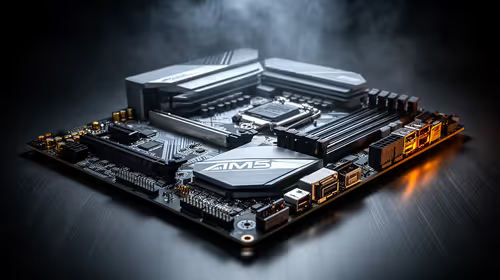
Editing large RAW files and layered documents leans on the CPU and memory. An eight-core processor speeds up exports and batch edits, and 32GB RAM keeps big multi-layer files responsive. A 1TB NVMe SSD gives fast file access; a larger or second drive helps if you keep a growing catalogue of high-resolution images.
FAQ
What spec matters most for photo editing?
A colour-accurate IPS monitor, then 32GB RAM and a capable CPU. The GPU helps with some filters and exports but is less critical than display accuracy.
Is 4K worth it for editing photos?
A 4K monitor shows more detail and lets you judge sharpness closely, but a quality 1440p panel with accurate colour is a strong, more affordable option.
Does the GPU matter for photo editing?
It accelerates some effects and exports, so a mid-range card helps, but photo work is more dependent on the CPU, RAM, and an accurate monitor.
Pro Tip
Calibrate your monitor with a hardware calibrator after setup. Even an accurate panel drifts over time, and calibrated colour is what stops your edits looking wrong on other screens and in prints.