Dreaming of going live on Twitch from your setup in Jozi? Or showing off your Warzone skills to mates in Cape Town? Finding the right gear is the first step. But choosing the best PC for streaming in South Africa can feel overwhelming with all the options out there. Don't stress... we've got you covered. This guide breaks down exactly what you need to start your streaming empire, right here in SA.
Decoding the Perfect Streaming PC
A great streaming PC is all about balance. It needs to run your favourite games at high frame rates while simultaneously encoding and broadcasting a high-quality video feed to your audience. This juggling act relies on three core components: the CPU, the GPU, and RAM. Get these right, and you're on your way to a smooth, professional-looking stream that will keep viewers coming back for more.
The Core of Your Stream: CPU & GPU Choices
The Central Processing Unit (CPU) is the brain of your operation. For streaming, a CPU with multiple cores and threads is essential. It handles the heavy lifting of encoding your gameplay into a video stream.
- Intel vs. AMD: This is the big debate. For years, creators have trusted the powerful single-core performance found in our latest Intel PC deals, which is fantastic for high-FPS gaming. On the other hand, the incredible multi-core value offered by our range of AMD Ryzen PCs makes them a top choice for streamers who need to game, encode, and run other apps all at once. Honestly, you can't go wrong with either in 2024.
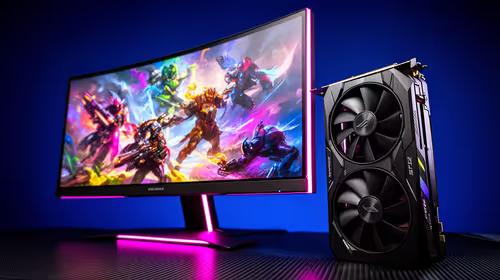
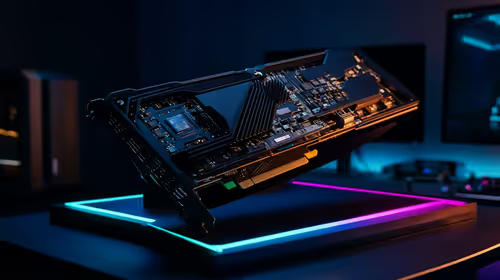
Your Graphics Processing Unit (GPU) renders the game you're playing. A powerful GPU ensures you can play at high settings without sacrificing frame rate, which is crucial for both your enjoyment and your viewers' experience.
Pro Streamer Tip ⚡
For a silky-smooth stream, use the NVENC (NVIDIA) or AMF (AMD) encoder in software like OBS Studio. This uses a dedicated chip on your graphics card to handle the encoding, freeing up your CPU to focus entirely on running the game. It’s a simple setting that makes a massive performance difference!
Smart Streaming on a South African Budget
You don't need to spend a fortune to get started. The key is to invest wisely. A solid six-core processor and a mid-range graphics card from the last couple of generations can easily handle a high-quality 1080p stream. This allows you to build an audience without breaking the bank. Our handpicked selection of budget gaming PCs offers fantastic starting points that you can easily upgrade down the line.
Hitting the Sweet Spot: Performance and Price
For those looking to produce a flawless 1080p 60fps stream without dropping a single frame, finding the right balance is key. This is where you'll find some of the best gaming PC deals in South Africa, optimised for pure performance. A machine in this tier will typically feature a modern 8-core CPU and a powerful GPU like an NVIDIA GeForce RTX 40-series card, ensuring your stream is always crisp and your gameplay is buttery smooth. ✨
Pre-Built Power: Stream-Ready Out the Box 🚀
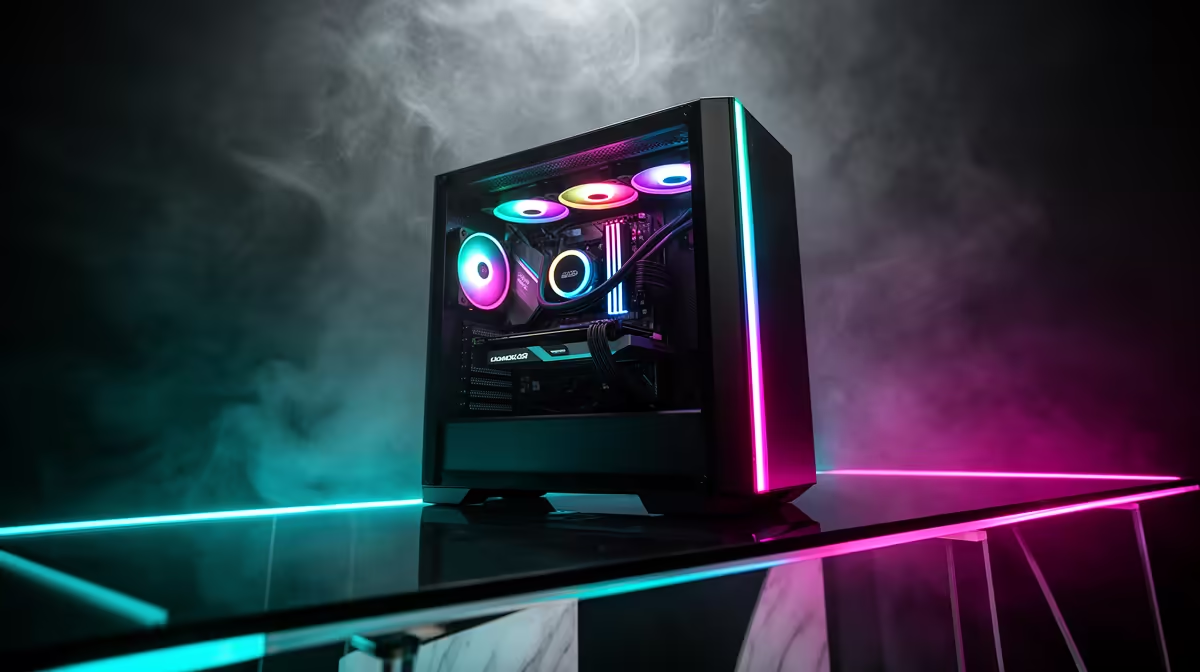
While building your own PC can be rewarding, for streaming, you want a machine that just works. No driver headaches, no compatibility issues... just plug in and go live. That’s the peace of mind you get with an expertly assembled rig. Our pre-built PC deals are tested and configured by technicians to ensure maximum stability and performance, making them the perfect choice for any aspiring or veteran streamer in South Africa.
Ready to Go Live?
Finding the best PC for streaming in South Africa is the first step to building your community. From budget builds to pro-level rigs, we have the perfect machine for your ambition. Explore our full range of custom and pre-built gaming PCs and start your streaming journey today.