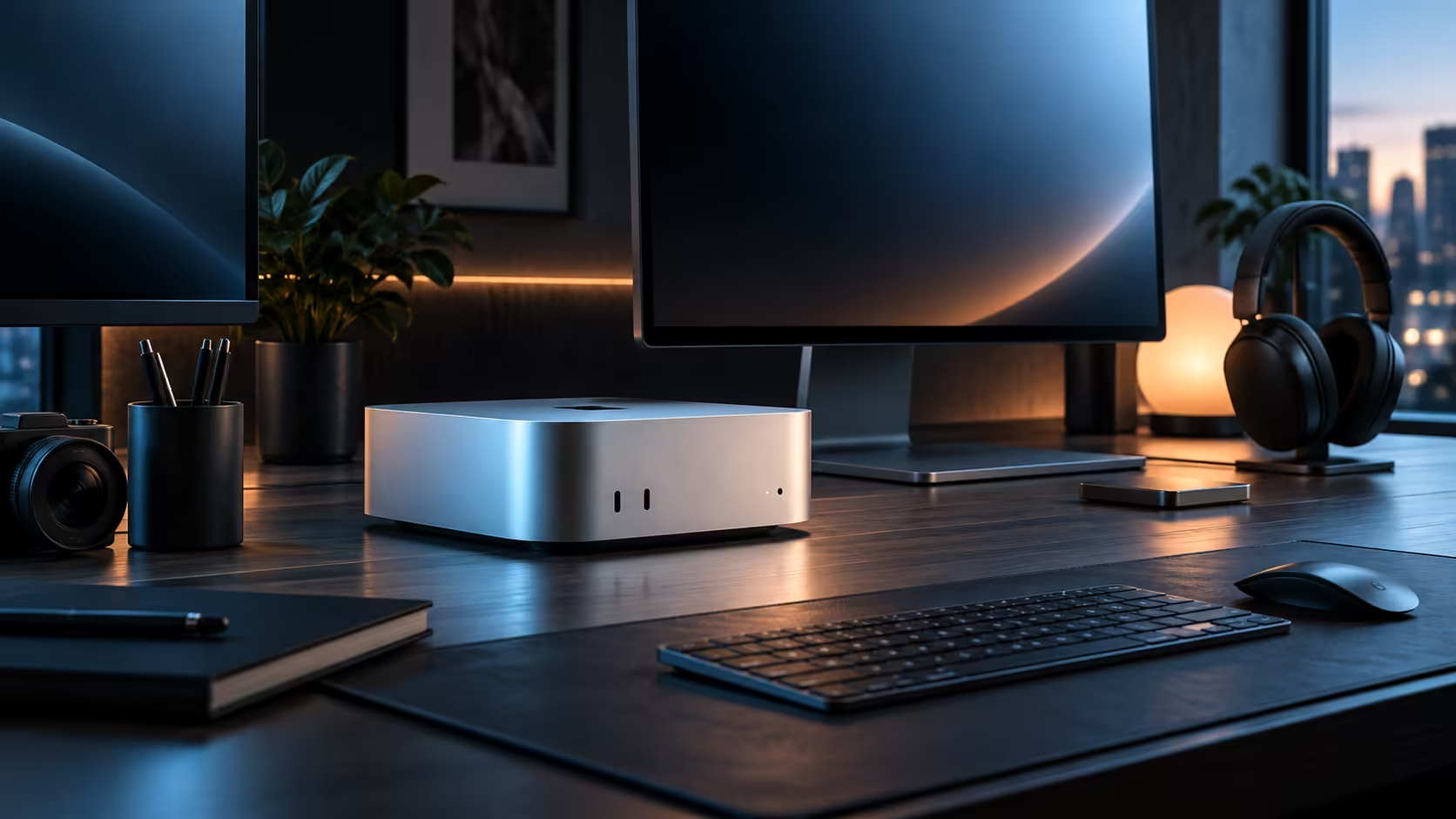
A Mac Mini, one genuinely good panel and a wired link to the router together make a work-from-home desk that fits neatly into a spare room without ever dominating it. R21,699 firmly anchors that whole desk at Evetech, and buying every part of it locally keeps the warranty safely within courier reach.
Quick Answer
Put the R21,699 Mac Mini M6 together with a properly chosen office monitor, a keyboard and mouse, and a wired connection to your router so video calls never stutter at the wrong moment. Ordering the entire desk through Evetech keeps a single warranty covering all of it.
🖥️ Choosing the monitor for a spare-room desk
A general-purpose office screen around 24 inches suits most work-from-home needs, and picking one sized to the actual desk rather than the largest available panel keeps a small room from feeling cramped. Measuring the space before ordering avoids a screen that dominates a room meant for other things too.
📶 A wired link removes the wobble a shared household creates
A cable to the router removes the unpredictability Wi-Fi introduces when several people in the same house are streaming, gaming or on their own calls at once. The 2.5Gb port on this machine comfortably exceeds what a South African fibre line typically delivers, so the cable itself is never the bottleneck once it is properly connected.
🔇 Keeping the peace with whoever else is home
Fan noise stays modest under normal desktop use on this R21,699 machine, which matters on a work-from-home desk where a partner, a flatmate or a family member is often within earshot during a call. Its small footprint also frees real desk space in a spare bedroom that is doing double duty as an office and, some evenings, a guest room too.
🧾 Buying locally keeps the warranty within reach
A machine bought through Evetech carries a local warranty, so any fault brings a courier to your door rather than a box shipped abroad and a wait at customs on the way back. That matters for anyone relying on the desk to actually work every single day.
Before placing the order, weigh this work-from-home plan against every other tier on the Mac Mini page, and against whatever compact machines the mini PC category lists too.
Frequently Asked Questions
Is a wired connection really necessary for video calls?
It helps considerably in a shared household, since it removes the wobble a busy Wi-Fi network can introduce during someone else's stream or download.
Can this whole setup fit into a corner of a shared room?
No, it fits comfortably into a spare bedroom or a corner of a shared room, since the case itself takes up almost no space.
Is buying locally worth it for a work-from-home setup?
Yes, for most buyers; a local warranty avoids downtime from an international return if the machine ever needs attention.
Does this compact desktop use significantly less power than a full tower would in a home office?
Yes, considerably less under typical office use, which matters on a shared household electricity bill more than most buyers initially expect.
Should the desk face a window for a work-from-home setup like this?
Position the monitor perpendicular to any window rather than facing it directly, since glare from behind or in front of the screen is a common, easily avoided source of eye strain on a long workday of video calls.
Does a spare-room desk need its own dedicated power circuit for this setup?
No, a Mac Mini and a single monitor draw very little power together, so a normal household socket already used for other devices handles this desk comfortably without any special wiring work or an electrician's visit at all before moving anything into the room at all today.
🪑 The rest of the spare-room desk
A proper chair and a desk deep enough for the monitor to sit at a comfortable distance matter more to a full workday than any spec on the machine itself, and both are easy to underspend on after putting most of the budget into the computer and screen. Treat the chair specifically as part of the same budget line as the desk, since a poor one undoes a well-planned setup within 2 or 3 weeks of daily use.
📋 A simple order to set the desk up in
Get the R21,699 machine and monitor connected and working first, then sort the wired connection to the router before relying on it for calls, and only after both of those are solid should furniture and cable tidying get attention. Doing it in that order means the desk is functional from day one rather than looking finished but missing the one connection that actually matters for a video call.
Ready to build a compact work-from-home desk that actually fits your space?
Pick a monitor sized to your room and wire the connection before you rely on it daily.