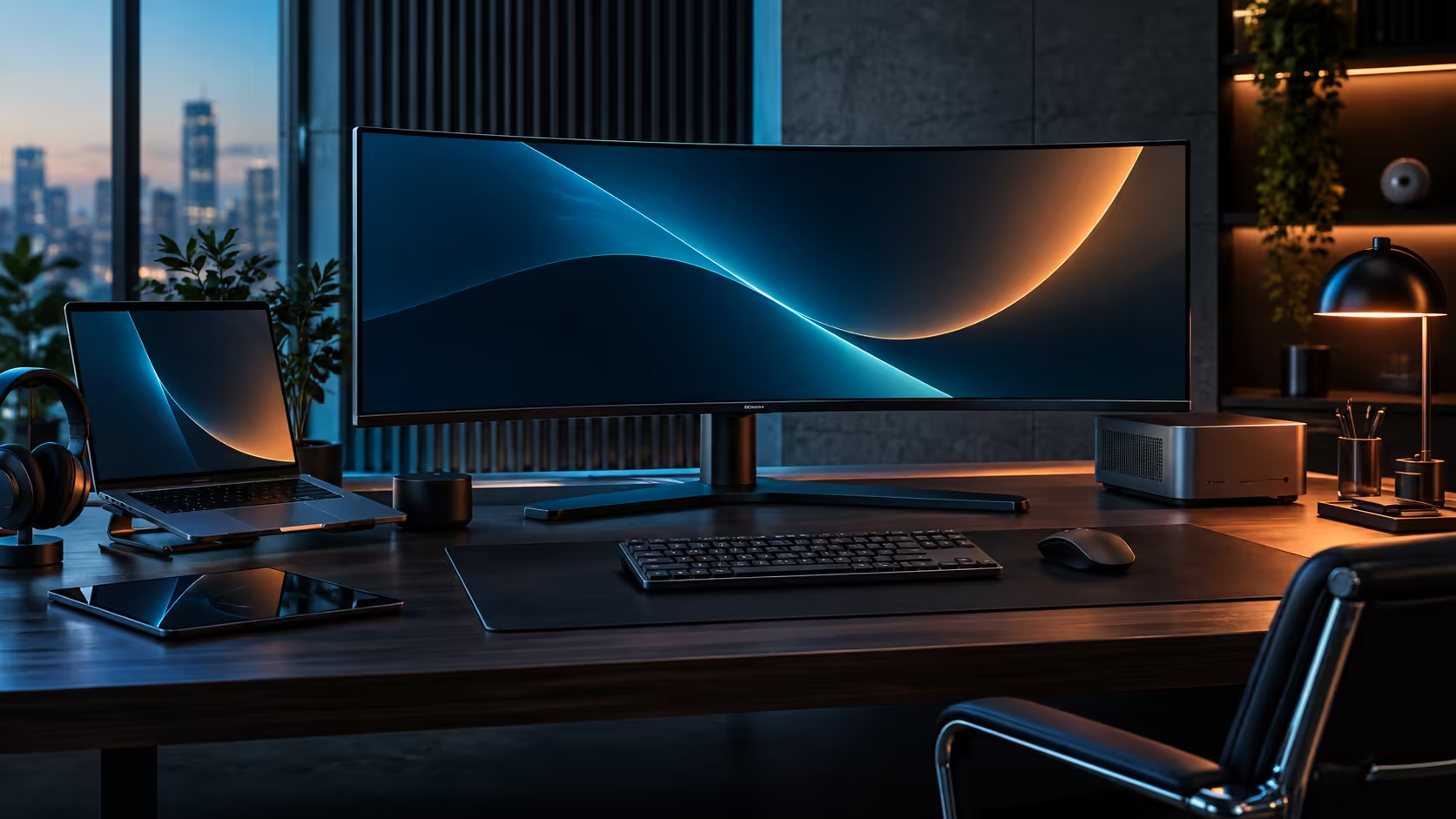
A work-from-home desk in South Africa has to survive two different weeks: the days you dock a laptop and disappear into meetings, and the days you pack up entirely for an office commute. Building it around a docking monitor rather than a pile of separate accessories is what makes both versions of that week take one motion instead of ten.
Quick Answer
Build the desk around one USB-C cable that carries video, charging, network and peripherals at once, so docking is plugging in and undocking is pulling one lead out. The R7,999 CU34E4CW does this while also handling video calls through its own camera and keeping your laptop off a shared household Wi-Fi connection via its wired RJ45 port, both of which matter more on a fibre line the whole family is using.
🏠 Designing for the week you actually have, not an ideal one
A hybrid week rarely looks like a tidy schedule, so the desk needs to cope with both extremes without extra thinking.
On an office day, the goal is speed: unplug one USB-C cable, close the laptop, and leave. On a home day, the goal is a desk that functions as a genuine workstation instead of a laptop propped up on a stand. A single docking cable serves both, because there is nothing to disconnect and reconnect except that one lead, regardless of which kind of day it is. Building the setup around any more than one connection point defeats the purpose, since every extra cable is one more thing to remember when leaving in a hurry.
📶 Why the wired network port earns its keep on a shared line
A household fibre connection is rarely dedicated to one person's workday, and that matters more during a call than during ordinary browsing.
Most South African homes run one fibre line and one router serving everyone in the house at once, which means a video call competing for bandwidth against a partner's streaming session or a child's online game is a genuinely common scenario rather than a rare one. Running your work laptop through the CU34E4CW's RJ45 port instead of Wi-Fi takes it out of that contention entirely, since a wired connection does not share airtime the way Wi-Fi does. It is a small change that solves the specific failure mode of a call breaking up right when it matters.
🛠️ What a locally handled warranty means for a desk you rely on daily
A monitor that runs your entire working setup is not something you want stuck in transit if it develops a fault.
Buying a docking monitor from a local retailer rather than importing one privately turns a fault into a quick local courier pickup instead of a slow round trip overseas, and that gap matters far more for equipment you rely on every single working day than it does for an occasional accessory. If the R7,999 CU34E4CW develops a fault, the process runs through Evetech directly rather than through a supplier overseas, and that difference in turnaround time is the practical reason to buy locally even where an imported price looks marginally lower on paper.
🪑 Rounding out the rest of the desk
The monitor solves the cabling problem, but a hybrid desk still needs the basics to actually be comfortable across a full working day.
A desk deep enough to hold the curved panel without sitting too close, and a chair that supports a full eight-hour day rather than an occasional evening, matter as much as the monitor itself once the cabling is sorted. The gaming desk range and the office and gaming chair range are both worth checking alongside the office monitor range when building this kind of setup from scratch.
Frequently Asked Questions
Does a docking monitor really make packing up for the office faster?
Yes, since disconnecting a single USB-C cable replaces unplugging a charger, a network cable, a USB hub and a monitor cable separately.
Why does a wired network connection matter more on a shared home fibre line?
Because every device on the same router is drawing from one pool of wireless airtime, while the monitor's wired port gives your laptop a dedicated path that nobody else in the house can eat into.
Is buying locally actually better than importing a similar monitor privately?
For equipment used daily, yes, mainly because of warranty turnaround. Buying locally means a quick pickup on your own doorstep; an overseas order adds shipping time and cost on both ends of any claim.
Do I need a separate charger if I dock through the monitor?
Not for most laptops. The monitor's 90W USB-C charging covers typical office laptops without needing the original charger plugged in as well.
What desk depth suits a 34-inch curved monitor?
Around 700mm to 800mm of desk depth gives comfortable viewing distance for a 34-inch curved panel without sitting closer than is comfortable.
Ready to build a desk that survives both kinds of working day?
Set up the one-cable dock first, then sort the desk and chair around it.