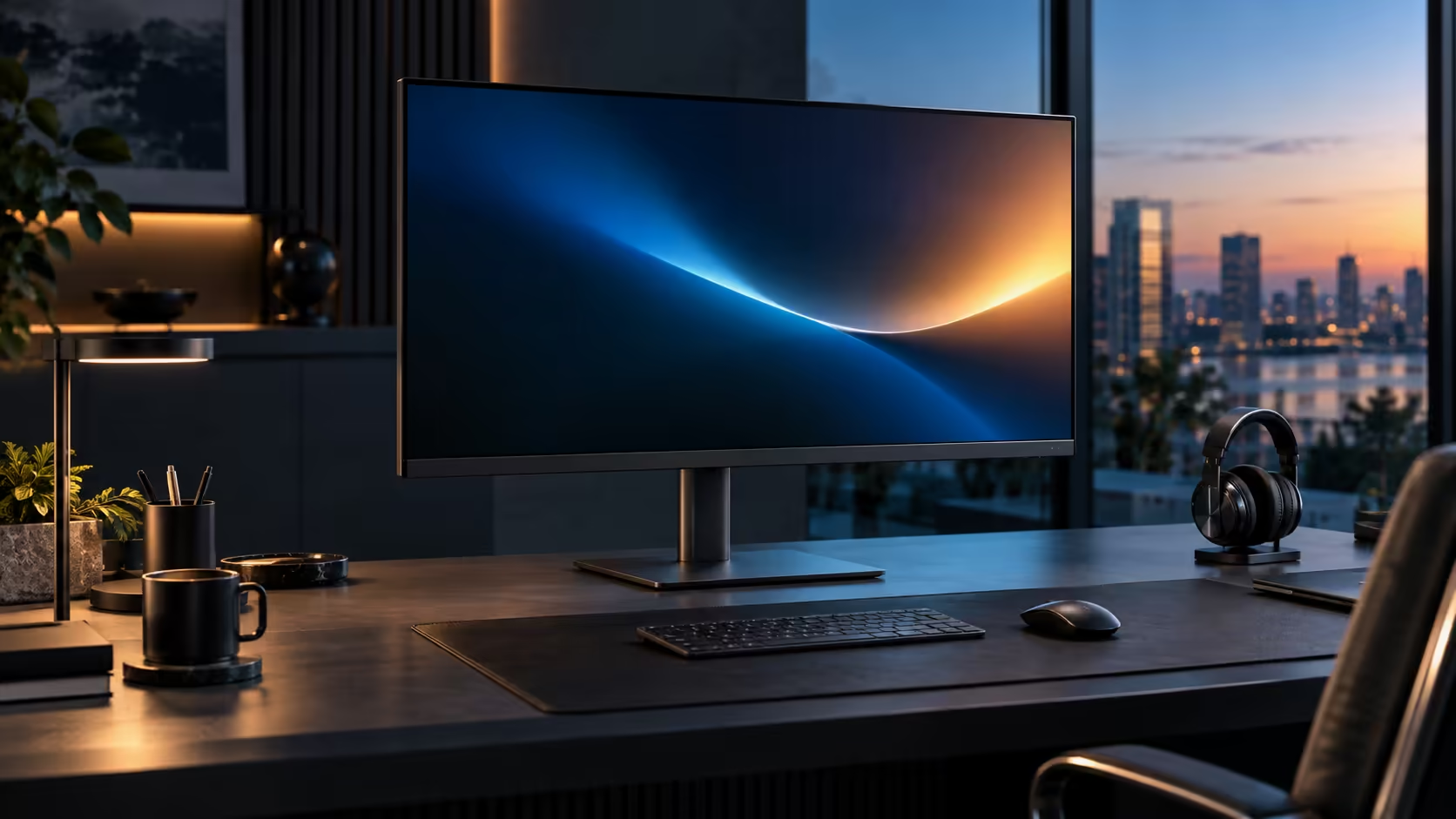
A spacious South African work-from-home desk is not about how much floor space a room has; it is about how efficiently the desk itself uses the space it has been given, and a 31.5-inch monitor built around one cable does more of that work than its size alone suggests. The R8,799 Dell Pro 32 Plus P3225DE anchors that kind of desk.
Quick Answer
A 31.5-inch panel wants roughly 80cm of desk depth, so measure before buying. Run the fibre router cable into the monitor RJ45 port for a steady line in a shared household, and turn the screen side-on to a window against afternoon glare. R8,799.
📏 Measuring for a large panel in a real South African home
Home offices in South Africa are frequently a repurposed bedroom, a lounge corner or a small dedicated room, and desk depth is the constraint that catches people out most often.
Measure from the front edge of your intended desk position to the wall or any shelving behind it, allowing roughly 80cm for a 31.5-inch panel to sit at a comfortable viewing distance. A standard 600mm-deep desk sold locally falls short of that, so check whether the desk can be repositioned further from the wall, or whether a deeper desk is worth budgeting for alongside the monitor itself, before assuming any desk in the room will automatically work.
🖧 Wiring the fibre line in for a shared household
This step matters more in South Africa specifically, where many households share one fibre connection across several people working, calling and streaming through the day.
Run the fibre router's network cable directly into the monitor's RJ45 socket rather than relying on Wi-Fi, since a wired connection removes contention with other devices on the same wireless band as a cause of dropped calls. Bring the laptop in on its own single cable and Windows picks the screen up as a wired network adaptor on its own, generally choosing it over Wi-Fi without being told to.
☀️ Positioning against South African daylight and glare
Local light conditions are strong enough, particularly in summer, to genuinely affect screen comfort if the desk faces the wrong direction.
Position the screen side-on to any window rather than directly facing it or with your back to it, since facing a bright window washes out the screen with glare, and sitting with a window behind you throws your own silhouette-lit reflection across the glass. A 31.5-inch panel has more surface area for glare to land on than a smaller screen, which makes this positioning choice matter more here than it would with a compact monitor tucked into a corner desk.
🪑 Building the rest of the desk around the screen
Once the monitor's position and connections are settled, the rest of the desk follows more easily.
Keep keyboard, mouse and any other regular peripherals connected to the monitor's downstream USB ports as permanent connections, so the laptop only ever needs the single USB-C cable to join the whole setup. A gaming desk with enough depth for this panel size, and an office chair adjusted so your eyes sit level with the top third of the screen, complete a desk that works as a genuine daily workspace rather than a temporary arrangement.
🇿🇦 Making the space feel intentional, not improvised
A spacious feel comes as much from tidiness and deliberate positioning as from raw square metres.
A desk with one visible cable, a screen angled away from glare, and a wired network connection running quietly in the background reads as a considered, permanent workspace even in a small room, where the same monitor tangled in cables and facing a window reads as improvised regardless of how much floor space surrounds it. Compare the office monitor range and wired networking accessories to complete the setup.
Frequently Asked Questions
Will a 31.5-inch panel fit on a standard South African home-office desk?
Roughly 80cm is the target, counted from where you sit back to whatever wall or shelf closes off the desk, noticeably more than a standard 600mm-deep desk provides on its own.
Does wired Ethernet through the monitor really help on a shared household fibre line?
Yes. It removes Wi-Fi contention with other devices as a cause of unstable calls, though it cannot increase the household's total bandwidth.
Why does screen position matter more with a larger monitor?
A bigger panel has more surface area for glare and reflections to land on, so positioning against windows and overhead lighting has a bigger visible effect than on a smaller screen.
Can a small room still fit a 31.5-inch monitor comfortably?
Yes, provided the desk itself has enough depth; room size matters less than the specific measurement from the desk's front edge to whatever sits behind it.
Ready to build a spacious-feeling home office around a large monitor?
Measure your desk depth, wire the network in, and angle the screen away from direct glare.