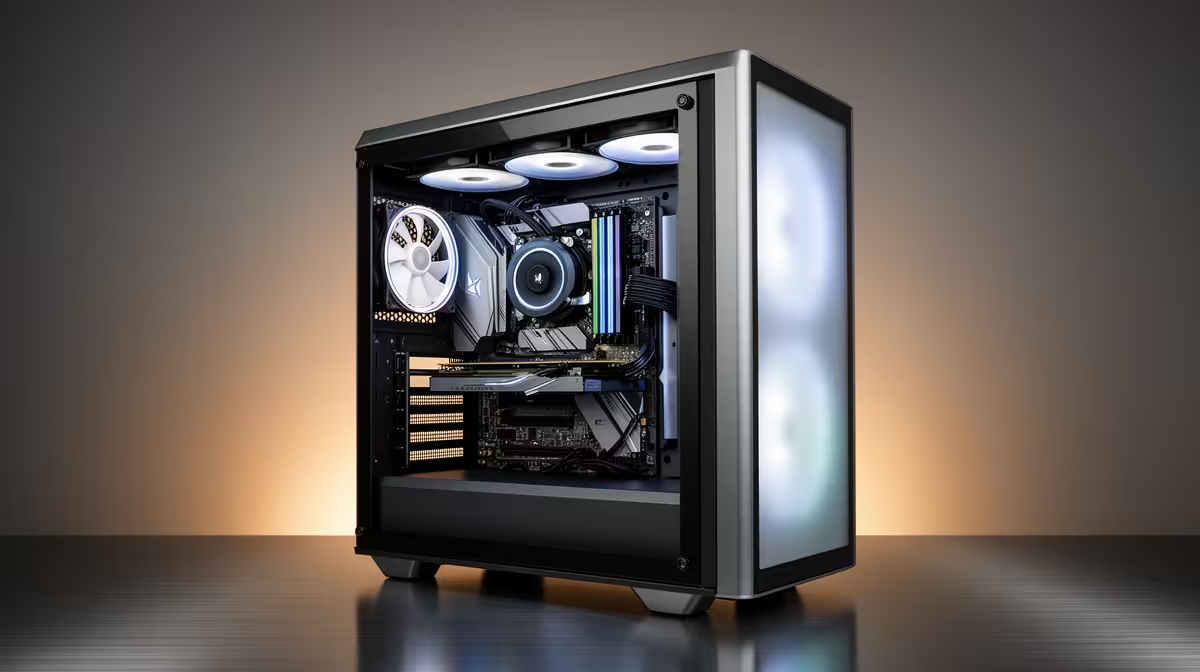
Buying PC parts across several months can lock money into hardware you cannot test together. A staged PC build needs a compatibility plan, safe storage and purchase order that protects return windows and volatile components.
Quick Answer
Saving cash before buying is safer than storing untested PC parts for months. Buy the platform parts close enough together to assemble and test them within their current return and support terms. If you must stage purchases, begin with low-obsolescence items only after the full build is specified and their compatibility is locked.
Compare the finished target against current gaming PC deals and the configurations in PC best sellers. A prebuilt may become better value once delayed testing, separate deliveries, and tool costs are included.
Write the complete build before stage one
Choose the target games, resolution, refresh rate, applications, storage, network, and upgrade horizon. Then list the exact CPU, motherboard, memory kit, cooler, graphics card, case, power supply, and drives.
Check socket, processor support, motherboard firmware, DDR generation, memory module count, cooler mounting, case form factor, graphics-card dimensions, PSU capacity, power connectors, and storage slots. Keep model numbers, not broad families.
Price the whole list using named current products as of July 2026. If the completed system exceeds your ceiling, staging the purchases does not make it affordable. It delays the moment when you discover the gap.
Save a second compatible option for the board, memory, storage, and graphics card. Current availability can change while you save. Do not substitute one part without repeating its related checks.
Why the motherboard should not be an early guess
Buying the motherboard first locks the socket, DDR generation, board size, firmware route, expansion, networking, and front-panel support. It also starts the clock on the terms applying to that purchase while you may be unable to test it.
Buy it near the CPU and memory so you can reach firmware setup, verify both channels, test storage slots, and exercise ports. If the processor needs a firmware version the board does not have, you want to discover that while your support path is current.
A motherboard stored in its box can still arrive with a fault, bent socket contact, or missing accessory. Visual inspection helps but cannot replace power-on testing.
Case and cooling can come earlier with care
A case changes less quickly than a processor platform, yet it can still lock the build. Confirm motherboard size, PSU format, graphics-card length and thickness, CPU-cooler height, radiator support, drive bays, front USB, and airflow layout.
Keep every screw, bracket, filter, and panel in the original packaging. Inspect the chassis for transit damage while the purchase terms are current. Do not install a motherboard merely to store it there.
Case fans can wait until you know the included layout and actual cooling need. The planned motherboard also needs enough supported headers or a suitable hub route.
Treat the PSU as a complete-build decision
A quality PSU can serve more than one upgrade, but its capacity and connectors must suit the actual CPU and GPU. Buying it before choosing the graphics card can leave you short of power, the required connector, or cable reach.
Use the component makers' guidance and allow sensible headroom. Check case fit, modular-cable layout, and the exact GPU power path. Never mix modular leads from another PSU model.
Store a PSU dry in its original packaging and keep it closed. It is not user-serviceable. A long storage period without a system test leaves you unable to prove behaviour under load.
Buy the GPU near completion
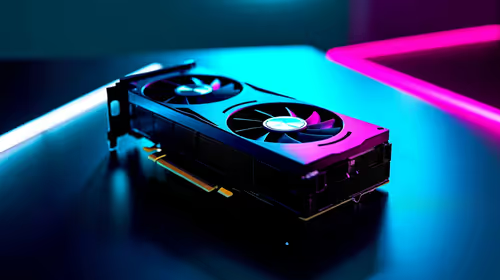
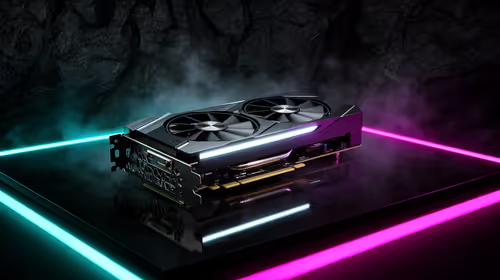
The graphics card often carries a large share of a gaming budget and its useful choice depends on current pricing, game targets, monitor resolution, case clearance, and PSU support. Buying it near final assembly reduces the time it sits untested.
Do not make "GPU last" a rigid rule if a verified named deal fits the locked build and you can test the card in another compatible system. The key is a current test route, not the calendar position alone.
Storage prices and models can move too. Choose drives when the board slots, capacity need, and backup plan are confirmed. Keep irreplaceable data separate from the new build until it passes checks.
A safer staged sequence
Stage zero is cash and a complete parts plan. Stage one can be the case when its specification is unlikely to change and you inspect it at once. Stage two should place CPU, motherboard, memory, and cooler close together.
Stage three adds PSU, storage, and graphics card in a window where the whole system can be assembled. Prepare installation media and official drivers. Power on with the minimum required components, then test memory, storage, CPU temperatures, graphics load, ports, and network.
Keep invoices, packaging, serial details, and each product's written terms. Do not let a bargain force you into a platform you no longer want or a component you cannot test.
FAQ
Which PC part should I buy first while saving?
Prefer saving the money until the full compatible build can be bought and tested. If you must begin, a carefully chosen case can come first, but only after its dimensions and front-panel features match the locked plan.
Should the graphics card always be last?
It often makes sense near completion because it is expensive and tied to current monitor, case, and PSU choices. Buy earlier only when the value is verified and you have a compatible system to test it.
Why is long boxed storage risky?
You may discover a fault or missing part after important purchase terms have advanced, and the planned platform may change. Visual inspection cannot test firmware, memory channels, ports, or load behaviour.
Save against a complete compatible build, then group purchases tightly enough to assemble and test every core part while its support route is current.