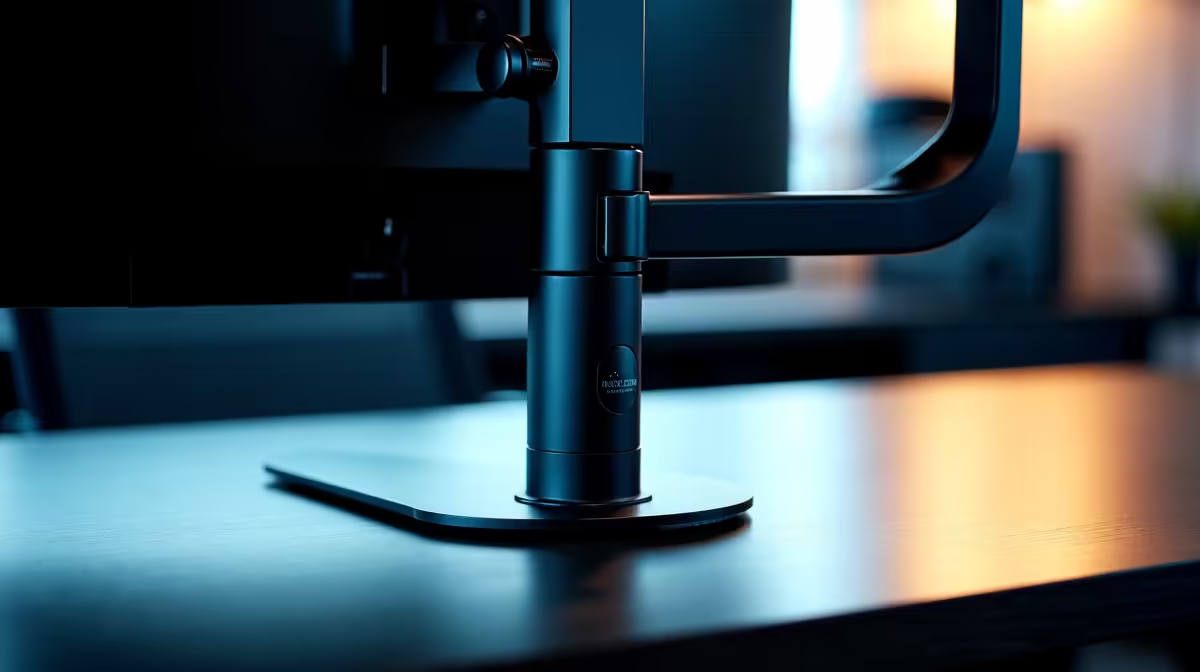
So, you’ve just scored one of the best monitor deals in South Africa, and you’re ready to elevate your setup. A monitor arm is the key to unlocking a cleaner, more ergonomic workspace. But then you hit the first major crossroad: C-clamp vs grommet? This single choice determines how your screen anchors to your desk, impacting stability, aesthetics, and flexibility. Let's dive in and find which monitor arm mount is right for you.
Understanding the C-Clamp Mount 🔧
The C-clamp is the most common type of monitor arm mount, and for good reason. It functions just like a standard woodworking clamp, gripping the edge of your desk between a top bracket and a bottom screw plate. It’s the go-to for a quick, non-permanent installation.
Why You'll Like It
- Easy Installation: You can have a C-clamp mount installed in minutes with minimal tools. No drilling, no permanent changes to your precious desk.
- Flexibility: Want to rearrange your setup? Just loosen the clamp and move it. It’s perfect for renters or anyone who likes to frequently optimise their gaming station.
- Wide Compatibility: Most desks have an edge, making the C-clamp a versatile option that works for the majority of setups, supporting many of the all gaming monitors available today.
What to Watch Out For
- Requires a Lip: Your desk needs a clear, flat edge or "lip" for the clamp to grab onto. Desks with thick bevelled edges or support bars right at the back can be problematic.
- Can Be Bulky: The clamp mechanism sits at the back of your desk, which might prevent you from pushing your desk flush against a wall.
Getting to Grips with the Grommet Mount ✨
A grommet mount offers a sleeker, more integrated solution. It works by securing the monitor arm through a hole in your desk, with a bolt fastening it from underneath. This is the choice for those seeking a permanent, ultra-clean aesthetic. Freeing up desk space this way leaves more room for your peripherals... or even a handy portable monitor for Discord.
Why You'll Like It
- Exceptional Stability: By mounting through the desk, a grommet provides a rock-solid foundation. This is especially beneficial for large or heavy curved monitors that might introduce wobble on a C-clamp.
- Minimalist Look: With no visible clamp at the edge, the arm appears to grow right out of your desk surface. This creates a professional, clutter-free look.
- Flexible Positioning: As long as there's a hole, you can mount it further from the edge than a C-clamp allows, giving you more placement options.
What to Watch Out For
- Requires a Hole: If your desk doesn’t have a pre-drilled cable management hole, you’ll need to get the drill out. This is a permanent alteration.
- Less Mobile: Moving a grommet mount is a much bigger job, involving unbolting it completely from underneath.
Measure Twice, Mount Once!
Before you buy any monitor arm, grab a ruler! Check your desk’s thickness. Most C-clamps and grommet mounts have a maximum thickness they can support, usually around 8-10 cm. Also, ensure the C-clamp has enough lip depth (at least 5-7 cm) to get a secure grip.
C-Clamp vs Grommet: The Head-to-Head Decision 🤔
So, which monitor arm mount should you choose? Your decision hinges on your desk, your display, and your personal preference for permanence versus flexibility.
For most gamers, a C-clamp mount is the perfect starting point. It’s easy, adaptable, and strong enough for the vast majority of single-monitor setups.
However, a grommet mount is the superior choice if:
- You have a very heavy display, like one of the latest immersive 5K and 4K monitors.
- You’re running a complex setup with dual or triple PC monitors on a single pole.
- You crave that ultra-clean, minimalist aesthetic and don't mind a permanent installation.
Ultimately, both mounting systems are designed to do one thing: get your monitor off your desk and into the perfect ergonomic position. By choosing the right one, you create a more comfortable and immersive gaming experience.
Ready to Perfect Your Setup?
Now that you know the difference between a C-clamp and a grommet mount, you can choose the right foundation for your battle station. Explore our full range and find the perfect monitor accessories to complete your ultimate rig.