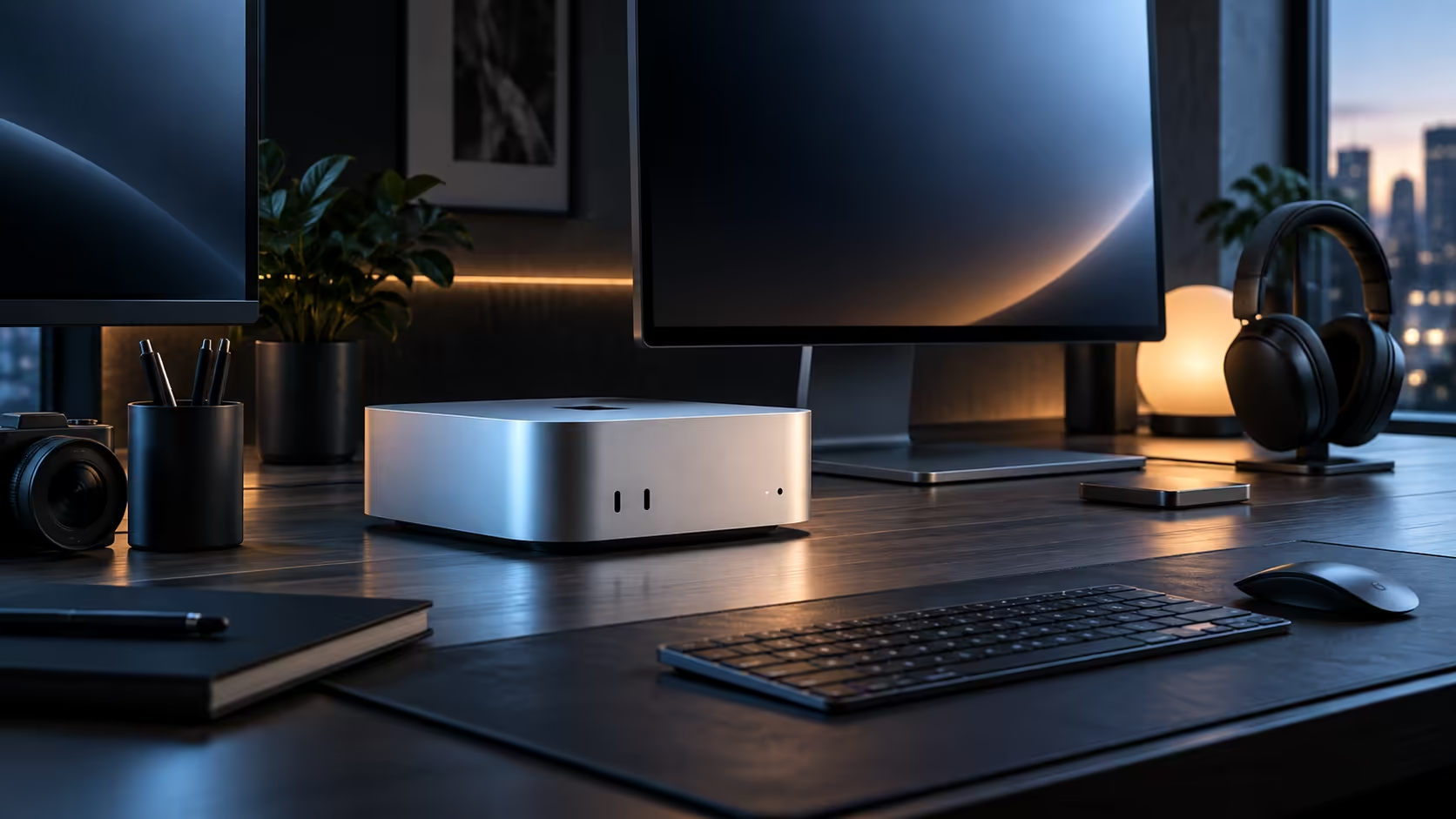
A small business owner running invoicing, stock spreadsheets and a browser full of supplier tabs at once has a genuinely different three-screen case than a video editor does, and the honest advice for that buyer looks different too.
Quick Answer
For spreadsheet-heavy admin and general productivity on a R21,699 compact desktop, two screens plus a chip's display ceiling checked before ordering a third usually covers it, since the third panel mostly earns its keep holding reference material rather than active editing work. Desk space in a small South African office is very often the real limit before the machine's own capability is.
🧾 The admin and small business case for three screens
One screen around 24 inches for the accounting or stock system, one for email and communication, and a third for whatever supplier portal or spreadsheet is open at that moment is a genuinely common three-panel layout for office and small business work, each running at 1920x1080. Unlike video editing, none of these individual tasks is demanding on its own, so the display ceiling for this specific chip is rarely the limiting factor for this kind of work.
📏 Desk space in a small office is usually the real constraint
Fitting three normal-sized monitors side by side takes close to 1.8 metres of desk, and a small South African office corner or a converted room rarely stretches that far. Measure the actual space first, and the plan very often lands on two larger panels plus a bit more organisation instead, which handles most admin work equally well.
💰 Pricing three screens against the productivity gain
A basic third monitor for occasional reference material can cost R1,500 or less, well under what a genuinely active third screen would run to, so it is worth being honest about which of the two you are actually buying before pricing it in. For general office and admin use, the productivity gain from a well-organised two-screen desk is often indistinguishable from a three-screen one.
🧾 Buying every screen locally
Monitors, like the R21,699 machine itself, carry a South African warranty only when bought through a local retailer, which matters for a small business that cannot afford a panel being out of action for weeks during an international return.
Frequently Asked Questions
Is three screens overkill for general office and admin work?
Often, yes; two well-organised screens cover most spreadsheet and communication-heavy work just as effectively as three.
Does a small business benefit from a dedicated reference screen the way a content creator does?
Sometimes, for a supplier portal or a live stock system left open constantly, though it is less universal a need than it is for video or design work.
How much desk space does a genuinely three-screen small office setup need?
Roughly 1,800mm of width for three normal-sized monitors, which is more than many small South African office corners have available.
Does a curved ultrawide monitor solve the space problem better than two separate screens?
For some admin work, yes; a single wide panel can replace two smaller screens on a narrower desk, though it comes at a higher individual cost than two ordinary monitors bought separately.
Should a small business prioritise screen size or screen quality for admin work?
Quality and readability matter more than raw size for spreadsheet and document-heavy work; a smaller, sharper panel is generally more comfortable over a full workday than a larger but lower-quality one sitting at the same desk.
Is it worth involving staff in the screen-count decision before buying?
Yes, briefly; whoever actually works at the desk daily usually has a clearer sense of which second task genuinely needs its own screen than a decision made purely from a budget spreadsheet alone in an office somewhere else entirely.
Does the second screen need to match the primary one's stand height?
Roughly, yes; keeping both screens at a similar eye level reduces neck strain over a full workday far more than matching their brand or exact size ever will.
🖥️ Choosing the two screens that actually do the job
For general office and admin work, two panels from the everyday monitor range, or a pair pulled straight from current monitor best sellers, comfortably covers accounting, communication and supplier-portal work without needing anything specialised. Matched pairs are not required for this kind of use, so pairing a cheaper 24-inch panel next to the primary screen still trims the overall bill without hurting daily comfort.
🖥️ The machine underneath both screens
None of this two-versus-three decision changes with the exact desktop chosen; a Mac Mini M6 and the wider mini PC category both drive multiple screens the same way, so settle the monitor count first and let that decide what fits comfortably on the desk before finalising the machine itself.
Ready to decide between two screens and three for your office desk?
Measure your actual desk space before committing to a third monitor.