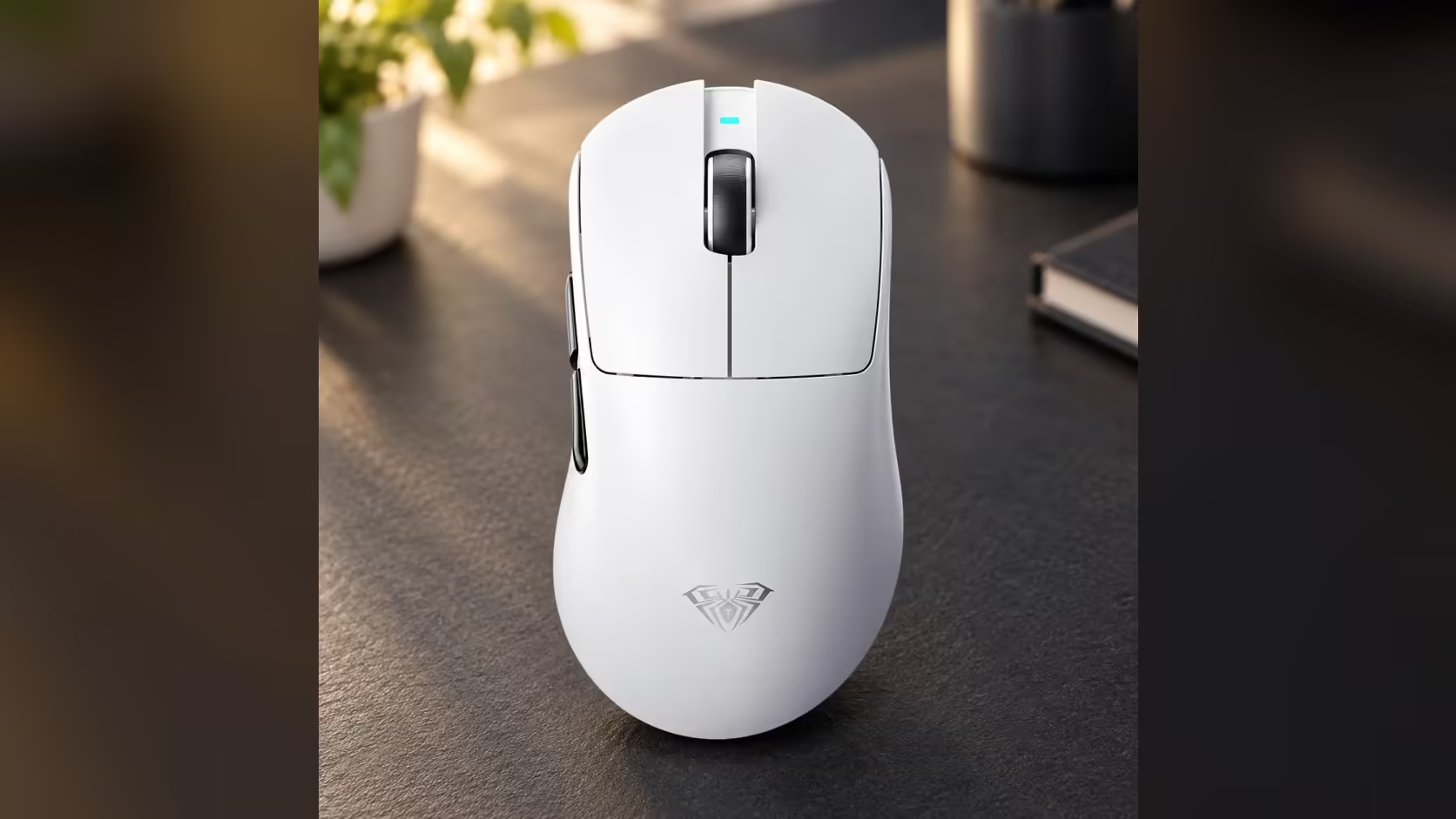
A swappable battery brings one small maintenance job that sealed mice never ask of you: the metal contacts that connect the cell to the mouse are exposed every time you lift it out. On the AULA SC900 MAX, the 400mAh battery hides beneath a base cover, and keeping those battery contacts clean is what makes a swapped cell connect reliably, time after time.
Quick Answer
With the SC900 MAX's cell removed, clean the battery contacts with a dry cotton bud, or one very lightly moistened with isopropyl alcohol for stubborn grime. Let everything dry completely before refitting the 400mAh cell and closing the base cover, so the battery connects cleanly. Evetech lists the mouse in Black, White and Red, every colour at R749, and the routine is identical for each.
🧲 Why the contacts get dirty
Every time you swap cells, the contacts are briefly open to the air, and to your fingers. Over weeks and months, a few things build up:
- Skin oils and sweat from handling the battery.
- Dust from the desk, bag or pocket the mouse lives in.
- A thin film of grime that forms on any exposed metal over time.
Individually these are minor, but together they can add resistance at the point where the battery meets the mouse. A clean contact passes power cleanly; a dirty one may not.
🛠️ What you need
- Cotton buds.
- Isopropyl alcohol, ideally a high concentration, used sparingly.
- A soft, dry microfibre cloth.
- Good light, so you can see the contacts properly.
Avoid water, household cleaners and anything abrasive such as sandpaper or erasers, which can scratch contact surfaces or leave residue.
🧼 Cleaning step by step
1. Power down
Slide the underside mode switch to its off position and pull the USB-C cable. It is good practice to have the mouse fully powered down before touching any contacts.
2. Remove the cover and the cell
Open the cover on the base and lift out the 400mAh lithium battery. Set the battery on a clean, dry surface, away from anything metal.
3. Wipe with a dry bud
Gently wipe the contacts inside the mouse with a dry cotton bud. For many cases, that is all it takes. Do the same for the contacts on the battery itself.
4. Use alcohol only if needed
If grime remains, dip the tip of a clean bud in isopropyl alcohol, then press off the excess so it is barely damp. Wipe the contacts again. Never pour or drip liquid into the battery compartment.
5. Let it dry fully
Isopropyl alcohol evaporates quickly, but give it a few minutes before reassembling. A fully dry compartment is essential before a lithium battery goes back in.
6. Refit and test
Put the battery back, close the cover firmly and switch the mouse on in your usual mode: 2.4GHz or Bluetooth.
🔍 Signs of a poor contact
Contact problems usually show up as inconsistent power rather than a total failure. Watch for:
- The mouse not waking after a battery swap, until you reseat the cell.
- Intermittent disconnects that improve when you press on the base cover.
- A charged cell that seems to run down unusually fast.
If cleaning and reseating do not fix these, the problem may lie elsewhere. The SC900 MAX's 1 Year Local Warranty is handled by Evetech, so report a persistent fault rather than attempting repairs yourself.
✋ Handling tips between cleans
- Hold the battery by its edges, not the contacts.
- Keep a spare cell, if you have one, in a small case so its contacts do not touch keys or coins.
- Close the base cover firmly after every swap to keep dust out.
- Wipe your hands before swapping cells after a sweaty session.
A little care keeps the swap quick and dependable, which is the whole point of the design. Beyond the battery bay, this is a 62g mouse that can poll at 8000Hz and climbs to 30,000 DPI across six steps. Clean contacts are a small habit, but on a mouse built around swapping cells they are what keeps that feature feeling instant. Browse it against Evetech's other gaming mice, and use the wireless mouse listing to narrow the field to cable-free designs.
Frequently Asked Questions
What makes battery contacts dirty?
Skin oils, sweat and dust from handling and storage, plus the film that forms on exposed metal over time.
Which cleaning materials are safe here?
A dry cotton bud, and a barely damp bud with isopropyl alcohol for anything stubborn. Avoid water and abrasives.
How long should I let it dry?
A few minutes after using alcohol, until the compartment is completely dry, before refitting the cell.
Must the mouse be off while I clean?
Yes. Set the base switch to off and unplug the cable before touching the contacts.
How can I tell if a contact is poor?
The mouse may not wake after a swap, drop out intermittently, or drain a charged cell quickly.
How should I handle the battery?
By its edges, keeping the contacts away from fingers, keys and coins.
Ready to look after a mouse built for easy battery swaps?
Explore Evetech's gaming mice and compare the SC900 MAX's removable-cell design with other wireless options.