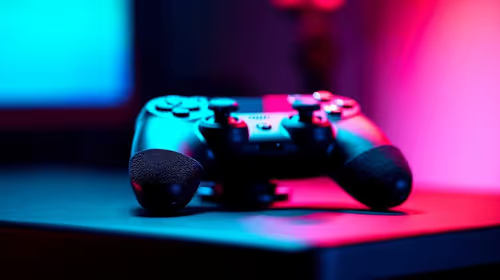
Precision begins with a trustworthy neutral point, not with an aggressive sensitivity slider. Configuring Hall sticks and Hall triggers on the GameSir Nova 2 Lite is a measured process: observe the default response, test full movement, and refine one input group without disturbing the other.
Quick Answer
For precise input, first confirm that both Hall sticks centre cleanly, then test each Hall trigger from rest to full press in a game that uses graduated input. The R729 Nova 2 Lite supports GameSir app adjustments for sensitivity and buttons, so make small changes from a known baseline and retest the same action after every adjustment.
🎯 Establish the stick baseline
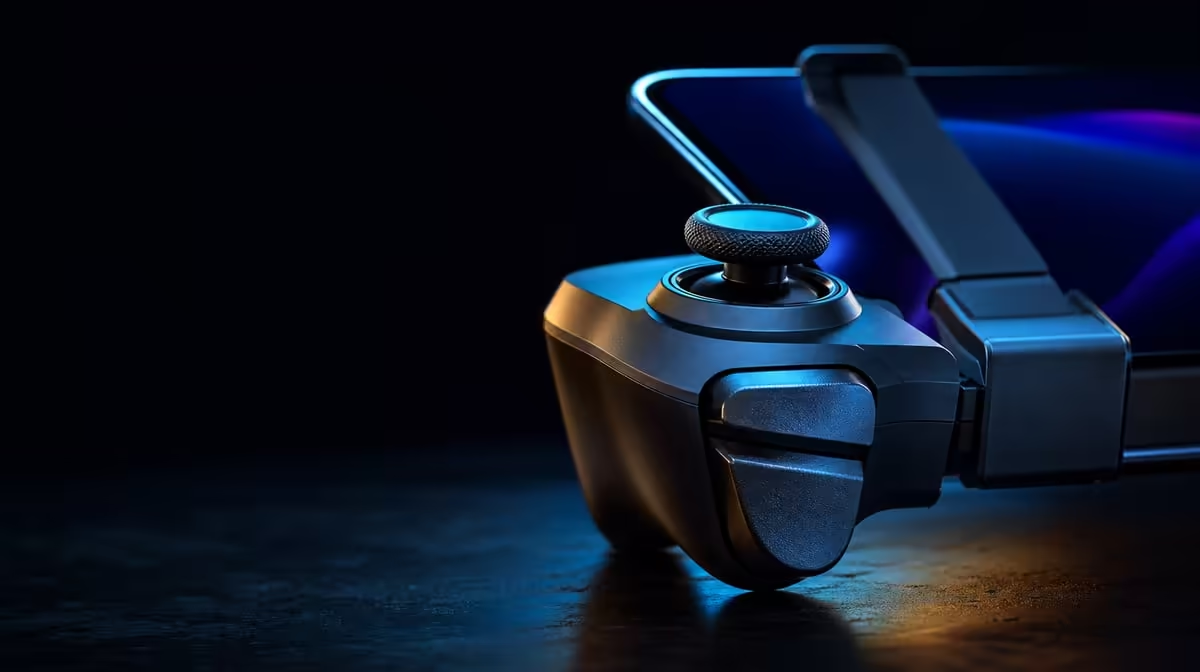
Connect the controller through a supported route and use a neutral profile. Rest it on a stable surface, remove your thumbs, and observe whether the on-screen selection or character view remains stationary. Then move one stick slowly around its complete range. Repeat with the other stick, paying attention to centre return rather than trying to judge everything from rapid circles.
Hall Effect sensing measures position magnetically, reducing reliance on the rubbing measurement track found in common potentiometer designs. That addresses a source of contact wear, but it does not remove the need for sensible setup. The game, its deadzone, sensitivity choices, and the active connection can all affect what you see. A clean check therefore keeps those variables constant while you assess the sticks.
If you are weighing layouts or price points, Evetech's controller category provides a useful place to compare current options. For this configuration example, the Nova 2 Lite costs R729 and combines anti-drift Hall sticks with precision Hall triggers.
🏁 Measure trigger travel with a suitable action
A trigger should be evaluated as a range, not only as a button. Choose a supported game action that changes progressively as the trigger moves. Throttle or braking can make the steps visible, while another game may use gradual aim or a staged action. Press from rest to full travel slowly, release at the same pace, and compare the left and right controls under similar conditions.
Look for predictable change through the movement. If the action jumps unexpectedly, return to the baseline before assuming there is a hardware problem. A profile can alter sensitivity behaviour, and a title may map a trigger differently from another game. Testing in more than one known scene helps separate a game-specific mapping from the controller's own response.
Do not change stick sensitivity and trigger behaviour in the same pass. If both move at once, a better result gives you no evidence about which adjustment helped. Keep a small sequence: default sticks, adjusted sticks, default triggers, adjusted triggers. That order is slower for a few minutes and faster than trying to reverse several intertwined choices later.
⚙️ Refine the profile in small steps
The GameSir app can tune supported buttons, sensitivity, and vibration profiles. Save a reference point before making changes. Shift a single sensitivity control by a modest amount, perform the same movement five or six times, and decide whether accuracy improved without making fast turns or full presses awkward.
Stick sensitivity is best judged with two different tasks. Use one that needs a small, controlled correction and another that needs a deliberate full movement. A setting that feels calm for fine aim can still be too slow for rapid direction changes. The aim is a usable curve across the actions you perform, not the most dramatic slider position.
For triggers, check the beginning, middle, and end of travel. Precision matters when the game reads those intermediate positions. If the title treats the trigger as a simple on-off input, an elaborate trigger adjustment may offer little benefit in that particular game. That is a mapping limitation, not a reason to invent a result.
Vibration should remain low or consistent while testing. The Nova 2 Lite's dual asymmetric motors are useful for feedback, but strong effects can make delicate stick or trigger comparison harder. Set feedback after input behaviour is settled. You can review Evetech's broader gaming accessory collection when matching the controller to the rest of a play space.
🧪 Prove the profile in real play
A calibration screen can reveal centre and travel, yet a profile earns its place during normal play. Load a repeatable section, perform the same sequence with the baseline and adjusted versions, and judge misses, overcorrections, and comfort. Avoid changing display or game settings between attempts, because those changes would weaken the comparison.
The controller's 1000Hz polling figure concerns report frequency. It can complement precise Hall inputs on a supported path, although it does not replace a stable connection, suitable game mapping, or consistent frame delivery. Keep the whole input chain in mind when a small adjustment feels different.
Once the profile is dependable, label it by game and platform rather than with a vague name. That makes it easier to preserve a good result and prevents one device's tuning from becoming another device's unexplained problem. Evetech's popular accessory picks offer another reference point when checking what currently fits a South African controller setup.
One final comparison should use the default and adjusted profiles back to back. If the tuned version produces fewer overcorrections and more predictable trigger stages across repeated attempts, keep it. If the improvement appears only once, return to the smaller change. Precision is a pattern you can reproduce, not a striking moment.
Frequently Asked Questions
Must Hall controls use high sensitivity?
No fixed sensitivity follows from the sensor type. Choose the level that balances fine correction with full movement in your game.
Why test both trigger directions?
Pressing and releasing slowly shows whether the input changes predictably across the entire path, rather than registering only at the end.
Can vibration stay enabled during input testing?
It can, but a low, consistent level makes comparisons easier. Tune stronger feedback after the stick and trigger baseline is settled.
What should be recorded after a good setup?
Keep the platform, game, connection route, and changed settings together. Those details let you reproduce the profile without guessing.
Ready to sharpen every press and turn?
Compare Evetech's current gaming controllers and choose a Hall-equipped option that supports the platforms and control style you plan to test.