


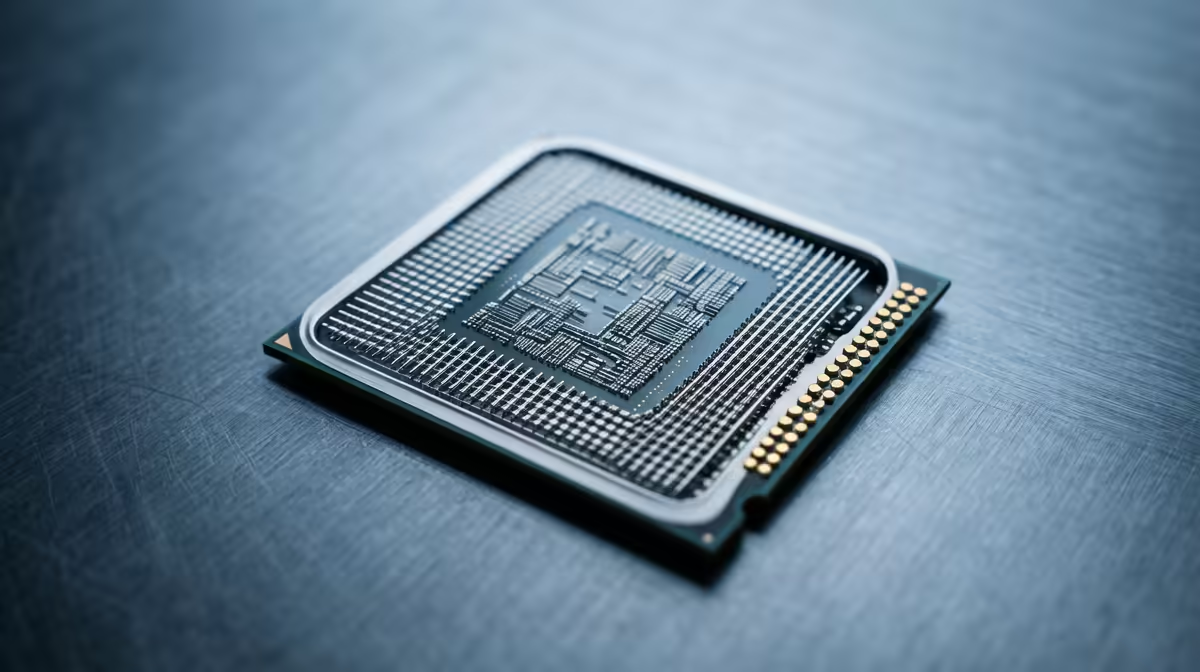
Staring at your screen in frustration? You’ve got a beastly graphics card, but your framerate in Helldivers 2 or Warzone is still choppy, especially during intense firefights. It’s a classic South African gaming dilemma. Before you blame lag or your GPU, the real culprit might be hiding in plain sight: a CPU bottleneck. This pesky issue can throttle your entire system, preventing your expensive components from reaching their full potential. Let's dive in and fix those performance limits.
What is a CPU Bottleneck, Really?
Imagine your PC is a high-speed assembly line. Your Graphics Card (GPU) is a powerful machine, ready to assemble beautiful frames at lightning speed. Your Central Processing Unit (CPU), however, is the manager responsible for feeding instructions and data to that machine. A CPU bottleneck happens when your manager (the CPU) can't keep up with the worker (the GPU).
The GPU sits idle, waiting for the next set of instructions on what to render, causing stuttering, low FPS, and wasted performance. This is especially common in games that rely heavily on single-core speed, physics calculations, or managing many objects at once, like strategy games or large open-world titles.
How to Spot CPU Performance Limits 🔧
Not sure if a bottleneck is your problem? Don't guess… test! It’s easier than you think. A few minutes of diagnostics can save you a lot of headaches and help you understand how to fix performance limits effectively.
Check Your Component Usage
The most reliable way to identify a CPU bottleneck is to monitor your hardware usage while gaming.
- Download and run a monitoring tool like MSI Afterburner with the RivaTuner Statistics Server overlay.
- Fire up your favourite game and play for a few minutes in a demanding scene.
- Look at the on-screen display. If your CPU usage is pinned at or near 100% while your GPU usage is sitting well below 95-99%, you’ve found your bottleneck. ⚡
Your powerful GPU is being held back, unable to stretch its legs because your current CPU processor is running at full tilt just to keep up.
Quick Performance Boost: Check Your RAM Speed!
Is your RAM running at its advertised speed? Head into your PC’s BIOS and enable XMP (for Intel) or EXPO (for AMD). This simple one-click overclock can give your CPU the bandwidth it needs, sometimes providing a 5-15% FPS boost in CPU-bound games.
Mastering CPU Bottlenecks: Your Action Plan
Once you've confirmed a CPU bottleneck, you have two main paths to a solution: optimising what you have or upgrading to something better.
Software Tweaks & Optimisation
Before spending a Rand, try these free fixes:
- Lower CPU-Intensive Settings: In your game's graphics menu, try reducing settings like "Shadow Quality," "View Distance," "Object Detail," or "Physics." These often hit the CPU harder than the GPU.
- Close Background Apps: That browser with 50 tabs, Discord, and other apps all consume precious CPU cycles. Close everything you don’t need before launching a game.
- Increase Resolution: This might sound strange, but running your game at a higher resolution (e.g., 1440p instead of 1080p) puts more load on the GPU. This can help balance the workload, making your system more GPU-bound and smoothing out the experience, provided your GPU can handle it.
The Ultimate Fix: A Hardware Upgrade 🚀
Sometimes, software tweaks just aren't enough. If you’re running an older quad-core CPU with a brand-new RTX 40-series card, no amount of optimisation will bridge that performance gap. An upgrade is the only way to truly fix your performance limits and unlock your PC's potential.
Modern processors offer more cores, higher clock speeds, and larger caches—all of which directly combat CPU bottlenecks. For gamers who demand the highest single-thread performance for competitive titles, the latest Intel CPUs deliver incredible clock speeds. On the other hand, for those who stream, create content, and game, the multi-core muscle of powerful AMD Ryzen processors provides amazing value and productivity power.
Upgrading your CPU is the most direct way to ensure your GPU gets all the data it needs, when it needs it, resulting in smoother, faster, and more responsive gameplay.
Ready to Obliterate Bottlenecks? Stop letting an old processor sabotage your gaming experience. Explore our massive range of CPUs and find the perfect brain for your rig. Shop now at Evetech for performance that leaves lag in the dust.










