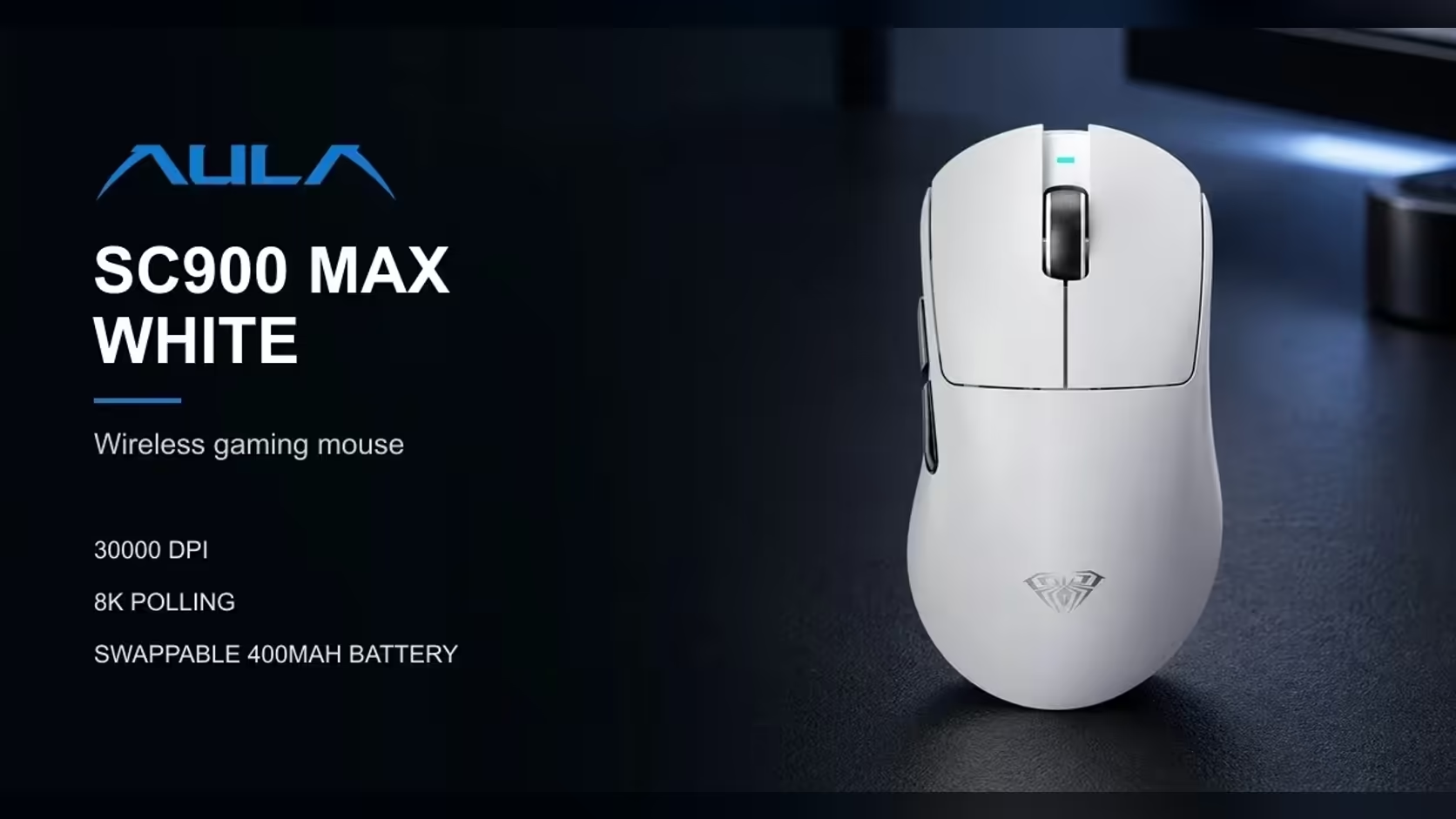
Out of the box, the AULA SC900 MAX reports to your PC 1000 times a second. That is already the standard most gaming mice have used for years, but this mouse can go eight times higher. Changing mouse polling rate to 8000Hz is a setting in AULA's software, and doing it well means knowing what the higher rate gives you, what it can cost, and how to back off if your system does not like it.
Quick Answer
In AULA's software, lift the SC900 MAX from 1000Hz towards its 8000Hz ceiling; the change takes effect on the dongle and on the cable. Over Bluetooth, the rate holds at 125Hz regardless. Try 8000Hz, and if a game stutters or your PC struggles at the higher rate, step back down. Evetech offers the SC900 MAX in Black, White and Red for R749, with a 1 Year Local Warranty.
⚙️ Why it starts at 1000Hz
A 1000Hz default is a safe starting point. It works smoothly on practically any PC, keeps demands on the system modest, and is widely regarded as plenty for everyday use and most gaming. Starting there means the mouse behaves predictably the moment you plug it in, and you choose to go higher only if you want to.
🖥️ Where the setting lives
Polling rate on the SC900 MAX is set in AULA's software rather than with a button. The higher rates apply on the two dedicated connections:
- The receiver, once the switch underneath points at 2.4GHz.
- A wired USB-C connection.
Bluetooth runs at 125Hz and is not affected by the software setting. It connects over BLE, which is designed for low power rather than maximum reporting speed, so it is best kept for office work and travel.
⚡ What 8000Hz changes
At 1000Hz, the mouse reports its position every 1ms. At 8000Hz, it reports every 0.125ms. In practice, cursor and crosshair movement may feel smoother, particularly on high-refresh monitors, because the game receives more position updates between each frame.
The difference is subtle. Some players feel it immediately in fast tracking; others notice little. The only way to know is to try it in the games you actually play.
⚠️ Can 8000Hz cause problems?
It can. Processing eight times as many updates asks more of your PC. On some systems, and in some games, very high polling rates can cause stutter, uneven frame pacing or higher CPU use. Older PCs and busy systems running lots of background software are more likely to show it.
A simple test routine
- Set 8000Hz in AULA's software.
- Play a game you know well for 15 to 20 minutes.
- Watch for stutter, hitching or frame drops that were not there before.
- If you see problems, step down to a lower rate or back to 1000Hz and test again.
There is no penalty for backing off. 1000Hz remains an excellent rate for gaming, and if the software offers rates in between, one of those may suit your system best. Make one change at a time and give each a proper session, so you know which setting caused any difference you notice.
🔋 What 8000Hz costs in battery
No per-rate runtime appears in AULA's specs. As a general principle, a mouse sending eight times as many reports uses more power, so expect shorter time between charges at 8000Hz than at 1000Hz.
The SC900 MAX makes this easier to live with. Its 400mAh battery can be swapped for a charged cell in seconds, and when the battery runs low, plugging in the USB-C cable keeps the full 8000Hz available while it charges. If you want to stretch a charge for casual play, dropping back to 1000Hz is the easy fix.
🎯 Pairing polling with the rest of the setup
Polling rate works alongside, not instead of, your DPI choice. DPI is changed with the button on the underside, across six steps from 400 to 30,000, and sets how far the cursor moves. Polling sets how often that movement is reported. Light at 62g all-in, the mouse makes that responsiveness easy to feel.
For more high-polling options, browse Evetech's gaming mice, or compare cable-free models in the wireless mouse range.
Frequently Asked Questions
Why does the SC900 MAX default to 1000Hz?
It is a safe, widely compatible rate that works smoothly on almost any PC and suits most gaming.
Where do I change the polling rate?
In AULA's software. The higher rates apply on the 2.4GHz receiver and the USB-C cable.
What difference does 8000Hz make?
The mouse reports its position every 0.125ms instead of every 1ms, so on a high-refresh screen, motion can look and feel more fluid.
Can 8000Hz cause issues?
On some PCs and games it can cause stutter or higher CPU use. If it does, drop back down.
Does 8000Hz drain the battery faster?
AULA gives no figures, but higher polling generally uses more power. Swap cells or plug in the cable when needed.
What is the highest rate over Bluetooth?
125Hz, regardless of the software setting.
Ready to fine-tune your mouse for smoother tracking?
Explore Evetech's gaming mice and compare high-polling wireless models like the SC900 MAX.