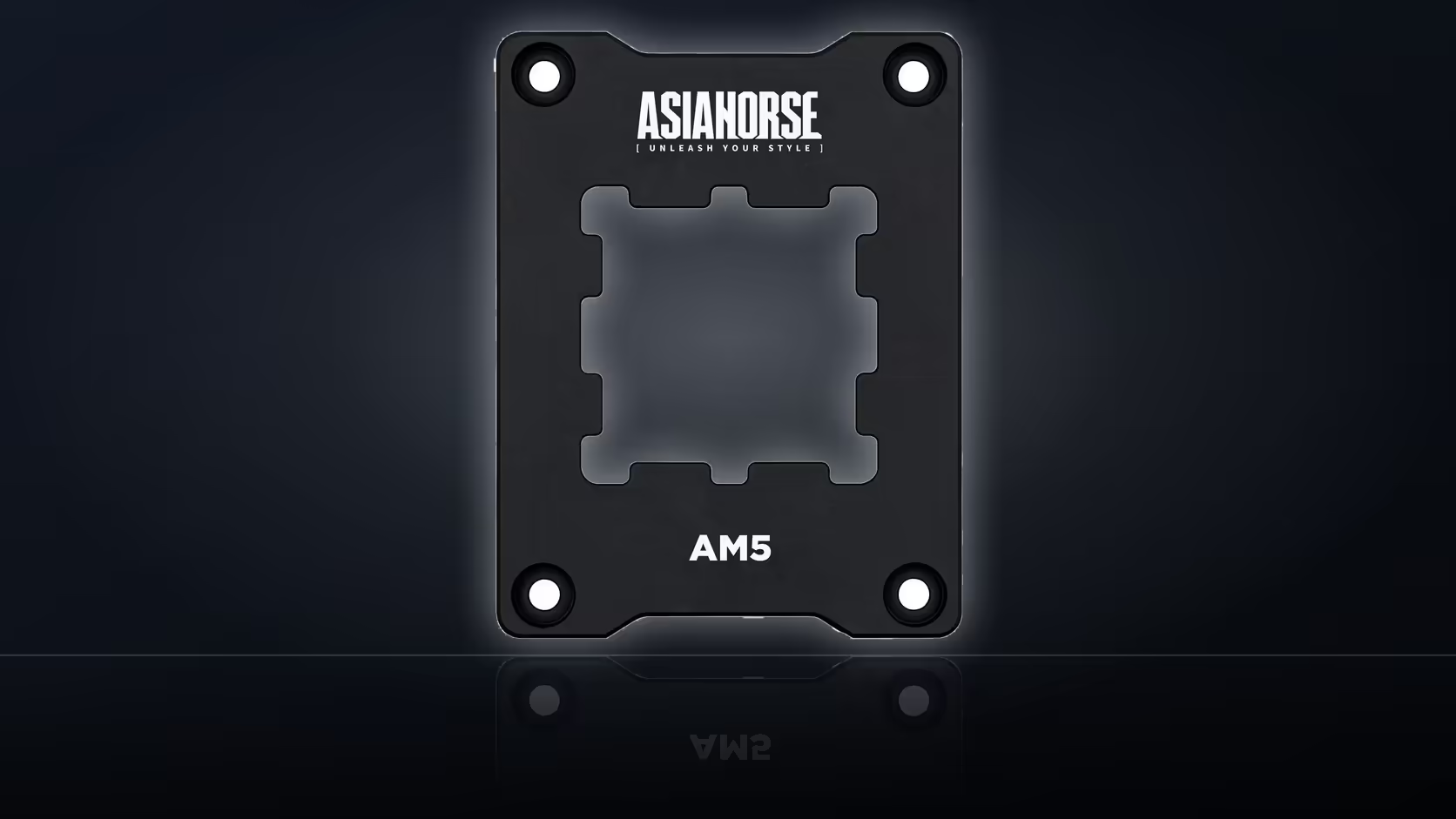
Fitting a CPU contact frame and then simply trusting your gut about whether it helped is how most people end up unable to answer the question a week later. The fix is boring but effective: write down the numbers before anything comes apart, so there is actually something to compare against once the job is done.
Quick Answer
Before installing the AsiaHorse Pulsar frame, record your CPU's peak and sustained temperatures under one specific, repeatable workload, along with the room temperature and fan settings at the time. Without that baseline there is nothing to measure the R299 upgrade against, and any post-install impression becomes guesswork rather than a result.
📋 Building a baseline that actually means something
A baseline is only useful if it can be reproduced exactly. That starts with picking one workload and sticking to it - a specific benchmark, a specific game at a fixed settings preset, or a fixed-length stress test are all fine choices, but switching between them between the "before" and "after" runs defeats the purpose entirely, since different workloads simply generate different amounts of heat regardless of any hardware change.
What to write down
Capture peak temperature and sustained temperature separately, since a brief spike and a settled reading under load tell you different things. Note the room temperature at the time of the test - a garage office in the afternoon sun and the same room at night can differ by several degrees, and that gap alone can outweigh whatever a mounting frame contributes. Record the fan curve or profile in use too, whether that is a manufacturer preset or a custom curve, because a fan ramping up more aggressively during the second test will cool better regardless of what happened at the socket.
⏱️ Why workload length matters more than people expect
A ten-second burst under load captures a peak, not a steady state. Processors can spike briefly under sudden demand before settling into a lower, sustained figure once the workload runs for longer. If your baseline only captures that initial spike, comparing it against a longer run after fitting the frame compares two different things and produces a misleading result either way. Let the test run long enough for the temperature curve to flatten out before recording the number - that settled figure is the one worth trusting.
🌡️ Controlling the variables that are not the frame
Room temperature is probably the single biggest variable people forget to control. A few degrees of ambient difference between two test sessions can shift CPU temperatures noticeably, entirely independent of any hardware change made in between. Where possible, test at a similar time of day, in a similar room condition, rather than one test in a cool morning and the other in a warm afternoon.
Fan curves deserve the same discipline. If your cooling profile ramps up automatically as temperatures rise, a more aggressive curve on the second run will produce a lower number that has nothing to do with the cpu cooler mounting underneath it. Lock the fan profile to a fixed setting for both tests, or at minimum note whether it changed, so you know if that variable moved.
The paste factor
Fitting the frame means removing the cooler, which means the old thermal paste comes off and fresh compound goes on. That is unavoidable, and it is worth being honest that some portion of any temperature change after the job could be down to the fresh thermal solutions rather than the frame itself. A fully clean test would separate the two by re-pasting the stock mount first, testing, and then fitting the frame with another fresh application afterwards - two sessions rather than one, but a genuinely isolated result.
🧾 Reading the comparison honestly
Once both tests are done under matching conditions, the comparison is straightforward: peak against peak, sustained against sustained, same workload, same room, same fan behaviour. A drop of several degrees is a real result worth noting. A flat or near-flat reading is also a legitimate outcome and not a failure of the test - the AsiaHorse listing makes no promise of a specific temperature reduction, so a small or absent change simply means your original mounting was probably already close to even.
Whatever the result, it belongs to a process you documented properly rather than a vague memory of "it feels cooler now." That documented baseline is the entire difference between a genuine finding and a hopeful guess.
🗒️ Keeping the record somewhere you will find it
A note on your phone, a spreadsheet cell, or even a photo of the numbers on screen is enough - the format matters far less than actually having it saved somewhere you will find again in a week. Without that record, most people end up relying on impression alone once the frame is fitted, and impressions are notoriously unreliable at distinguishing a few degrees of difference on a temperature readout.
Frequently Asked Questions
What figures should go in the record?
Peak and sustained temperatures under a specific workload, along with the room temperature and fan settings in use at the time.
Why does the workload matter?
Because temperature depends entirely on load, so comparing two different workloads measures the workload change rather than any hardware change.
How long should the test run?
Long enough for the temperature to settle into a steady state, since a short burst captures a peak rather than a true sustained reading.
Does room temperature matter?
Yes - a warm afternoon and a cool evening can differ by several degrees on an identical machine running the identical workload.
Should fan curves stay the same?
They should, otherwise the comparison measures the curve change alongside whatever the frame itself contributed to the result.
What if the change turns out small?
That is a legitimate outcome, since the listing makes no promise about any specific measured temperature reduction.
Does the fresh paste complicate this?
It does, since the paste is renewed during the job and may account for some portion of whatever change is observed afterwards.
Planning a proper before-and-after test on your AM5 build?
Browse Evetech's cooling and thermal accessories to have everything ready before you start.