Staring at a stuttering timeline, waiting ages for a simple render to finish... we've all been there. It kills your creative flow. What if you could get a machine that breezes through 4K footage without breaking the bank? You can. A powerful editing PC build under R30000 is not just a dream; it's a completely achievable reality for South African creators. This guide will show you how to build or buy a rig that respects your budget and unleashes your potential.
The R30k Sweet Spot: Balancing Power and Price
So, why is R30,000 the magic number? In the world of PC components, this budget marks the sweet spot where you move past entry-level compromises and step into serious performance. It’s enough to build a reliable machine that will handle demanding creative software like Adobe Premiere Pro, DaVinci Resolve, and After Effects with confidence. 🚀
This isn't about just getting by; it's about investing in a faster workflow. While you can find great value in PCs under R20k, pushing your budget a bit further unlocks significant gains in rendering speed and real-time playback. You'll be looking at a system that sits comfortably among our powerful PCs above R20k, ready for complex projects.
Core Components for Your R30000 Editing Build
Crafting the perfect editing PC build under R30000 is an exercise in smart allocation. You need to prioritise the components that give you the biggest performance boost for video and photo work. Here’s a breakdown of where your money should go.
The CPU: Your Rig's Brain 🧠
For editing, the Central Processing Unit (CPU) is king. It handles tasks like encoding, decoding, and timeline scrubbing. More cores and a higher clock speed mean a smoother, more responsive experience. In this price range, you should aim for a modern processor with at least 6 to 8 cores, like an Intel Core i5 or an AMD Ryzen 5 series chip. This ensures you have enough power to multitask and render efficiently.
The GPU: The Visual Powerhouse
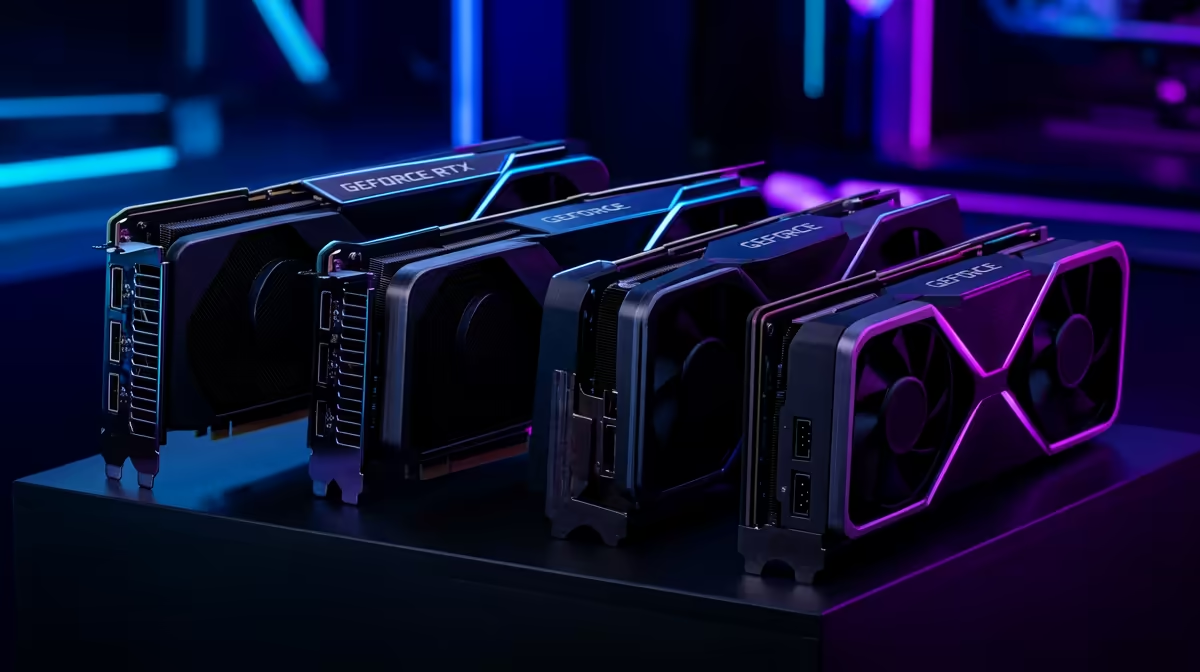
While the CPU does the heavy lifting, the Graphics Processing Unit (GPU) accelerates visual tasks. Think colour grading, applying effects, and GPU-accelerated rendering (a massive time-saver in DaVinci Resolve). The great news for creators is that the hardware that powers the best gaming PC deals is also fantastic for creative work, offering incredible value. An NVIDIA GeForce RTX 30-series or 40-series card is an excellent target for an R30k editing build.
Workflow Pro Tip ⚡
For a silky-smooth 4K editing experience, create lower-resolution 'proxy' files. Most editing software can generate these automatically. You edit using the lightweight proxies for real-time playback, and when you're ready to export, the software swaps in the original high-quality files. It’s a simple trick that makes a massive difference!
RAM: Your Short-Term Workspace
Random Access Memory (RAM) is like your computer's desk space. The more you have, the more applications and large files you can work with simultaneously without your PC slowing to a crawl. For a modern editing workflow, 16GB is the absolute minimum, but 32GB is the recommended sweet spot. It allows you to comfortably run your editing suite, a web browser, and other apps all at once.
Storage: Speed is Everything
Your storage configuration has a huge impact on performance. The ideal setup for an editing PC involves two types of drives:
- A Fast NVMe SSD (Solid State Drive): This is for your operating system, software, and active project files. The lightning-fast read/write speeds mean your PC boots in seconds and your apps load instantly.
- A Larger SATA SSD or HDD (Hard Disk Drive): This is for mass storage, archiving completed projects, and storing raw footage.
DIY vs. Pre-Built: The Smart Choice
Building your own PC is a rewarding experience, but it comes with challenges like ensuring component compatibility and troubleshooting issues. For many South African creators, a professionally assembled system offers unbeatable value. You get the peace of mind of a full system warranty, expert cable management, and the guarantee that every part works perfectly together right out of the box.
Many excellent budget gaming PCs can be easily configured for editing, often just by adding more RAM. This approach saves you time and potential headaches, letting you focus on what you do best: creating. Exploring expertly crafted pre-built PC deals is often the smartest and fastest way to get your new editing rig up and running.
An editing PC under R30k is more than just a tool; it's an investment in your creativity and efficiency. By focusing on a balanced build with a strong CPU, a capable GPU, and plenty of fast RAM and storage, you can create a powerhouse that will serve you well for years to come. ✨
Ready to Build Your Creative Powerhouse?
Whether you're a seasoned pro or just starting your content creation journey, the right PC makes all the difference. An expertly configured build saves you time and delivers performance you can count on. Explore our wide range of pre-built PC deals and find the perfect machine to bring your vision to life.