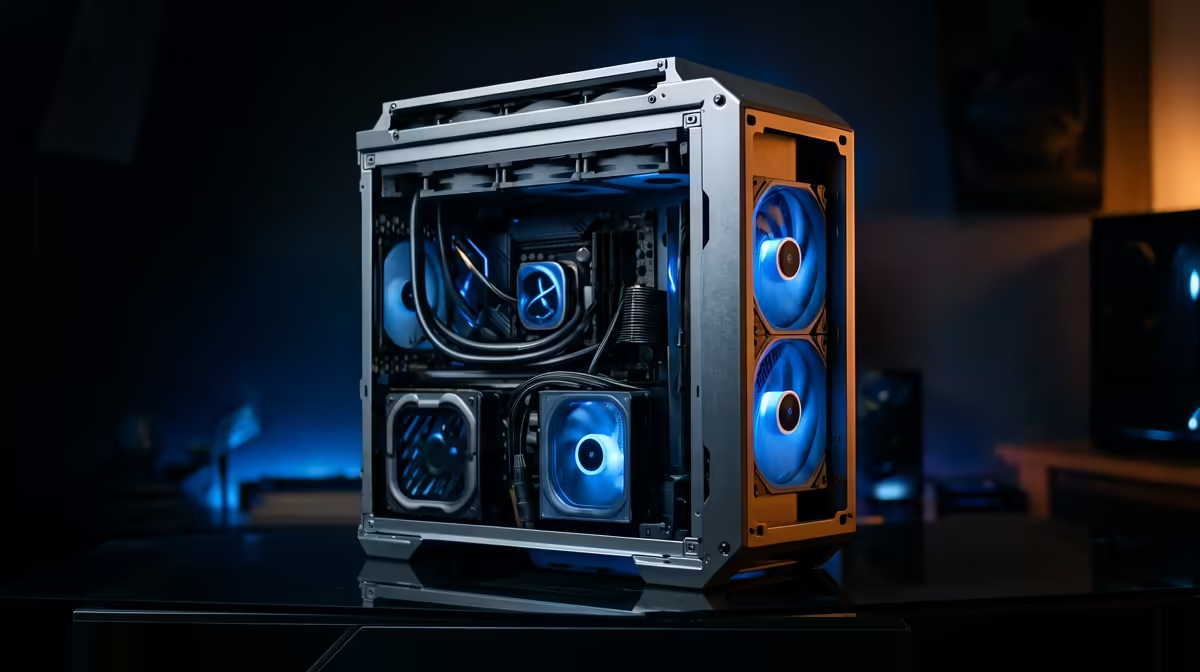
Staring at a stuttering timeline while your second monitor sits idle... we've all been there. The dream of a smooth, multi-screen editing workflow feels expensive, right? What if we told you a beastly editing PC under R30000 is not just possible, but easily within reach right here in South Africa? It’s time to ditch the lag and unlock your creative potential without emptying your wallet. Let's build your perfect setup.
Why a Multi-Monitor Setup Demands Power
Running two, three, or even more monitors isn't just about having extra screen real estate for your timeline, preview, and bins. Each additional display puts a direct load on your graphics card (GPU). Your PC now has to push millions more pixels, all while trying to render effects and play back 4K footage smoothly. A weak system will buckle under the pressure, leading to choppy playback and frustrating slowdowns.
This is where a balanced build comes in. While the GPU does the heavy lifting for display output and graphical acceleration, your CPU is still the core processor, decoding complex codecs and handling software logic. Finding a powerful editing PC under R30000 means striking the perfect balance between these components to create a seamless creative experience. Even many of our budget gaming PCs have the foundational GPU power to get you started on a solid multi-monitor journey.
Core Components for Your Editing PC Under R30k
Building or buying the right rig is about knowing where to invest your Rands. For video editing, especially with multiple screens, these are the parts that matter most.
### The CPU: The Brain of the Operation 🧠
For video editing, more cores are generally better. A modern 6-core or 8-core processor from Intel (like a Core i5) or AMD (like a Ryzen 5) is the sweet spot for an editing PC under R30000. These CPUs can chew through encoding tasks and multitasking, ensuring your system stays responsive even with Premiere Pro, After Effects, and a browser open across your displays.
### The Graphics Card (GPU): Your Visual Engine 🚀
This is critical for a multi-monitor setup. You need a GPU with enough outputs for your screens and, more importantly, enough video memory (VRAM) to handle high-resolution textures and accelerated effects. Look for a card with at least 8GB of VRAM. Many of the best gaming PC deals feature GPUs like NVIDIA's RTX 3060 or 4060, which are fantastic for both gaming and content creation thanks to their powerful CUDA cores.
### RAM and Storage: The Unsung Heroes
For smooth 1080p or even light 4K editing, 16GB of RAM is the absolute minimum. However, 32GB is the recommended target for this budget, as it prevents your system from slowing down when you have multiple applications and large project files open.
For storage, speed is everything. An NVMe SSD (Solid State Drive) is non-negotiable for your operating system and editing software. It ensures lightning-fast boot times and application loading. A great strategy for an editing PC under R30000 is to pair a 1TB NVMe SSD with a larger, more affordable hard drive or SATA SSD for mass storage of completed projects.
Productivity Pro Tip ⚡
On Windows, use the PowerToys FancyZones utility to create custom snap layouts for your windows. It's a lifesaver for managing multiple apps on an ultrawide or multi-monitor setup, letting you organise your timeline, preview window, and asset folders perfectly for video editing.
Finding Your Perfect Editing Rig
So, where do you find this magical machine? You have two main paths: building it yourself or choosing a pre-built system. While building offers customisation, you can find incredible value and performance in pre-configured PCs, often with a full system warranty included.
When browsing, you'll see that while you can get a capable machine in our PCs under R20k section, pushing your budget into the next tier unlocks a huge performance leap. The options available when you browse our PCs above R20k often include that jump to 32GB of RAM or a more powerful GPU—upgrades that make a tangible difference in your daily editing workflow.
Ultimately, a well-balanced system is key. A machine with a Ryzen 5 or Core i5 CPU, an NVIDIA RTX 4060, 32GB of RAM, and a 1TB NVMe SSD is a potent combination that will power through your projects and drive your multi-monitor setup without breaking a sweat. You can often find similar specs in our fantastic pre-built PC deals, taking the guesswork out of the equation.
Ready to Supercharge Your Workflow?
A powerful, lag-free editing experience is closer than you think. For the best value, warranty, and performance in South Africa, a pre-built PC is hard to beat. Explore our massive range of pre-built PC deals and find the perfect machine to conquer your next project.