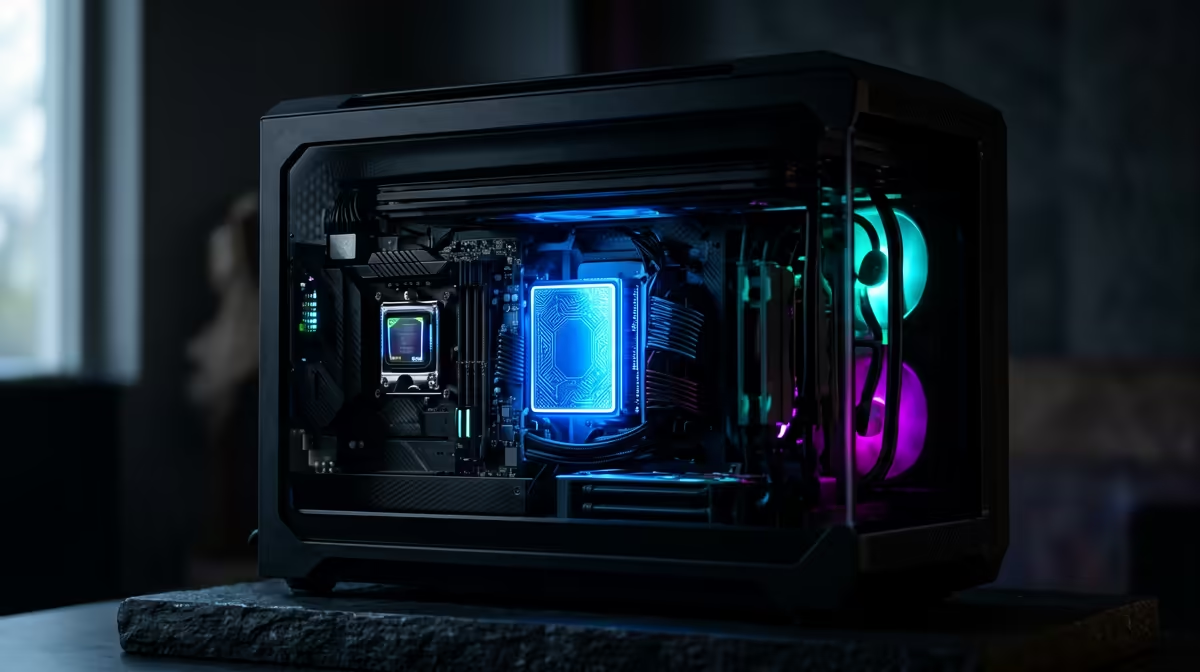
Staring at a render progress bar again? We've all been there. That dreaded timeline lag when scrubbing through 4K footage can kill any creative spark. But what if you could get a buttery-smooth editing experience without breaking the bank? A powerful editing PC under R30k is totally achievable in South Africa, especially when you build it around the lightning speed of an NVMe SSD. This is your ultimate guide to building a content creation powerhouse. 🔧
Why Your PC's Speed is King for Editing
Every second you wait for a preview to render or a file to load is a second you're not creating. In video editing, three components cause the biggest bottlenecks: the CPU, RAM, and storage. A slow hard drive means choppy playback and long loading times. Not enough RAM means your PC will struggle when you have your editing software, a browser, and other apps open. And a weak CPU… well, that’s just a recipe for endless render queues.
A balanced system is crucial. Even our entry-level budget gaming PCs are built on this principle, ensuring no single component holds the others back. For editing, this philosophy is even more important.
The Core Components for an Editing PC Under R30k
Crafting the perfect editing PC under R30k is a balancing act. You need to invest your money where it delivers the biggest performance boost for creative workloads like Adobe Premiere Pro, DaVinci Resolve, or Blender. Here’s a breakdown of the essentials.
CPU: The Brains of Your Creative Engine
The Central Processing Unit (CPU) does the heavy lifting for encoding and rendering videos. For a build in this price range, you should look for a modern processor with at least 6 cores and 12 threads. An Intel Core i5 or AMD Ryzen 5 is the sweet spot, offering fantastic multi-core performance that will dramatically cut down your export times.
RAM: Your Multi-Tasking Workspace
RAM (Random Access Memory) is like your desk space. The more you have, the more projects and applications you can handle at once without your system slowing to a crawl. For 1080p or even light 4K editing, 16GB is the absolute minimum. If your budget can stretch, 32GB is the ideal target for a smooth, frustration-free workflow.
Storage: The NVMe Advantage 🚀
This is where the magic happens. A traditional hard drive (HDD) is fine for archiving old projects, but for your operating system, software, and active project files, a Non-Volatile Memory Express (NVMe) Solid-State Drive (SSD) is essential. It's multiples times faster than older SSDs, meaning your PC boots in seconds, programs launch instantly, and you can scrub through high-resolution video timelines without a single stutter. The performance boost is so significant that you can find NVMe drives included in many affordable PCs under R20,000 these days.
Pro Tip: Organise Your Drives ⚡
For the best performance, use your NVMe SSD as your boot drive (for Windows and software) and for your active project files and cache. Use a separate, larger SSD or HDD for storing your raw footage and completed projects. This separates the workloads and keeps your primary drive running at peak speed.
Graphics Card (GPU): The Visual Accelerator
While the CPU is critical, the Graphics Processing Unit (GPU) plays a huge role in modern editing. Software like DaVinci Resolve and Premiere Pro uses GPU acceleration to speed up effects rendering and timeline playback. A card like the NVIDIA GeForce RTX 3050 or RTX 4060 provides excellent value, offering dedicated video encoding hardware (NVENC) that makes a massive difference. You'll often find these GPUs in many of the best gaming PC deals, making them a great multi-purpose choice.
Pre-Built Power or DIY Dreams?
Building a PC yourself can be a rewarding experience. But sourcing parts, ensuring compatibility, and putting it all together takes time and carries risk. For creators who just want to get to work, a pre-built PC is the smart move. You get a professionally assembled, stress-tested machine with a full warranty.
Our range of pre-built PC deals is specifically designed to offer maximum performance for your money. Plus, by exploring the options, you can see how component choices change as you move into different price brackets, like these powerful machines above the R20k mark, which often feature more RAM or a beefier GPU. This R30k editing PC build guide gives you the knowledge to choose wisely, whether you build it yourself or pick a ready-to-go rig. ✨
Ready to Create Without Limits?
A powerful editing PC is the best investment a creator can make. Stop waiting and start creating. Design your dream machine with our powerful and easy-to-use custom PC builder.
Build Your Ultimate Editing PC Today!