Quick Answer
For an Empangeni student digs gaming setup, prioritise a compact 1080p PC or laptop, stable Wi-Fi placement and noise control before premium RGB. A practical SA budget is R8,000-R14,000 for an entry gaming laptop or R12,000-R18,000 for a desktop tower with a GeForce RTX 4060 or Radeon RX 7600 class GPU. The target is 60-120 fps at 1080p in esports while still handling assignments, streaming and group work.
What Fits A Student Room
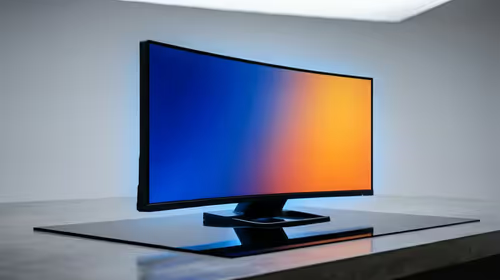
Small desks and shared rooms favour a 24-inch 1080p monitor, closed-back headset and a tower that is easy to move during holidays. If the student uses NSFAS support, note that a R5,200 allowance does not cover even the cheapest gaming laptop by itself, so the safer plan is a study-first machine and a later GPU upgrade.
Component Shortlist
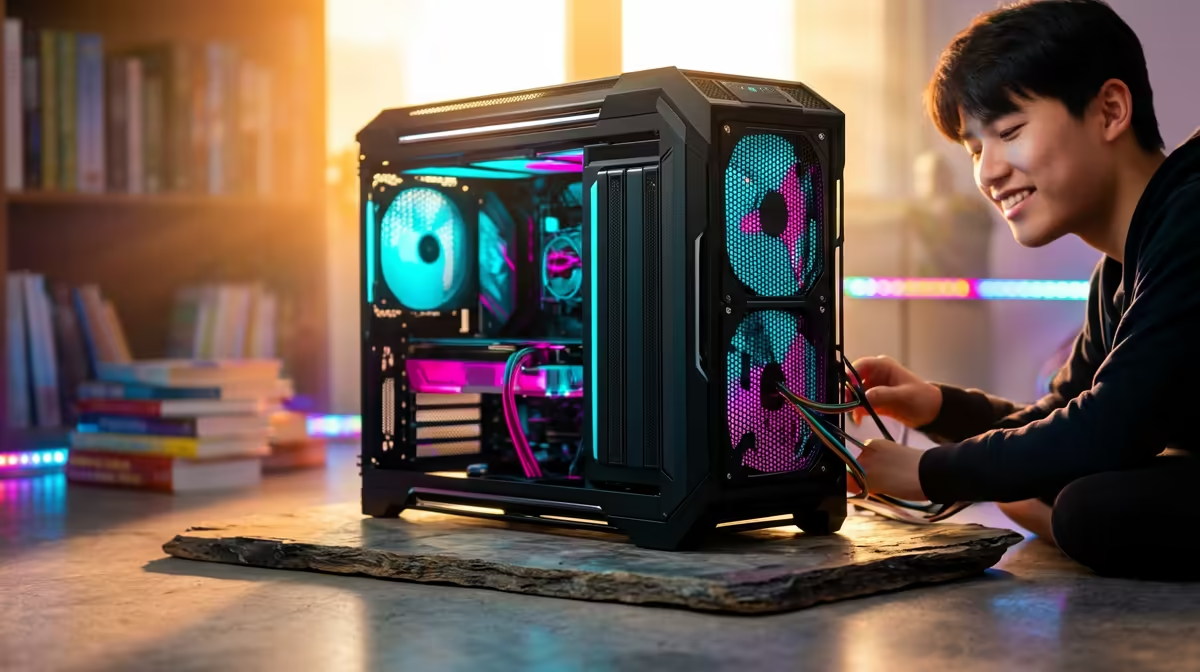
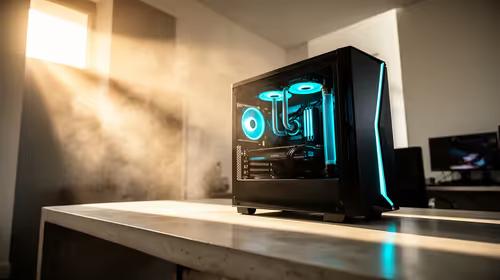
Pair a Ryzen 5 5600 or Ryzen 5 7600 with 16GB RAM, a 1TB NVMe SSD and an RTX 4060 8GB or RX 7600 8GB. That class is enough for Fortnite, Valorant and EA FC at 1080p while keeping the system useful for campus work. Keep the tower quiet, because a shared digs room punishes loud fans quickly.
FAQ
Is a laptop or desktop better in Empangeni digs?
A laptop is easier to carry to campus and back home. A desktop gives stronger gaming value if the room is secure and the student already has a screen.
What internet setup helps most?
Place the router in the open and use Ethernet where the room layout allows it. For shared Wi-Fi, schedule big game downloads outside study hours to keep latency stable.
What budget is realistic?
Plan from R8,000 for the cheapest practical laptop and around R12,000-R18,000 for a stronger desktop path. Add a headset and surge-protected multiplug to the planning list.
{{TipBox title:"Student setup tip" , Buy the study essentials first: reliable laptop or PC, headset, 1TB storage and stable network placement before cosmetic extras. }
A student setup should stay portable, quiet and easy to maintain during exams and holiday moves.